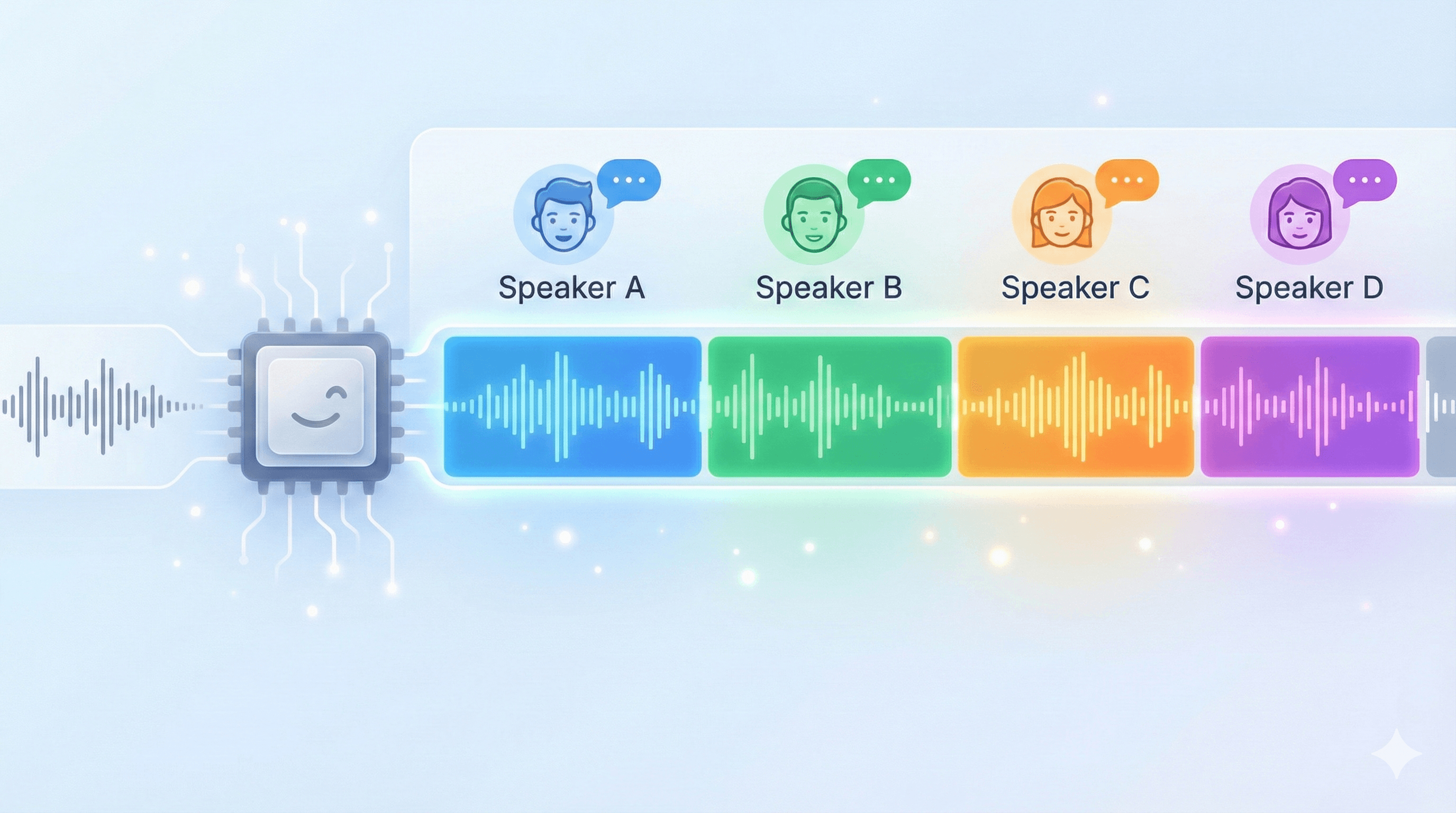
Konuşmacı Ayrıştırma
Çok kişili kayıtları, konuşmayı konuşmacı etiketli bölümlere ayırarak kullanışlı hale getirin. Toplantılar, röportajlar, paneller ve podcast’ler için tasarlanan konuşmacı ayrıştırma, netliği artırır ve kimin ne söylediğini elle belirlemek için harcanan süreyi azaltır. Düzenlenebilir bir zaman çizelgesi hızlı düzeltmeleri destekler; ortaya çıkan yapı ise dublaj, altyazı ve doğru özetler gibi sonraki süreçleri iyileştirir.
Öne Çıkan Özellikler
- Güvenilir konuşmacı ayrımı: Konuşmayı konuşmacıya göre gruplar ve net “kim ne dedi” transkriptleri sağlar.
- Düzenlenebilir konuşmacı zaman çizelgesi: Gerektiğinde konuşmacı segmentlerini birleştir/böl ile hızlı düzeltme yapın.
- Gerçek konuşmalar için tasarlandı: Kesintiler ve hızlı karşılıklı konuşmalarda temel araçlardan daha etkili.
- Daha iyi dublaj/altyazı: Konuşmacı dönüşlerini netleştirerek çok konuşmacılı dublaj ve altyazı doğruluğunu artırır.
İlgili Ürünler
Neler oluşturacaksınız
Toplantı kayıtlarını düzene sokan ekipler
Birden çok kişinin konuştuğu karmaşık bir görüşmeyi etiketli bir döküme dönüştürün; sesi kendiniz baştan dinlemeden kimin ne söylediğini net görün.
Röportaj deşifre eden gazeteciler
Sorularınızı her kaynağın yanıtlarından otomatik olarak ayırın; böylece uzun röportajları alıntılamak, doğrulamak ve yazıya dökmek çok daha hızlı olur.
Bölüm notları hazırlayan podcast yapımcıları
Sunucu ve konukların sıra sıra yer aldığı bir zaman çizelgesi elde edin; bölüm işaretleri, alıntılar ve doğru notları saatler yerine dakikalar içinde oluşturun.
Panelleri ve odak gruplarını inceleyen araştırmacılar
Sesler üst üste binse bile her konuşmayı doğru katılımcıya atayın; nitel analizinize konuşmacı bazında net bir yapı kazandırın.
Nasıl çalışacak
- 1
Birden çok konuşmacılı kaydınızı ekleyin
Bir toplantı, röportaj, panel veya podcast dosyası getirin. Araç; sözün kesildiği ve hızlı gidip gelen gerçek konuşmalar için tasarlanmıştır.
- 2
Konuşmacılar ayrıştırılıp etiketlenir
Konuşma, konuşmacıya göre gruplanarak net bir “kim ne dedi” dökümüne dönüşür ve her sıra, inceleyebileceğiniz bir zaman çizelgesine yerleşir.
- 3
Sonucu düzeltin ve dışa aktarın
Karışıklıkları gidermek için düzenlenebilir zaman çizelgesinde segmentleri birleştirin veya bölün; ardından dublaj ve altyazıyı da iyileştiren bir yapı olarak dışa aktarın.
Sıkça sorulan sorular
- Konuşmacı ayrıştırma hangi ses biçimlerini destekliyor?
- MP3, WAV, M4A, AAC, OGG ve FLAC — toplantı, röportaj ve podcast kayıtlarının genelde geldiği biçimler.
- Kaç konuşmacıyı birbirinden ayırabilir?
- Araç yalnızca iki kişi için değil, birden çok kişinin yer aldığı gerçek konuşmalar (toplantı, röportaj, panel ve podcast) için tasarlanmıştır ve sözün kesilmesiyle hızlı gidip gelmeleri yönetmeyi hedefler.
- Bir konuşmacı yanlış etiketlenirse düzeltebilir miyim?
- Evet. Bir konuşmacıyı yeniden adlandırın, bir konuşma sırasını başka bir konuşmacıya taşıyın veya model iki kişiyi birleştirdiyse yeni bir konuşmacıya ayırın; düzeltmeleriniz transkriptle birlikte kaydedilir.
- Ayrıştırma, deşifreyle aynı şey mi?
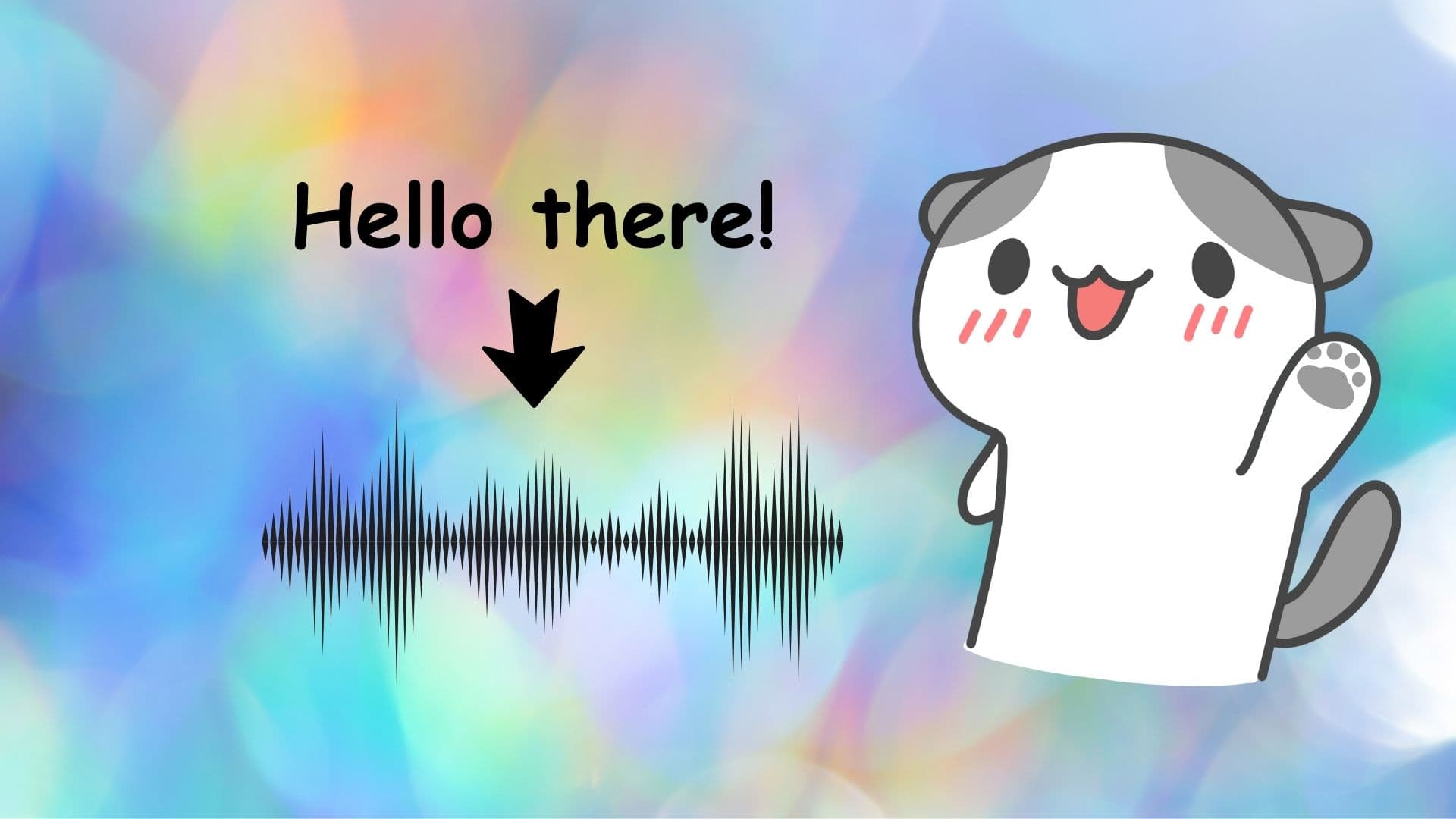
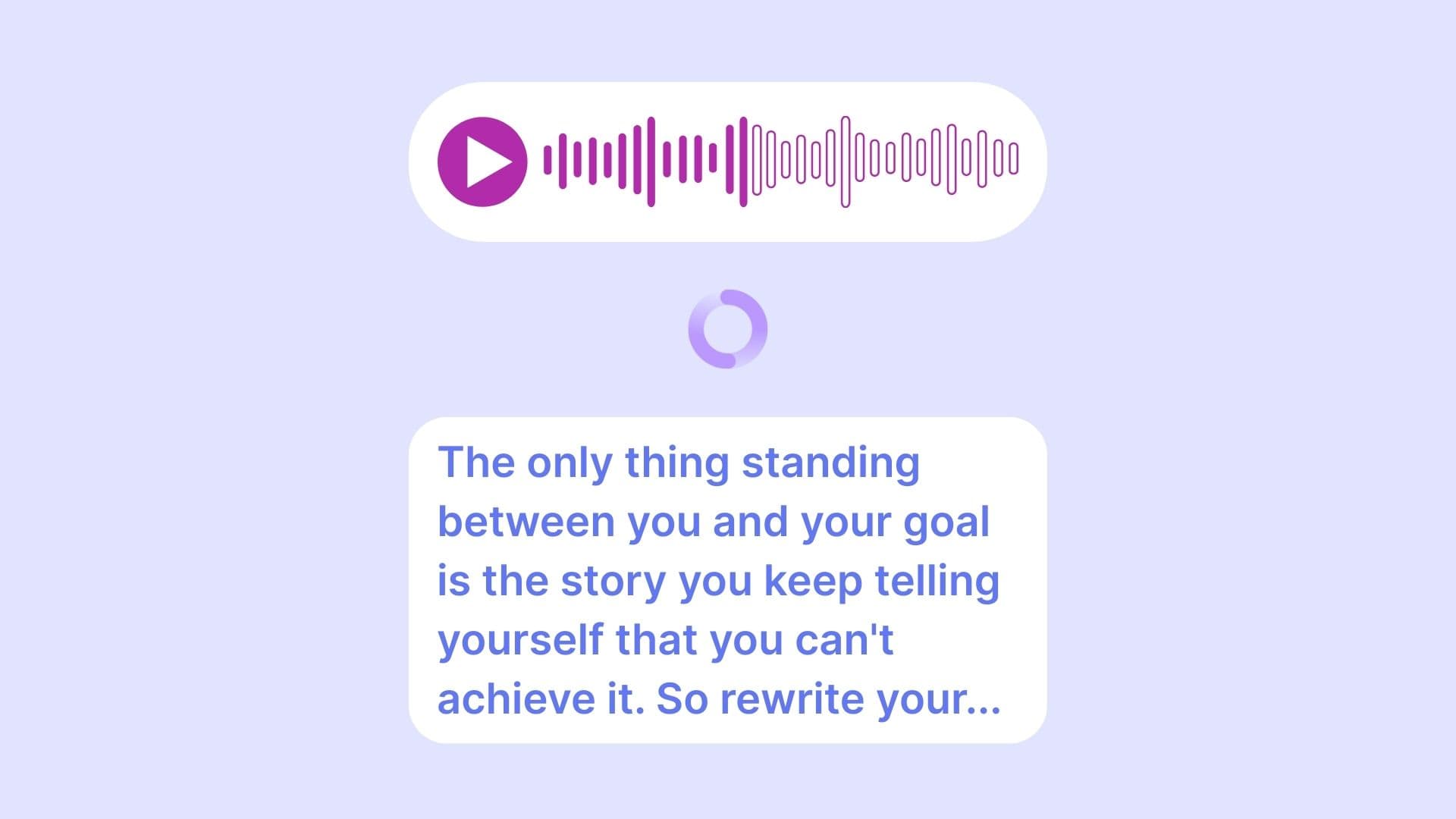
- Tam olarak değil. Deşifre konuşmayı metne çevirir; ayrıştırma ise kimin ne zaman konuştuğunu belirler ve her sırayı etiketler. İkisi birlikte, konuşmacılara atanmış net bir döküm üretir.
- Transkripti dışa aktarabilir miyim?
- Evet — TXT, SRT veya VTT olarak indirin; böylece konuşmacı etiketli aynı sonuç belgelerde ve altyazılarda kullanılabilir.