// CREATOR AGENT
One brief in. A finished video out.
For your business, your channel, your class or your family. Tell the agent what you need — it writes the script, makes the visuals, records the voice and cuts the video, and shows you the plan before it spends anything.
Free account · takes 20 seconds · no card
- Free to startNo card. 5,000 free Sparks every month.
- You approve the planScript and shots first — nothing is spent until you say go.
- Every price shown firstYou see what a run costs before you spend a Spark.
- Web · iOS · AndroidOne account. Start on your laptop, check it on your phone.
- SEEDANCE 2.5 ·
- VEO 3.1 ·
- KLING 3 ·
- HAILUO 02 ·
- GEMINI OMNI FLASH ·
- NANO BANANA PRO ·
- GPT IMAGE 2 ·
- FLUX.2 PRO ·
// MADE WITH SMILETOAI
Start from something real
Every piece came out of the product. Hit Recreate and the agent starts from the same brief — swap in your details.
- VIDEO · 0:22VEO 3.1 FAST
Bakery launch spot
 IMAGE SETFLUX.2 PRO
Ceramic mug product shot
- VIDEO · 0:30VEO 3.1 FAST
Why cats knock things over — Short
- VIDEO · 1:00VEO 3.1 FAST
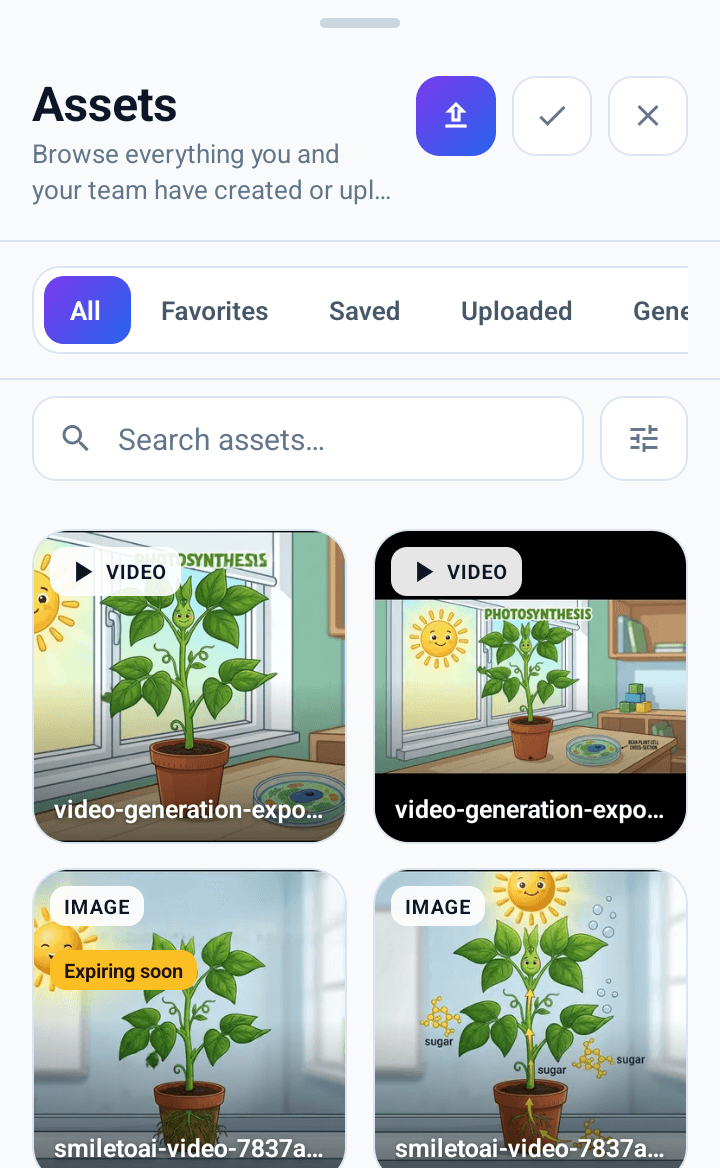
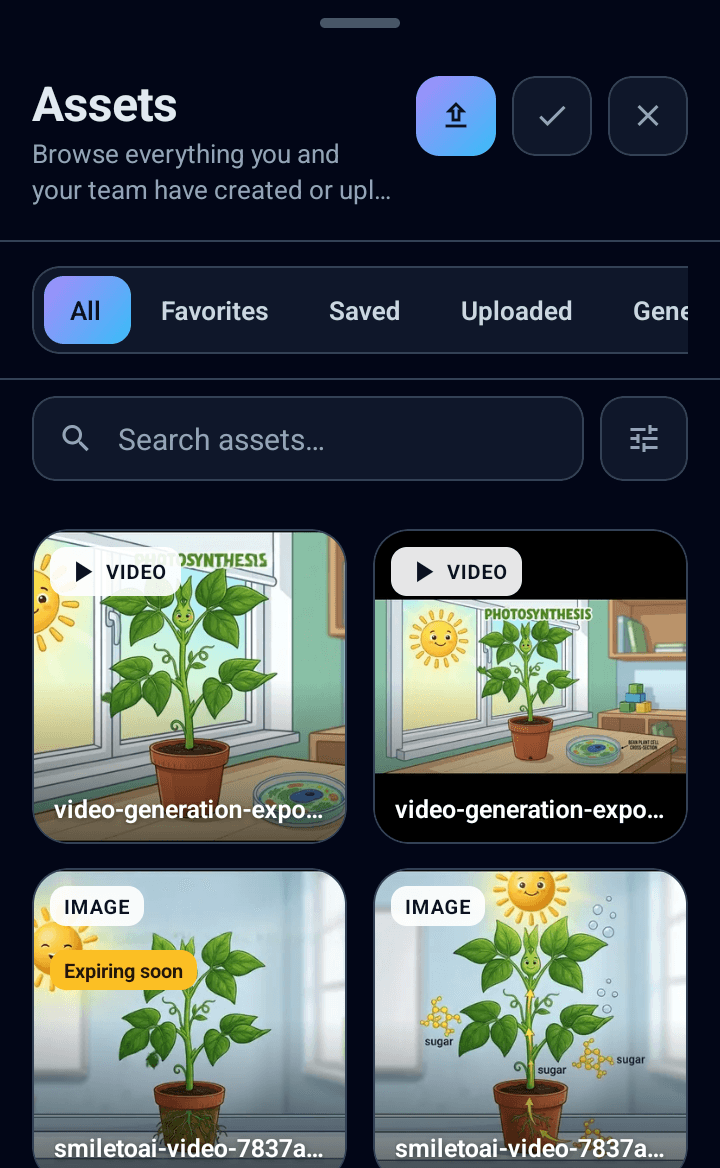
Photosynthesis for 12-year-olds
- VIDEO · 0:33VEO 3.1 FAST
Grandma Rosa's birthday video
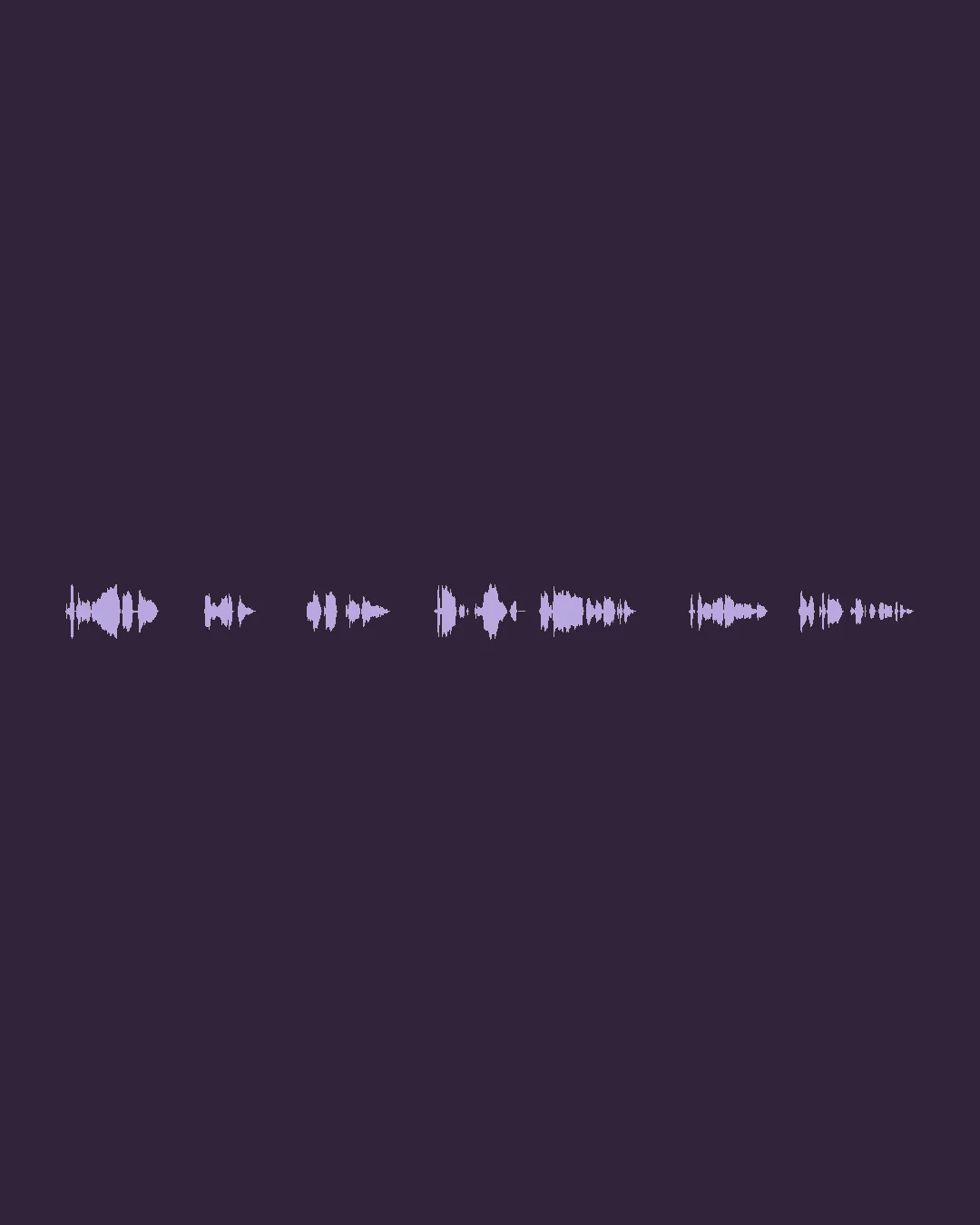 VOICEOVER · 0:22GEMINI TTS
Meditation app intro narration
- VIDEO · 0:05KLING 3
Paper boat on a rainy street
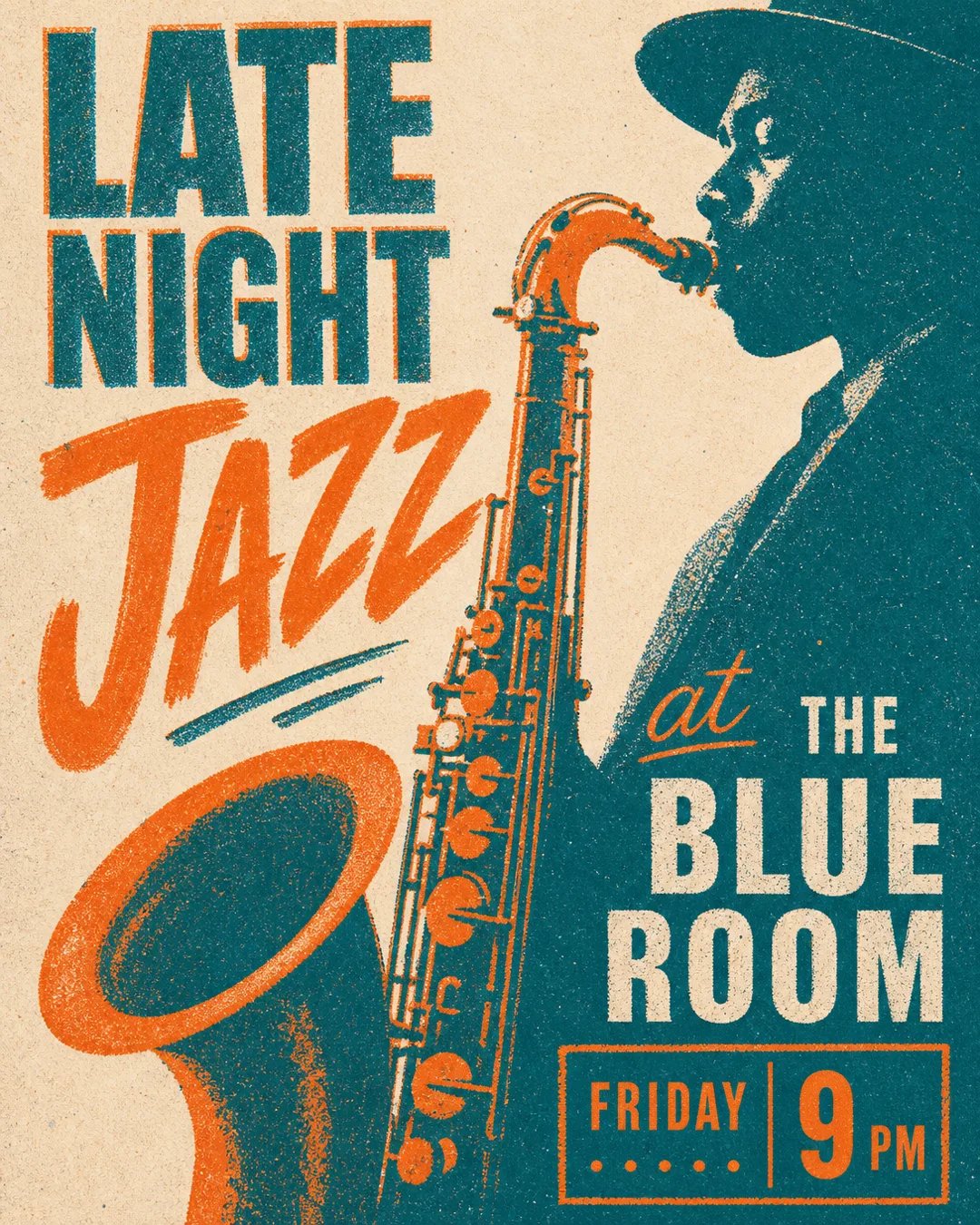 IMAGE SETGPT IMAGE 2
Jazz night poster, risograph style
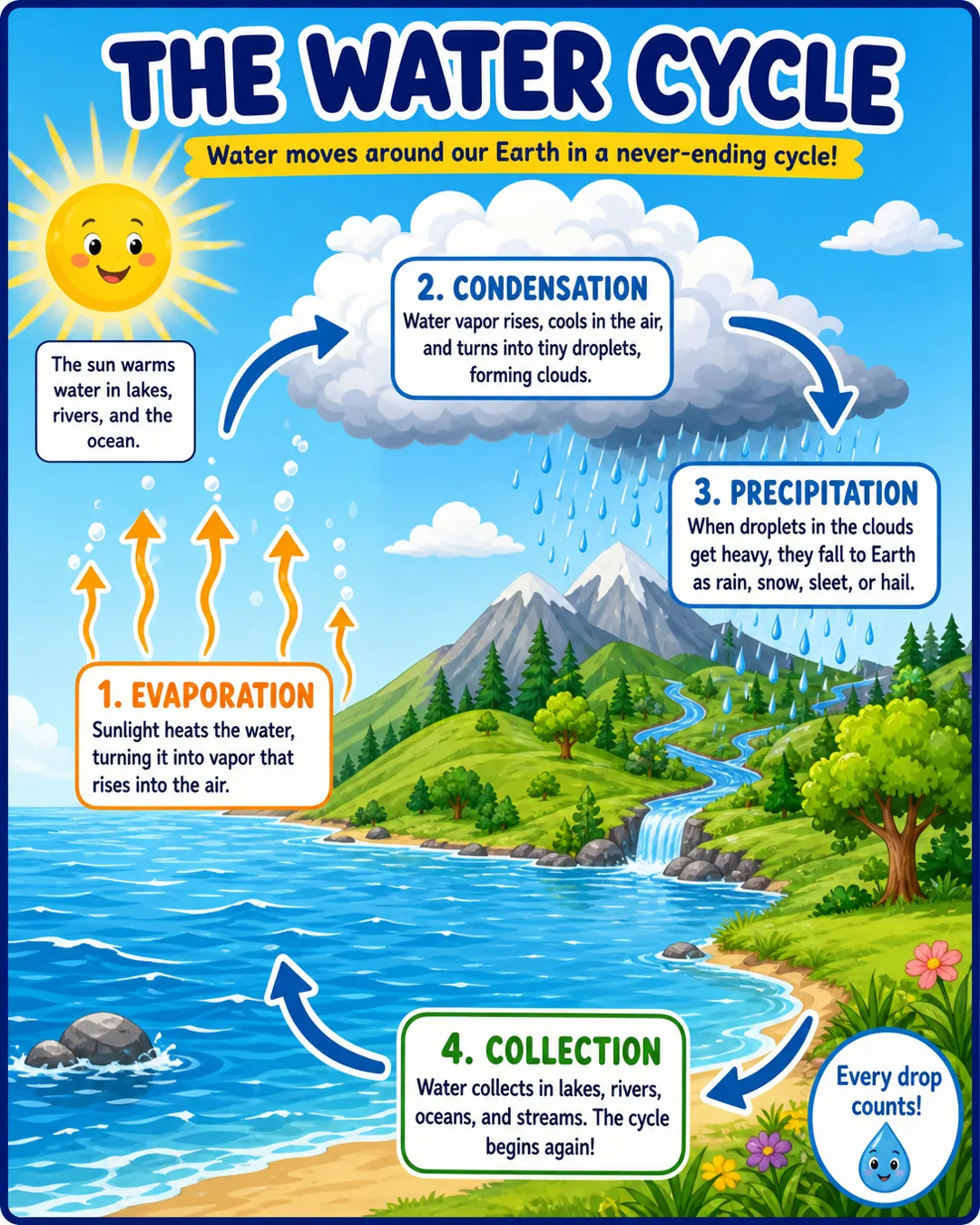 IMAGE SETGPT IMAGE 2
Water cycle classroom diagram
- VIDEO · 0:19VEO 3.1 FAST
Running shoe night teaser
How the agent works
- 01 BRIEF
Say it once
One sentence, a link, a file or your photos. The agent asks only what it needs.
- 02 PLAN
Approve the plan
Script, shots and voice laid out before anything is spent. Change any of it.
- 03 MAKE
Watch it build
Visuals, voice and clips render on the right model for each job.
- 04 FINISH
Edit and export
It all lands in your workspace — recut, re-voice, resize for every platform.
Or open a studio directly
- 01AI Image GeneratorCreate AI-generated images from prompts with fast iteration and precise style control.Open →
- 02Narration StudioTurn scripts into natural narration with team voice kits, durable projects, and render history.Open →
- 03Speech to TextTranscribe audio into clean, readable text with timestamps.Open →
- 04ChatPlan, write, and create content in one connected workspace.Open →
- 05AI Video CreatorGenerate short videos from prompts and existing assets.Open →
// iOS + ANDROID
Your workspace, in your pocket.
Chat, make images and voiceovers, start a video with the agent, and get a notification when it's ready. Same account, same Sparks.



On a laptop? Scan with your phone camera — it opens the right store for your phone.
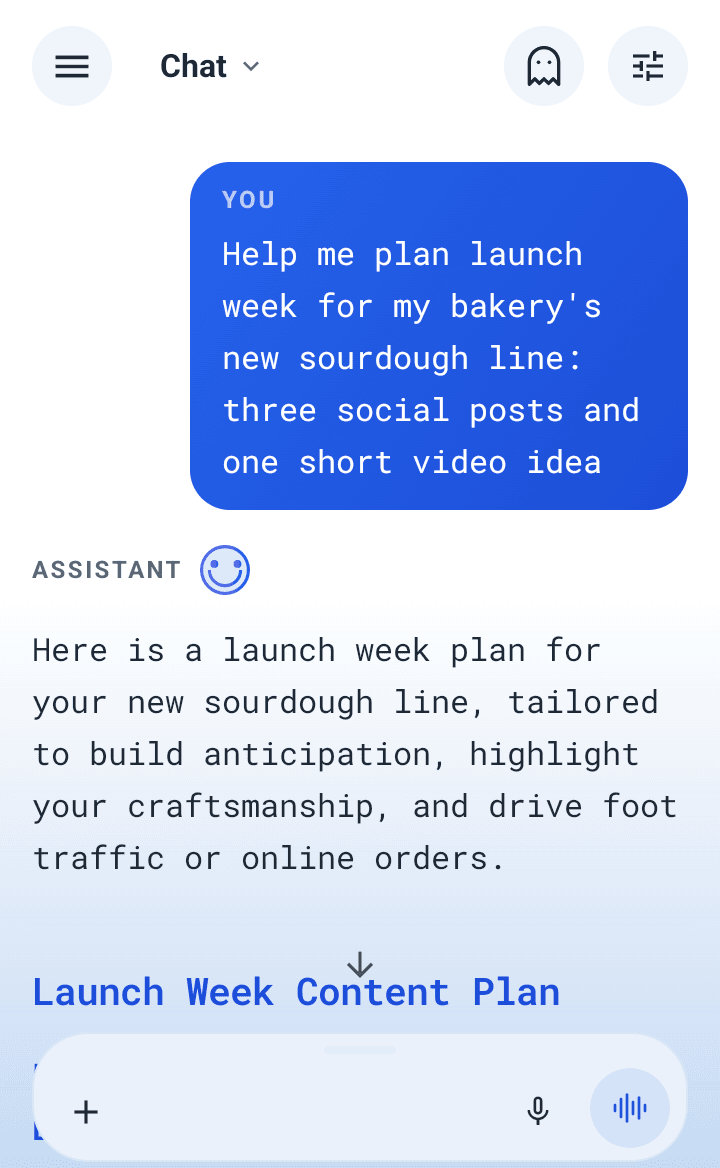
What should we make first?
Free account · takes 20 seconds · no card
Web · iOS · Android