Generate and edit
stunning images
with the best models.
One canvas, four leading image models. Bring an idea — or just a goal — and an image assistant helps you create, refine and perfect it. Then edit like a pro in a single panel.
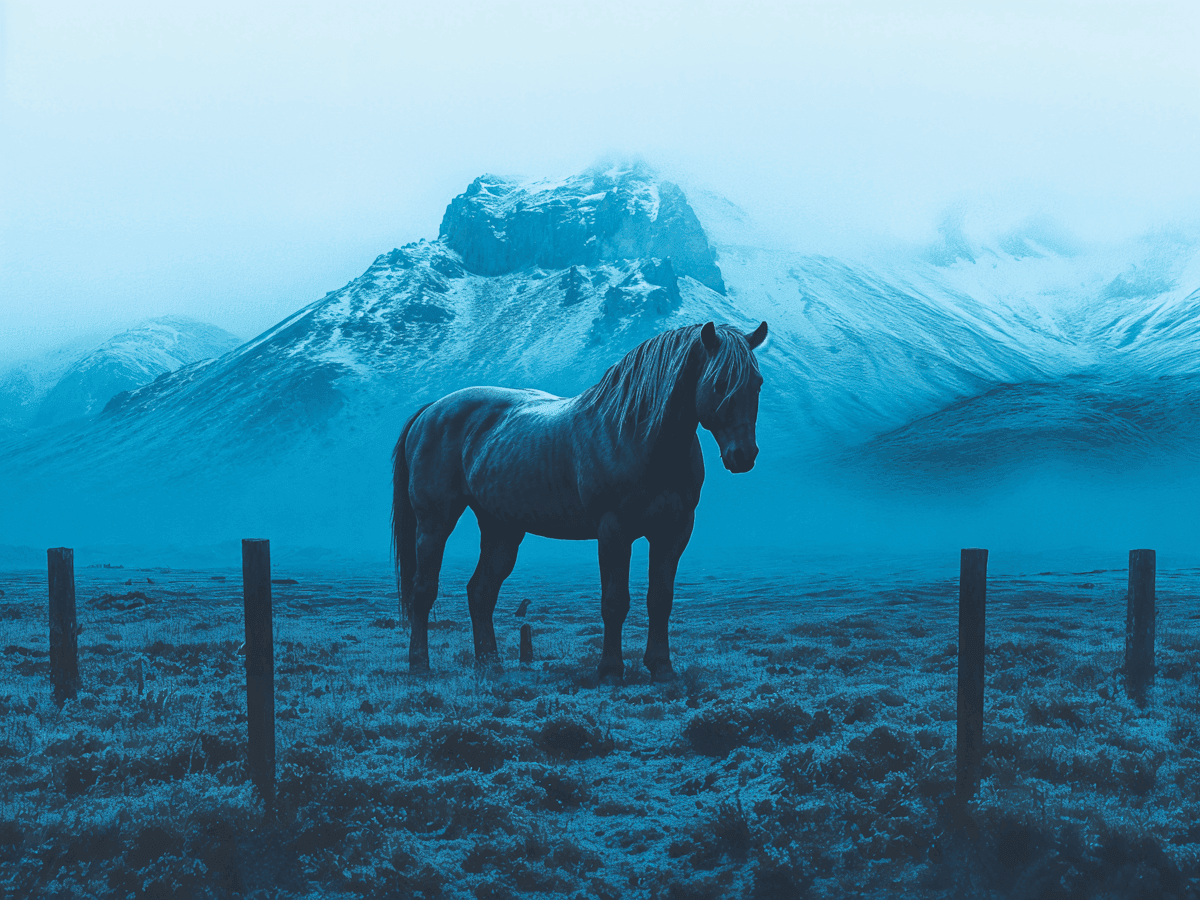
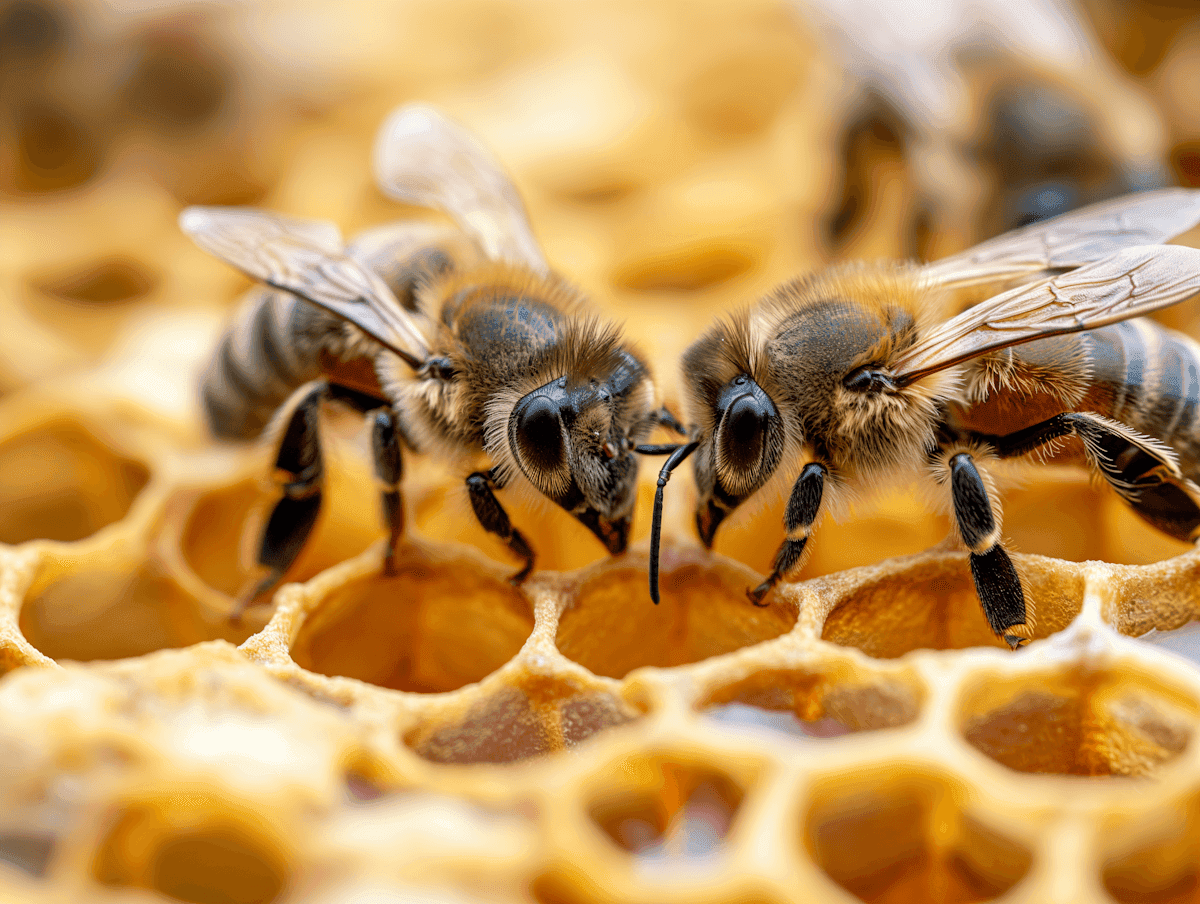
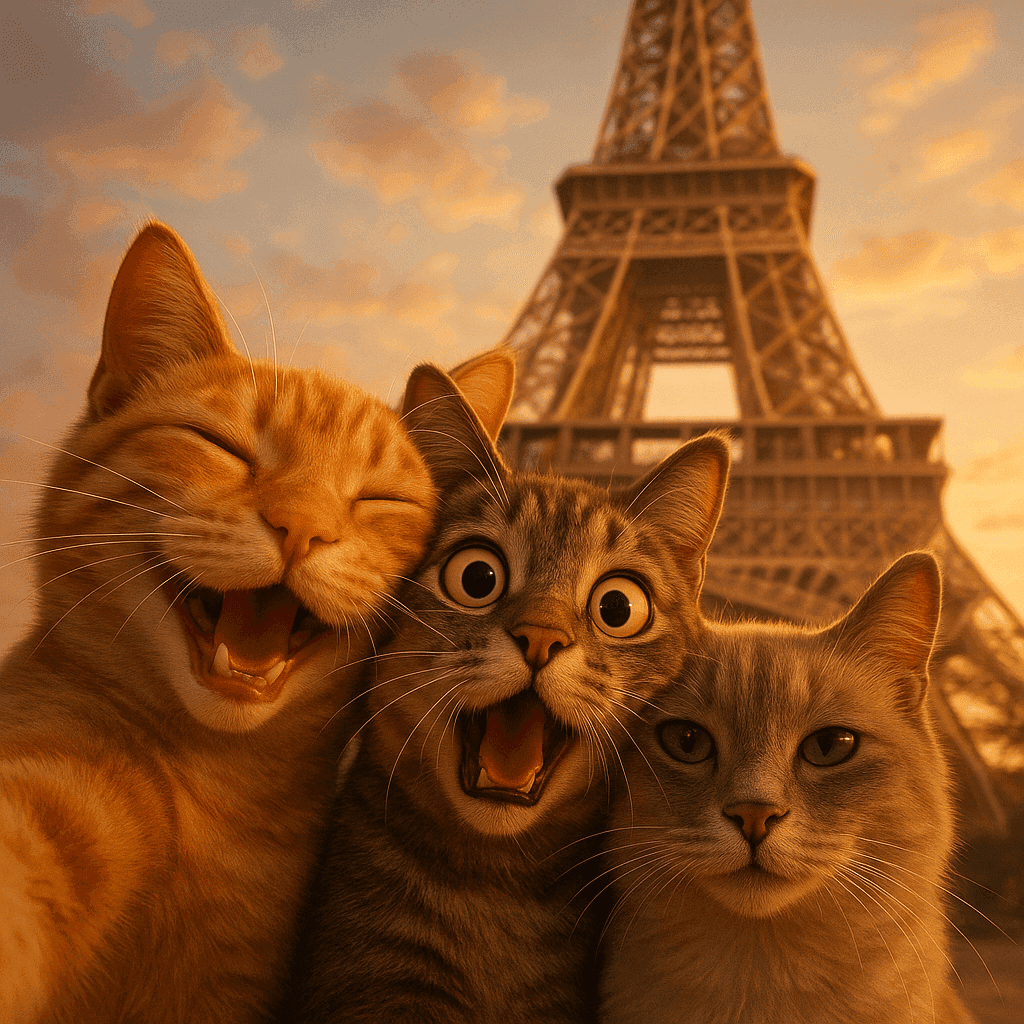
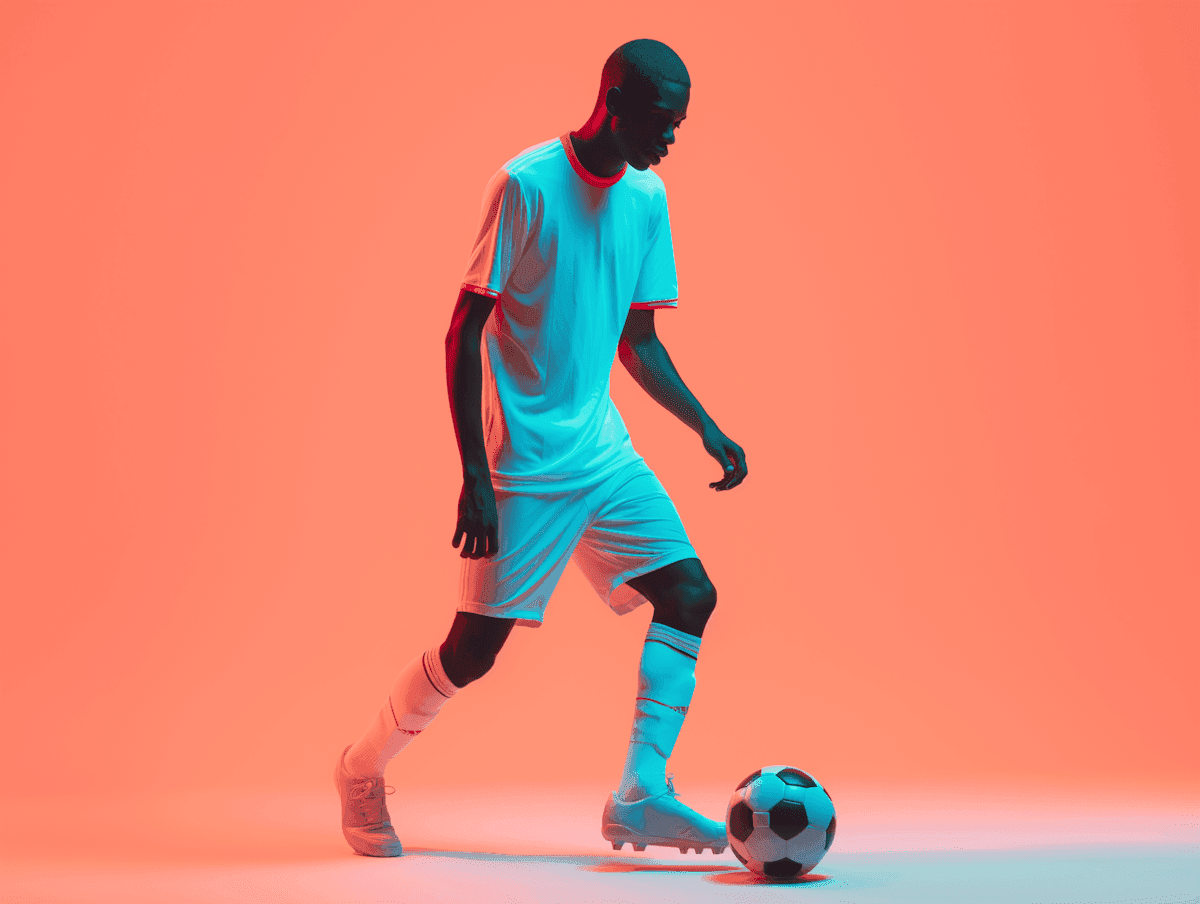
A canvas for every kind of image
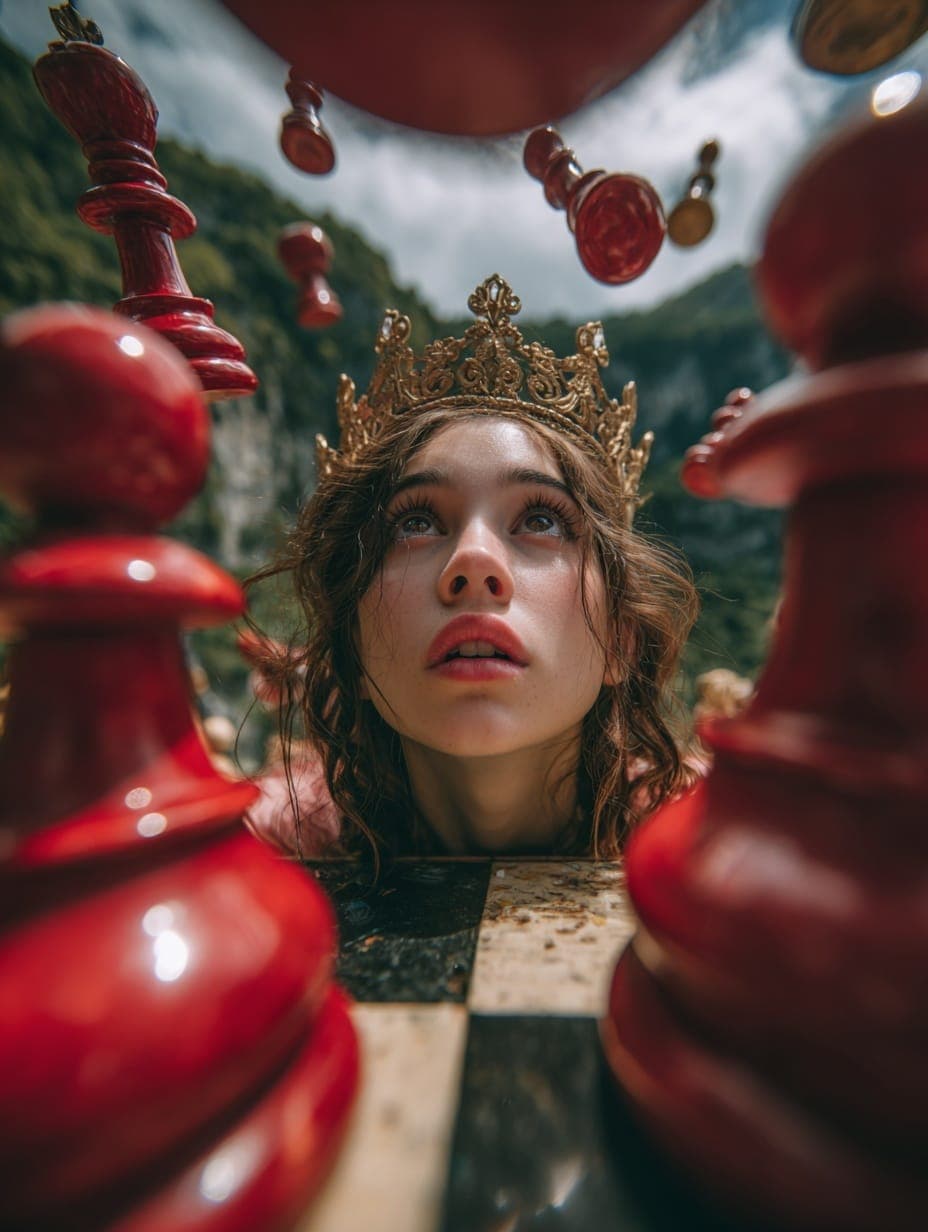
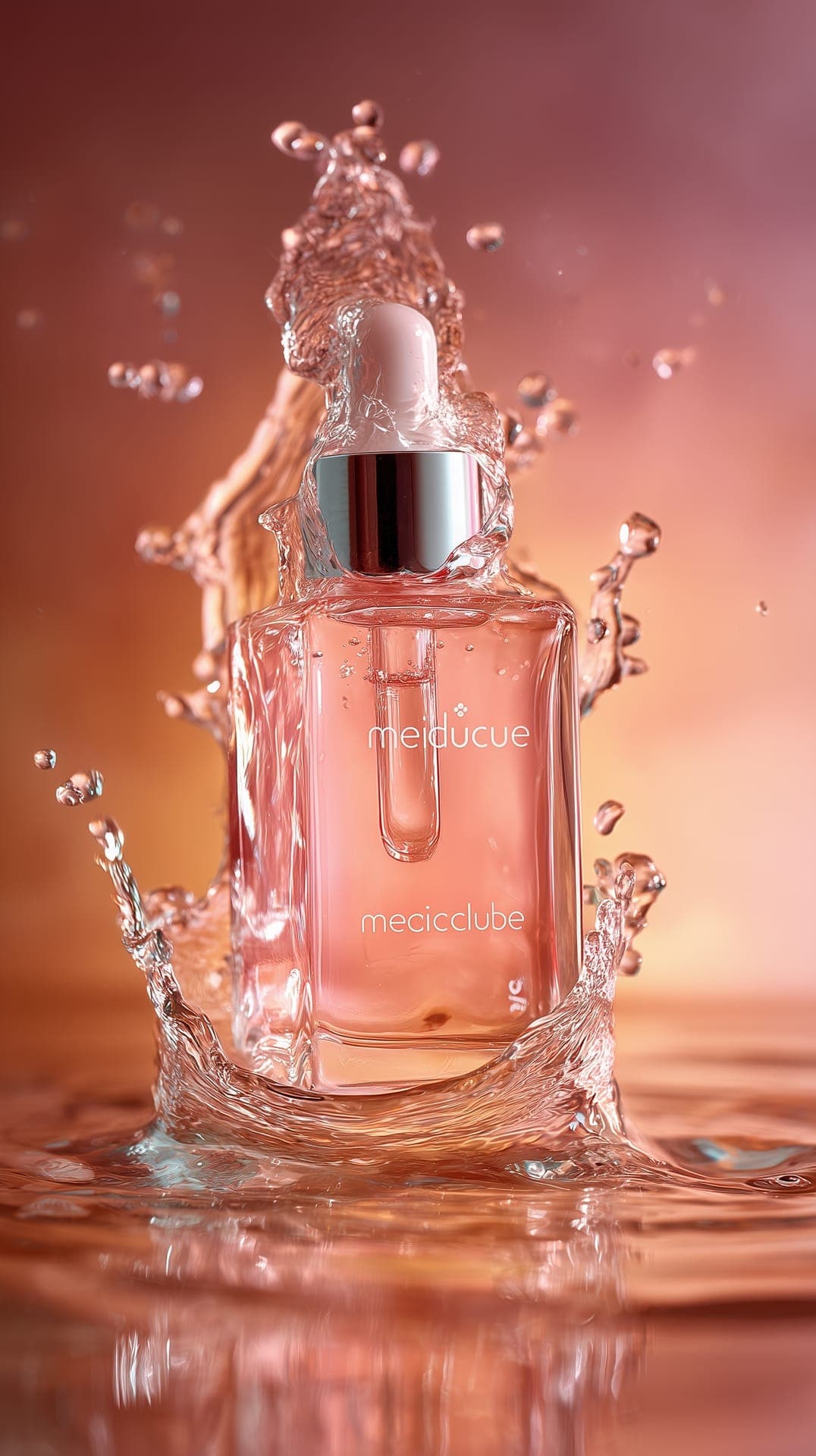
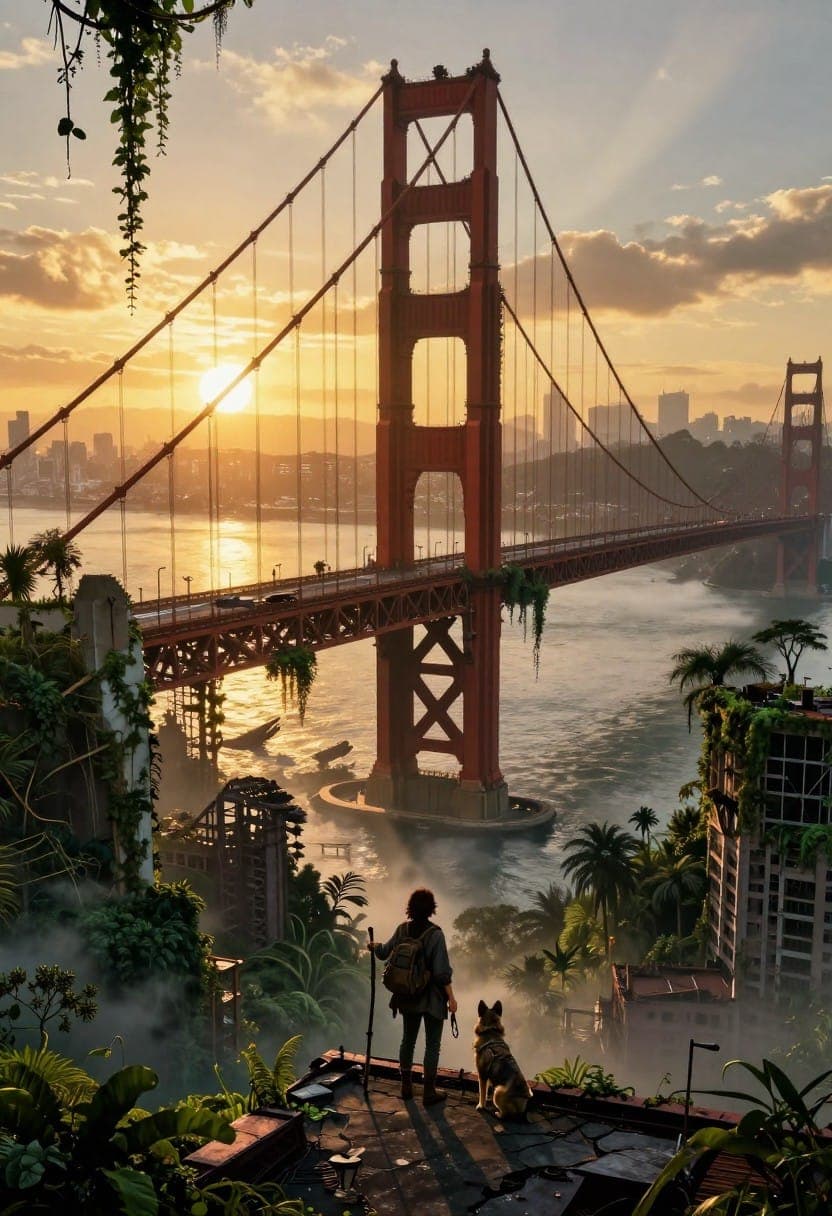
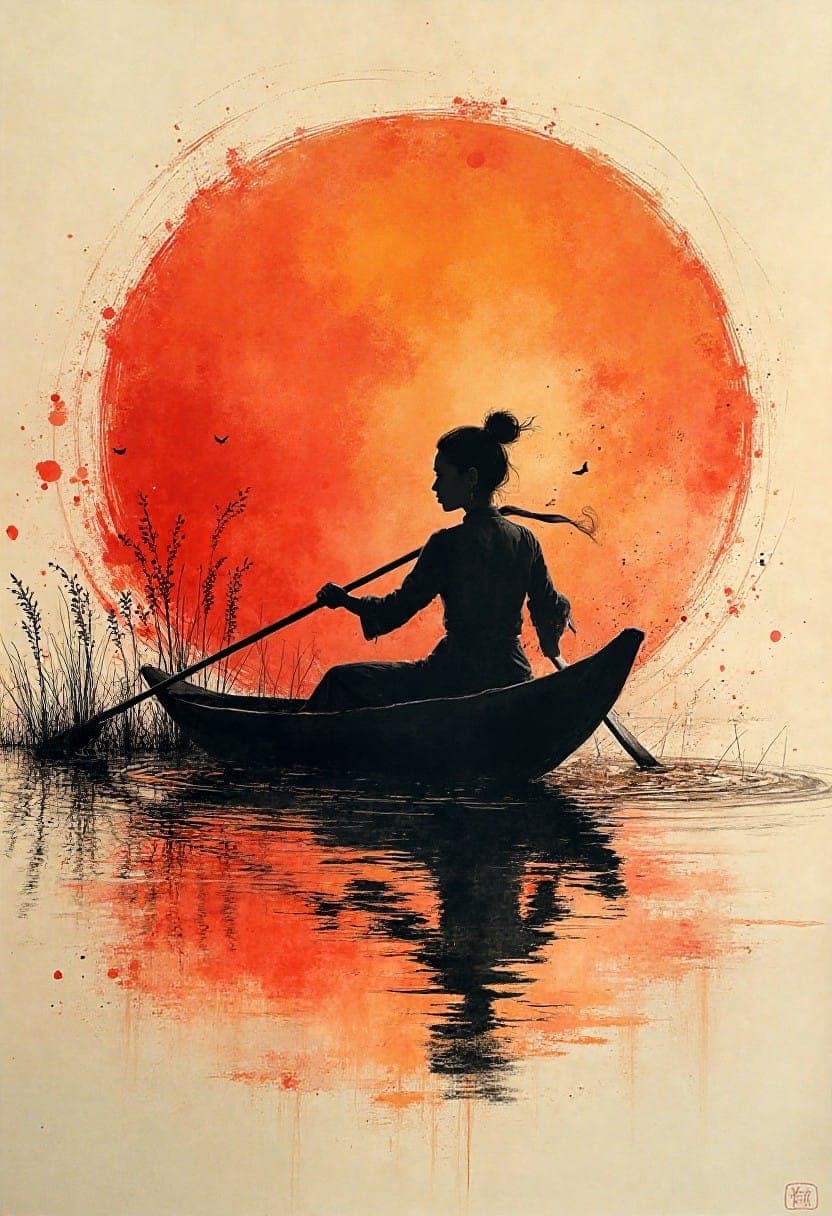
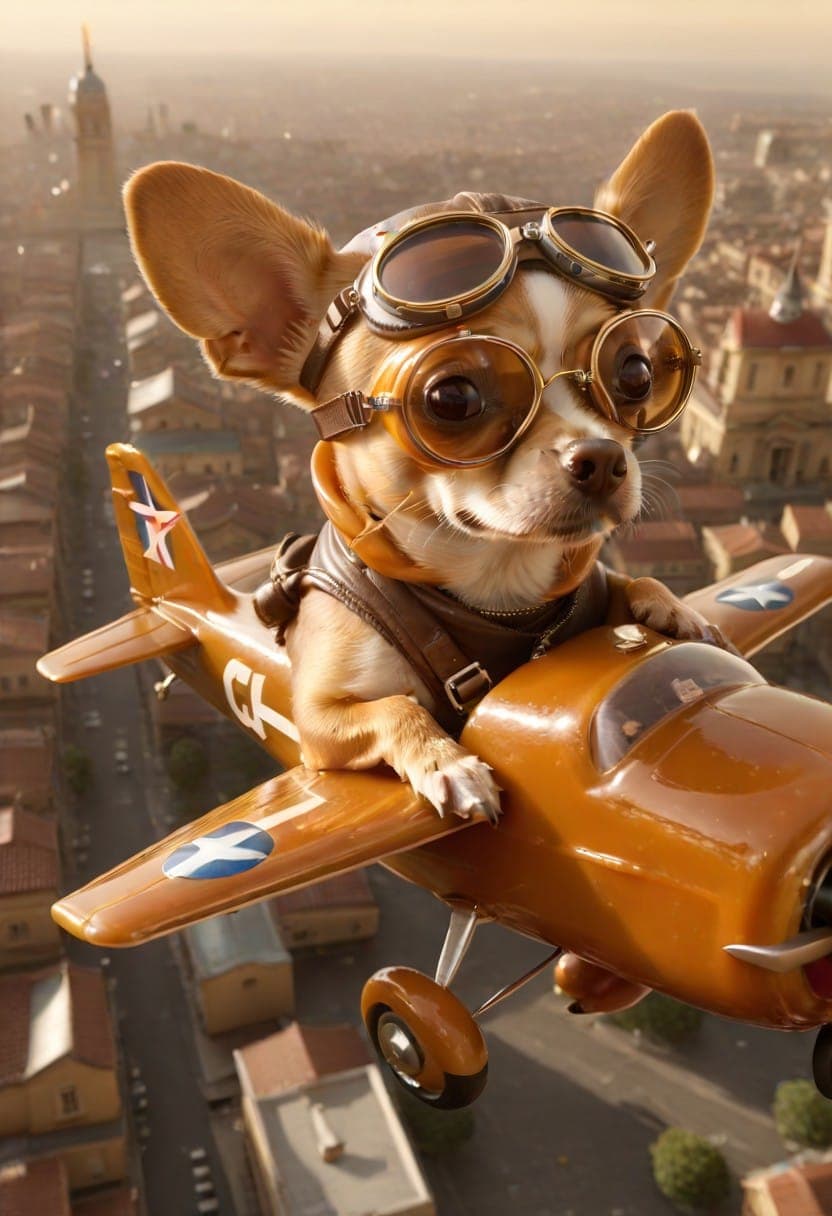
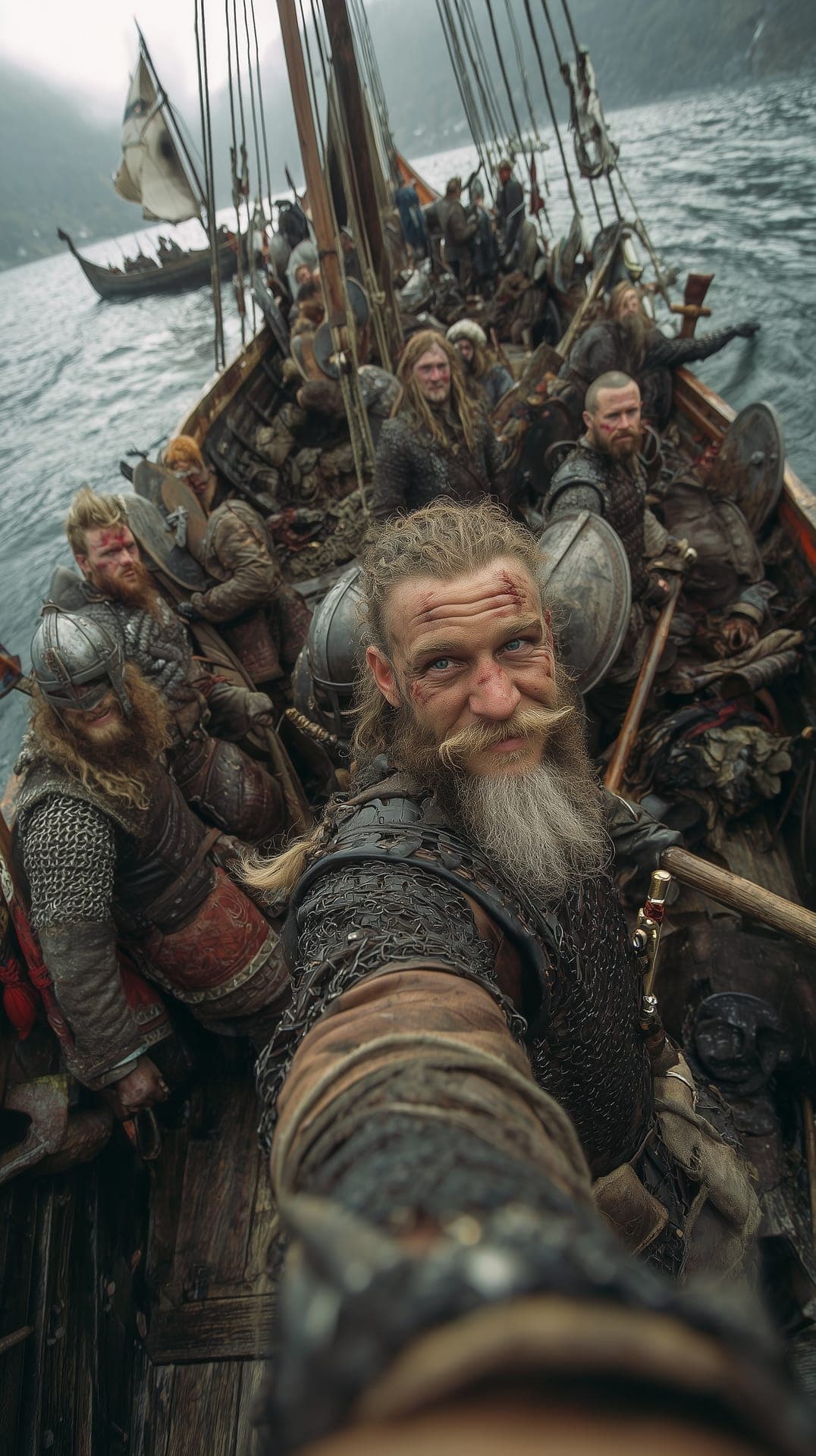
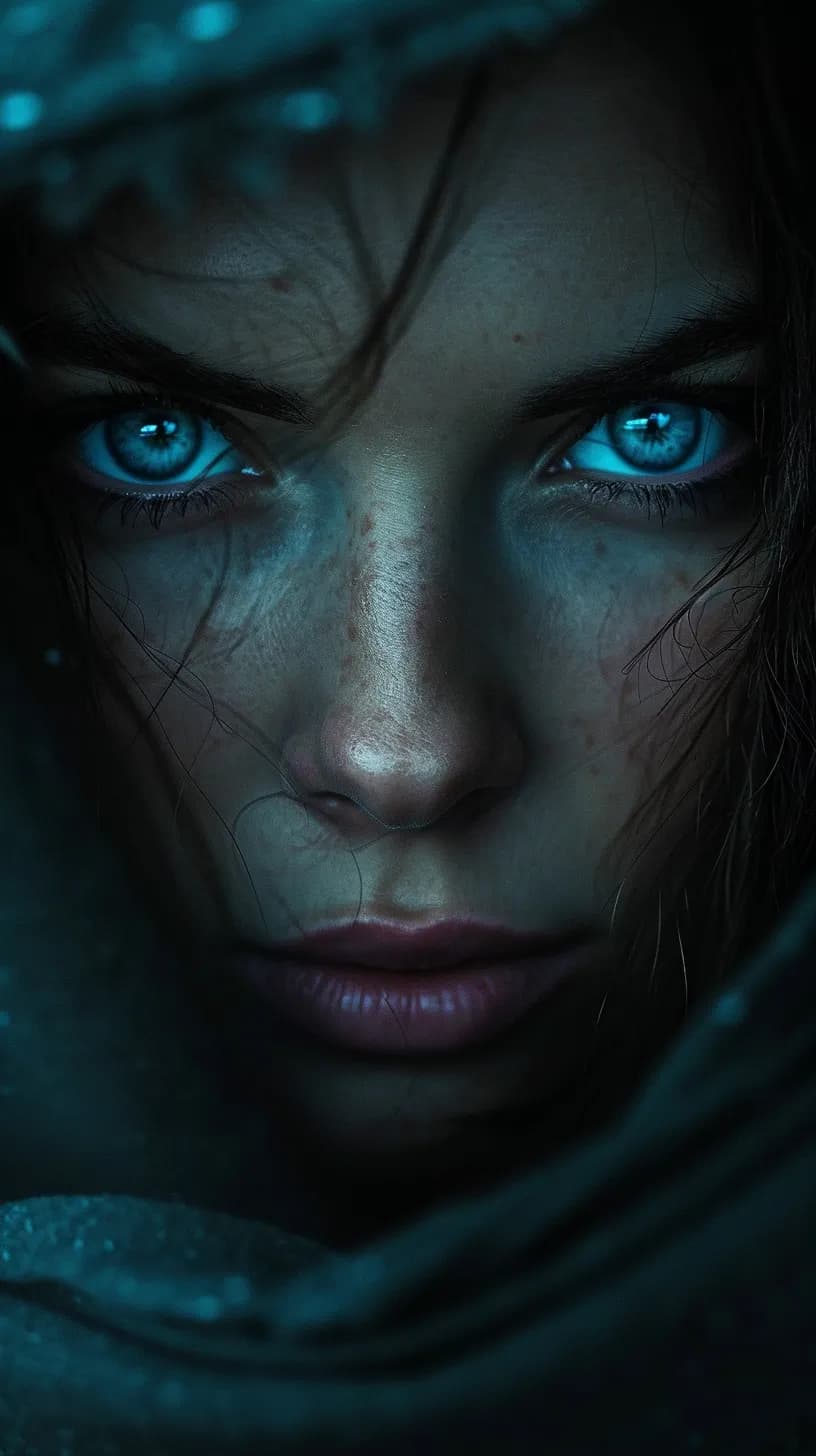
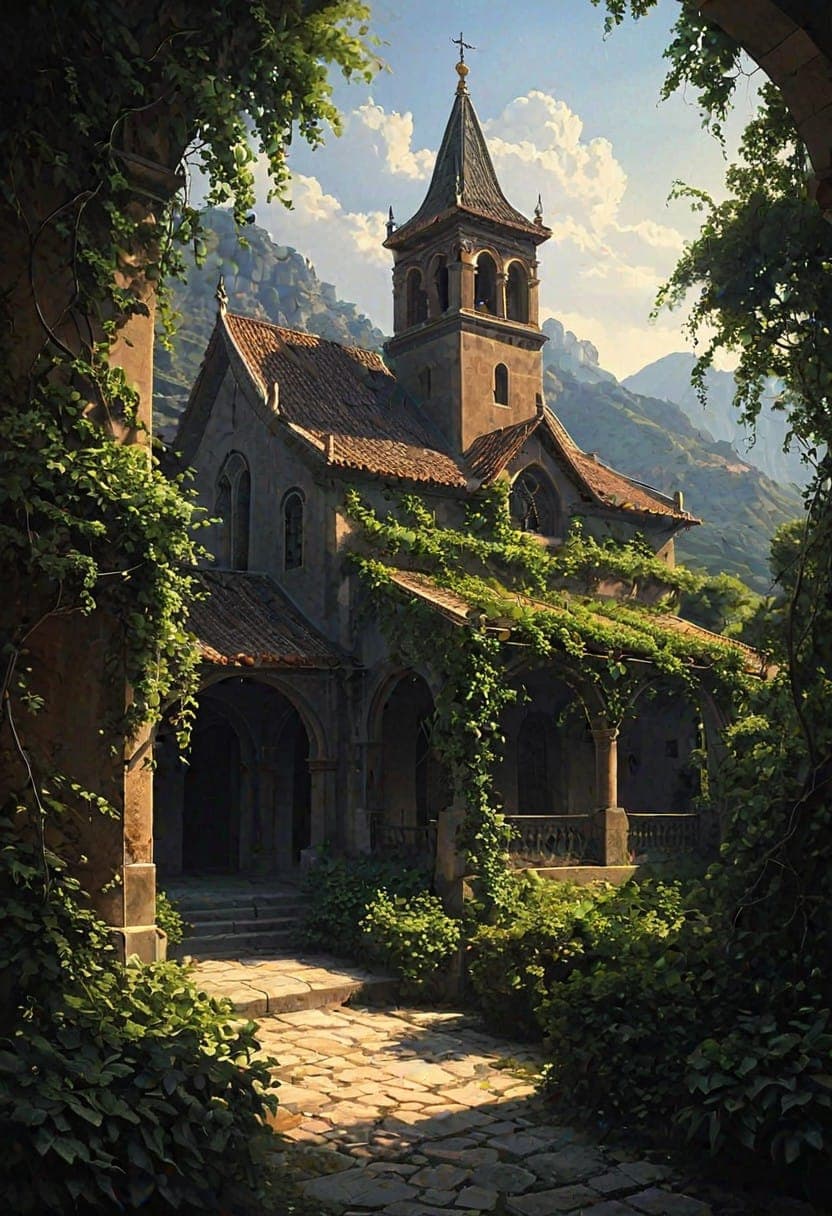
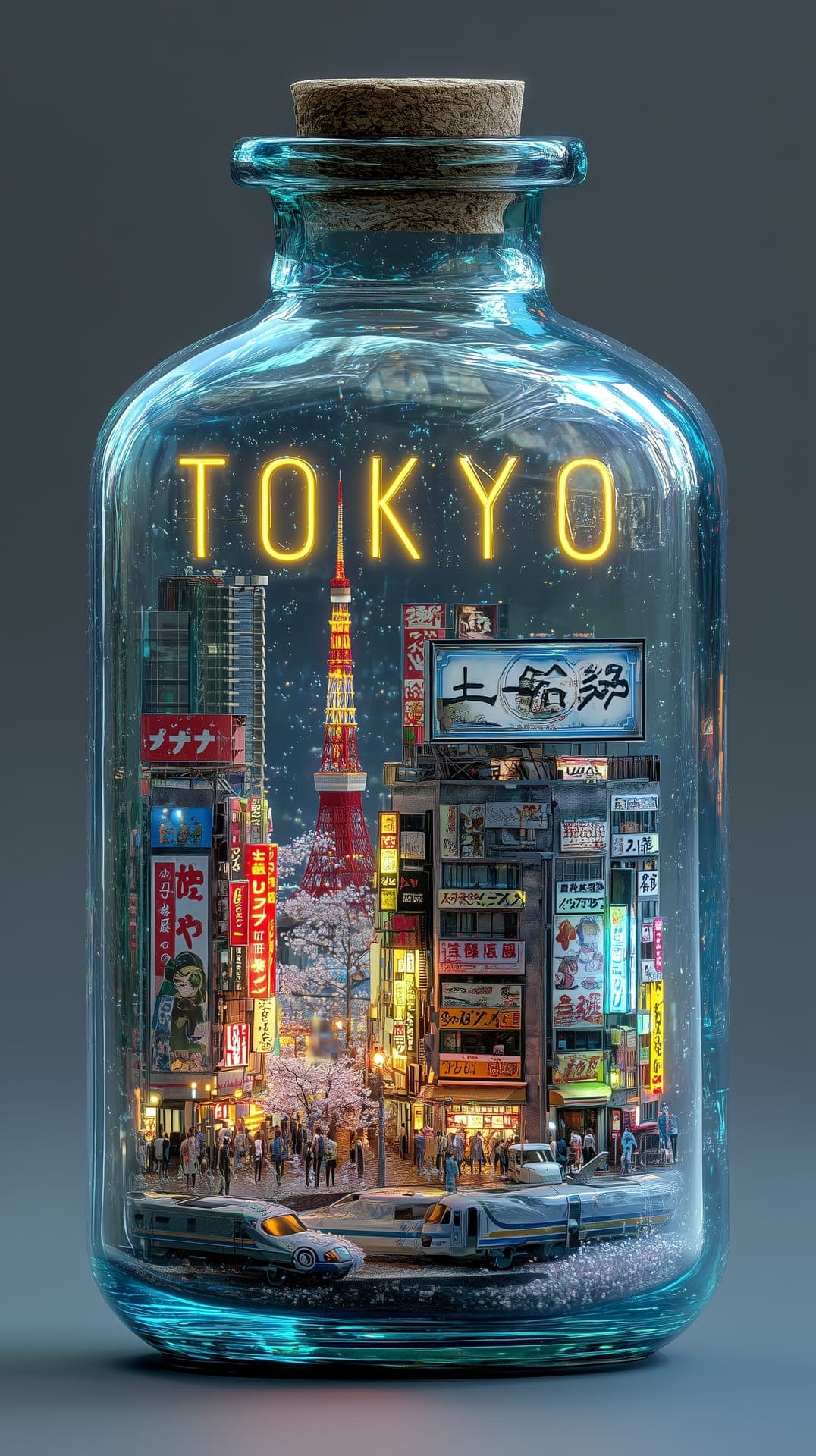
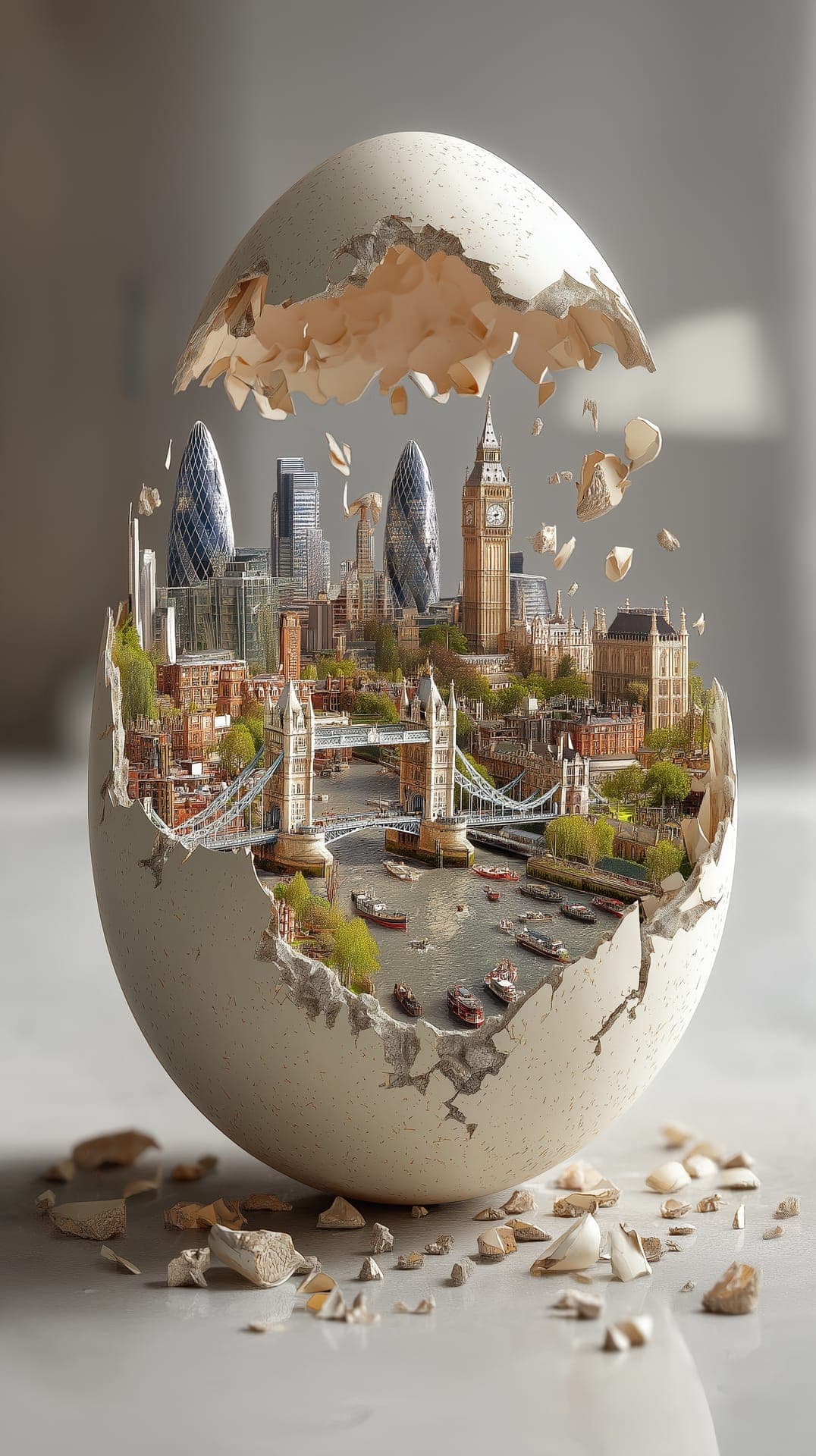
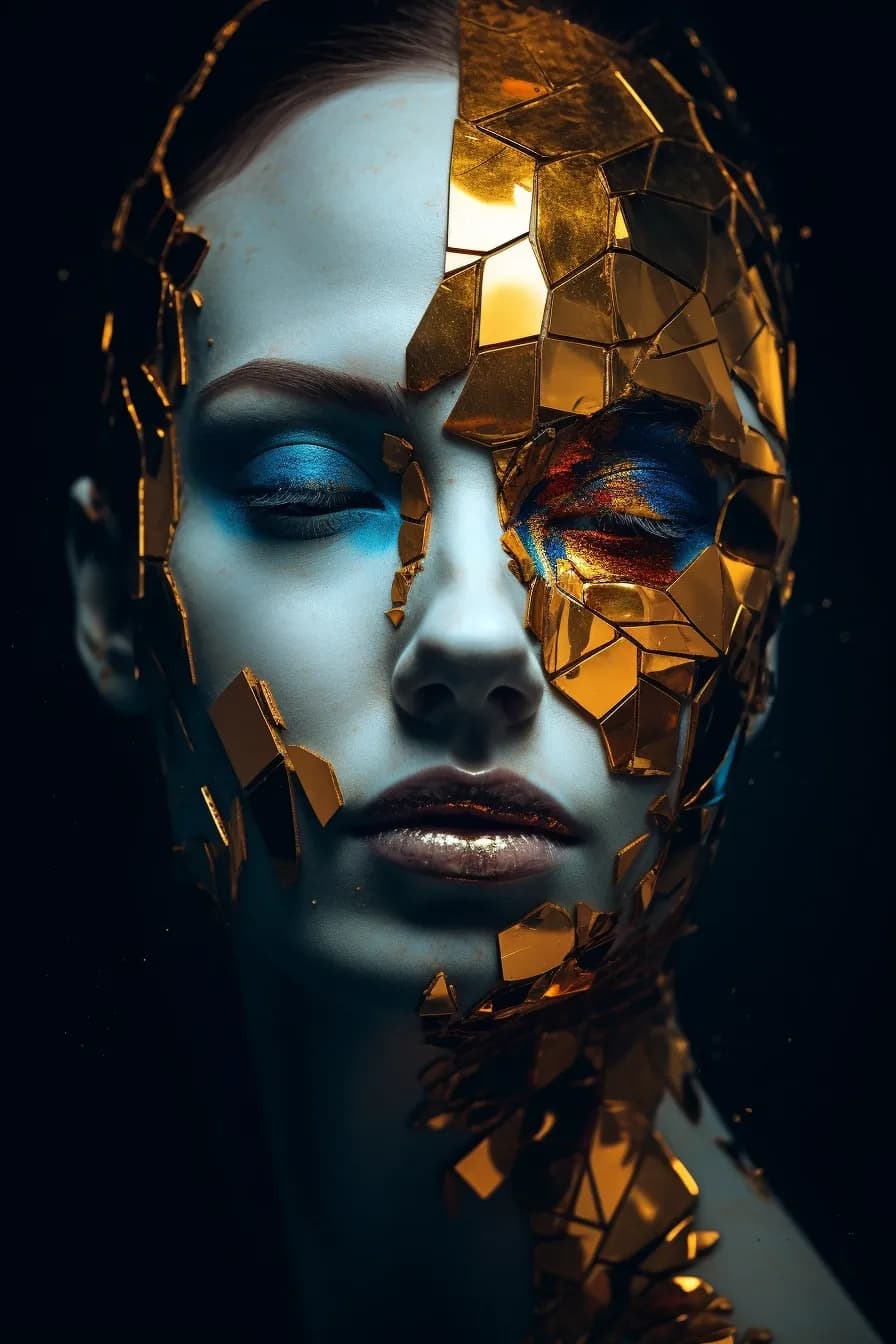
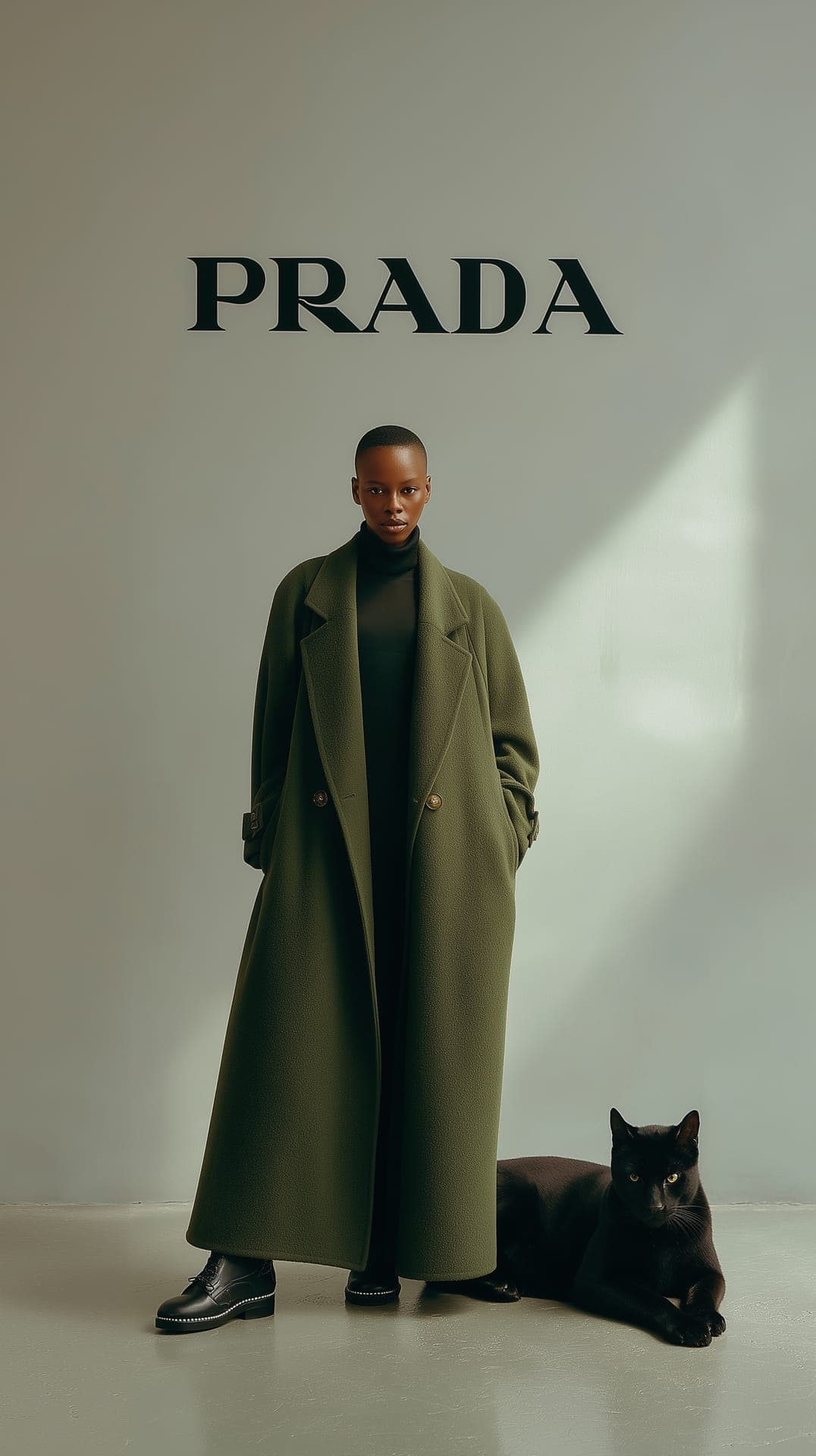
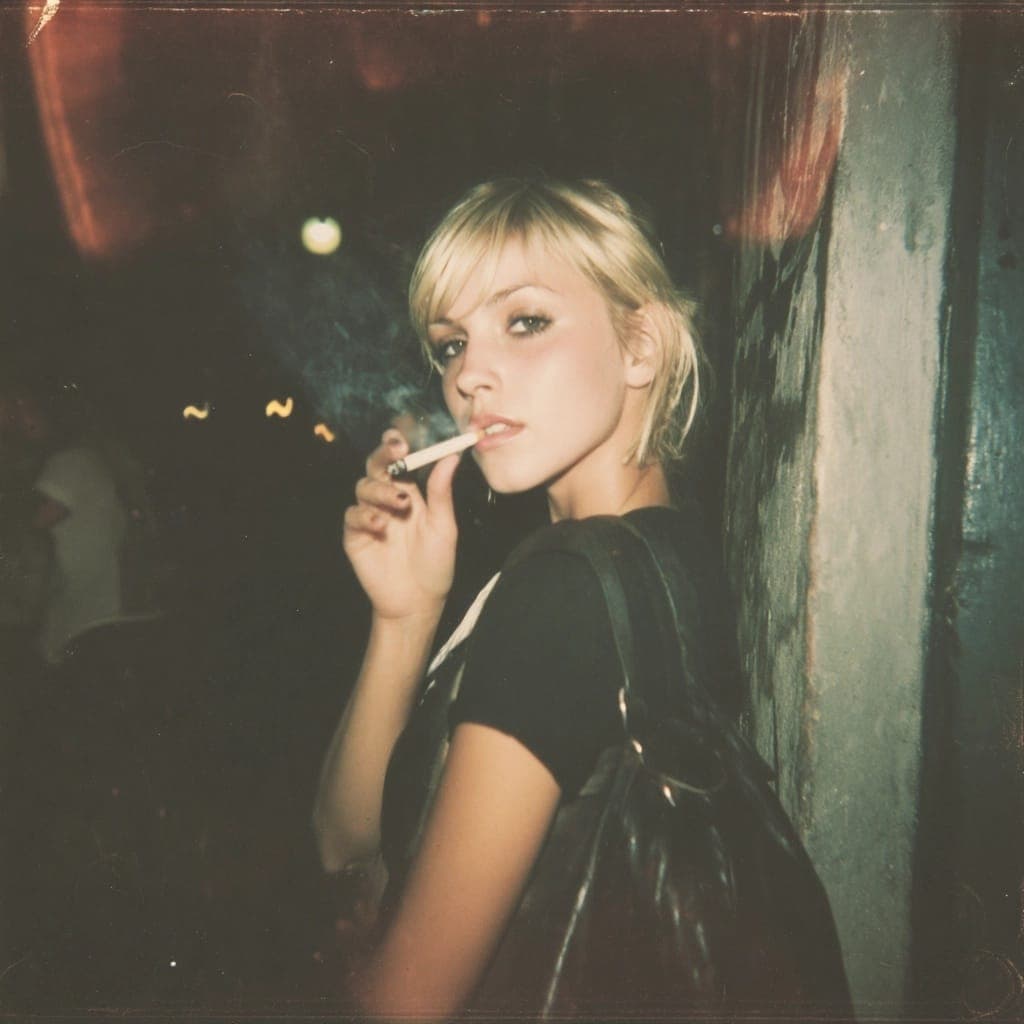
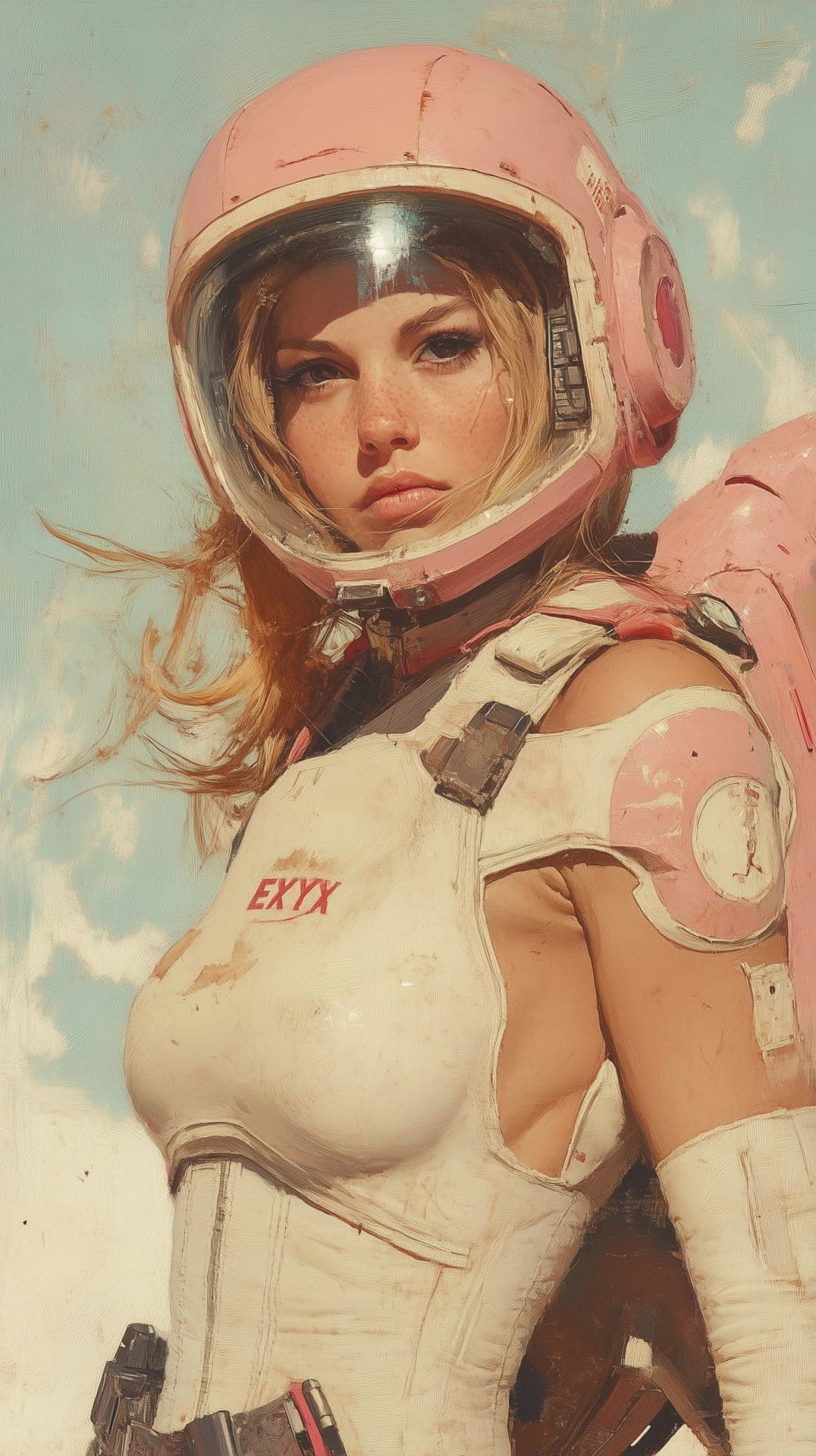
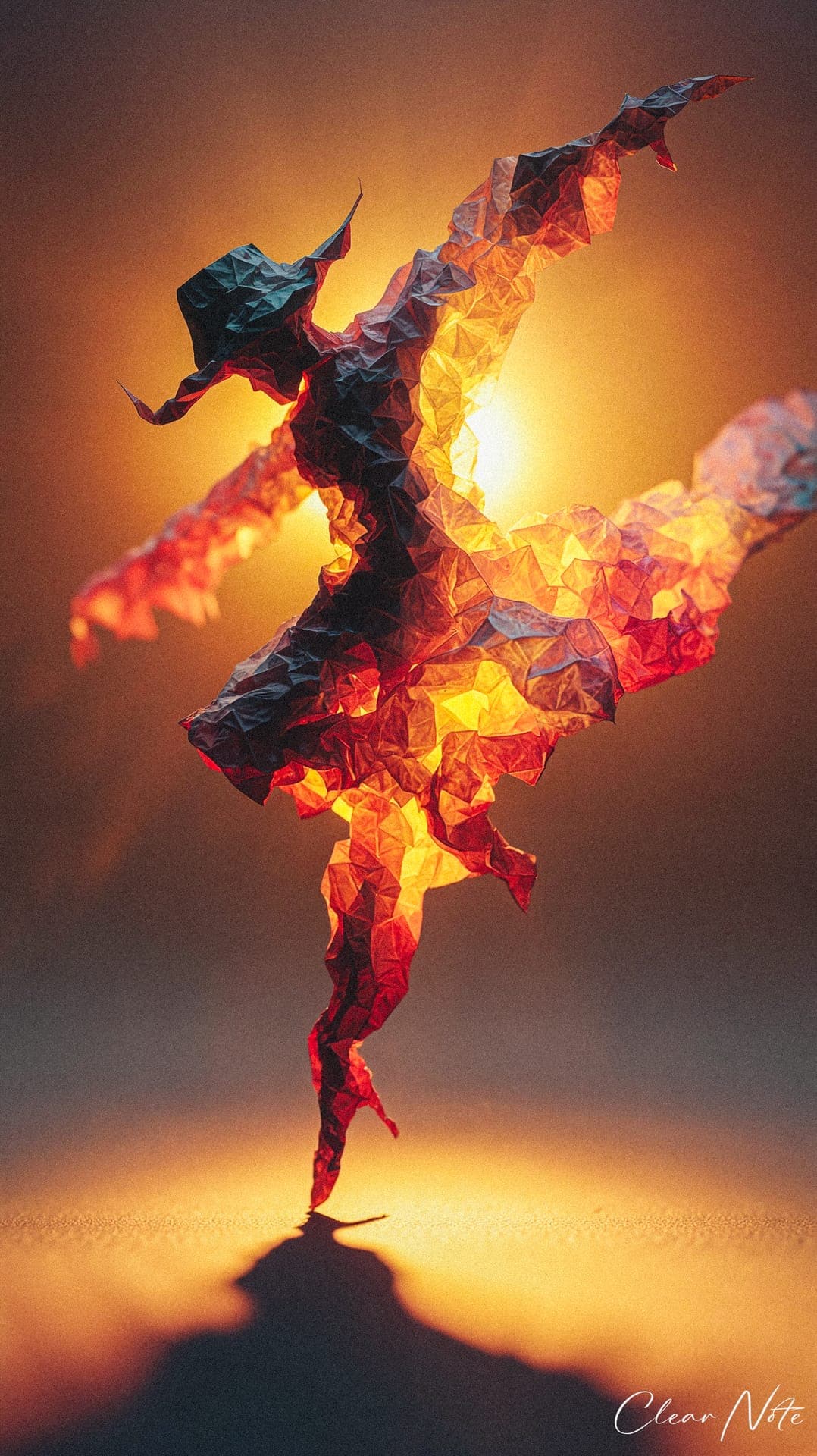
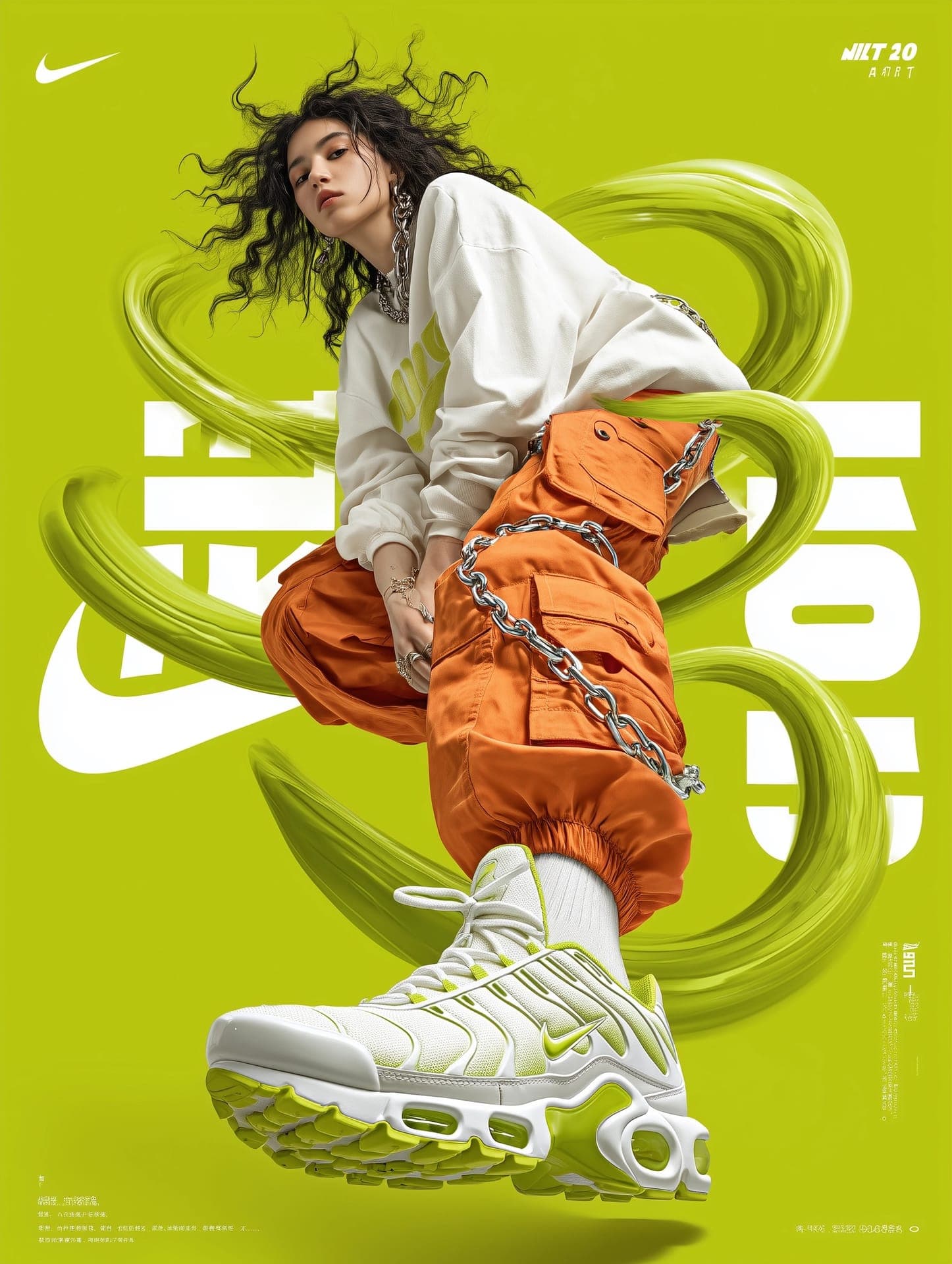
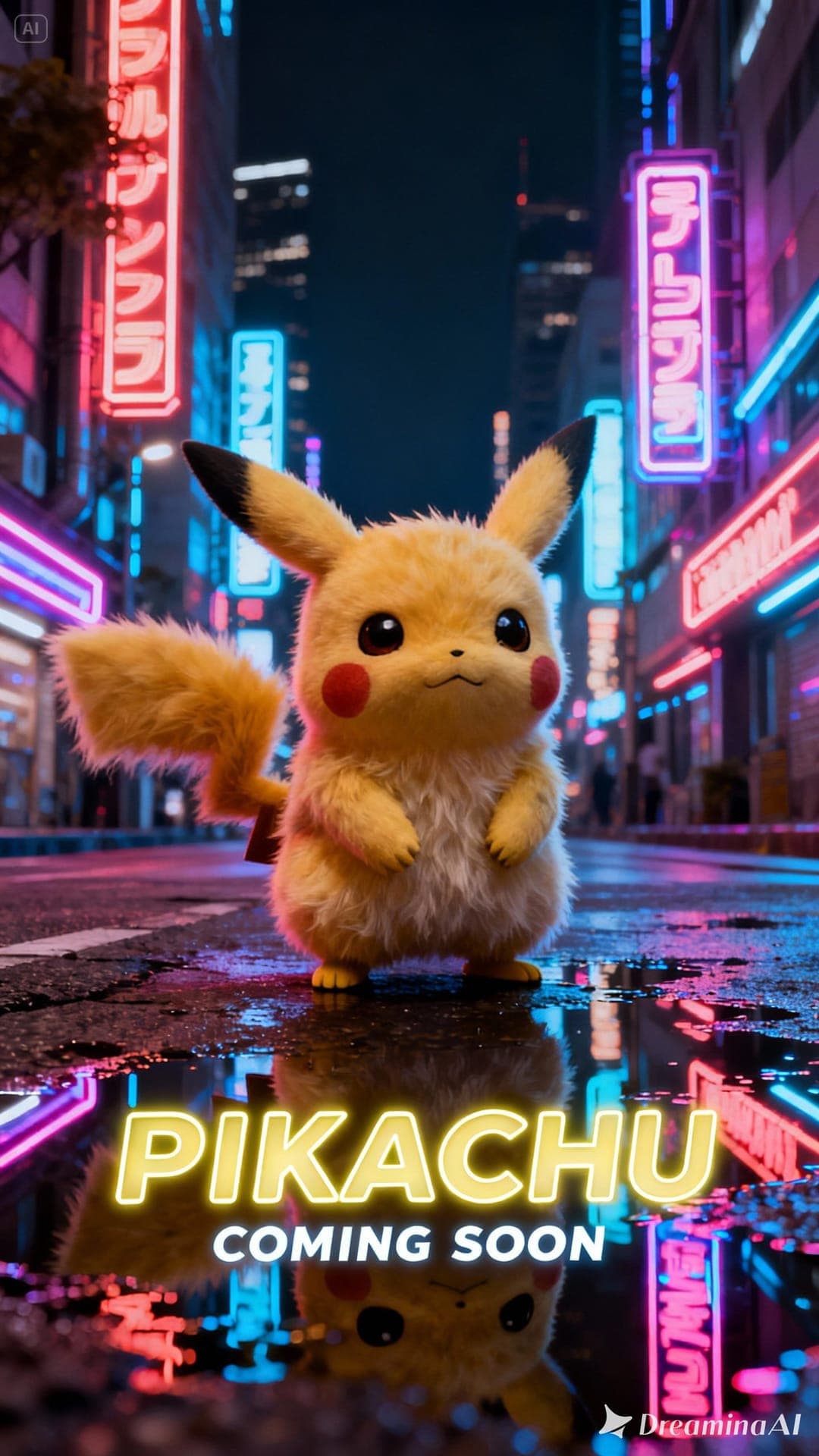
Portraits, products, art, photography — generated and edited across the models we run. Filter by the model that made them.
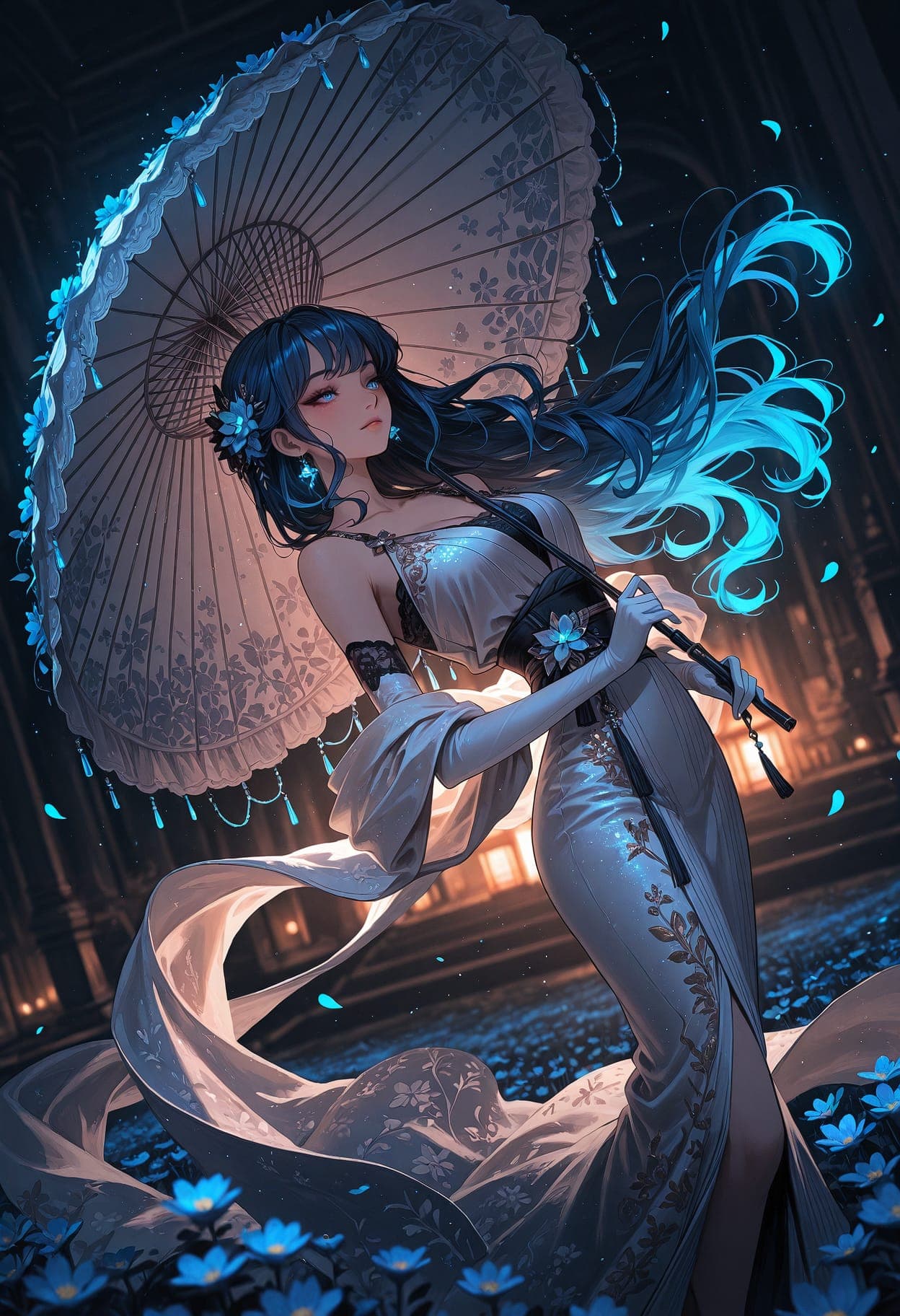
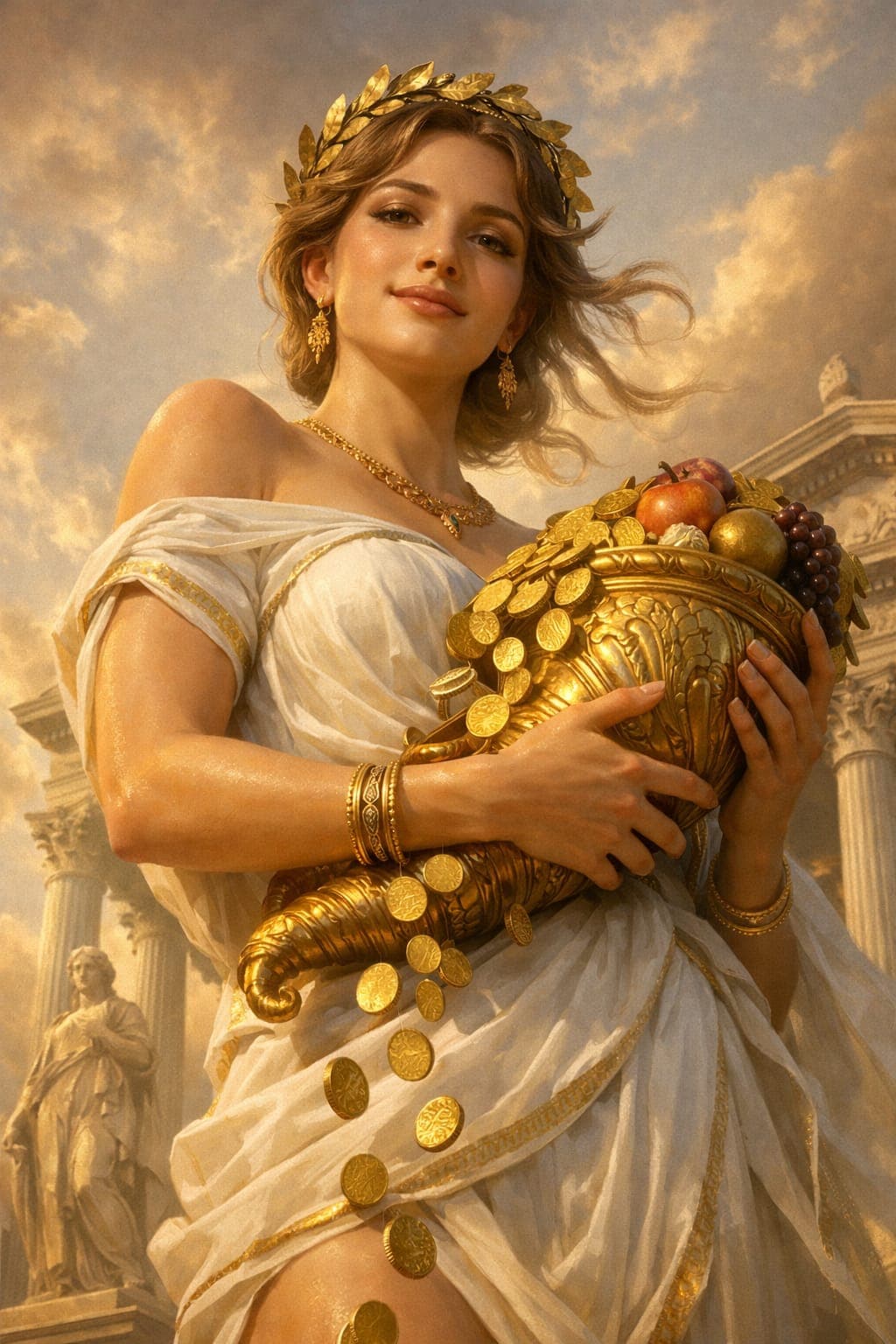
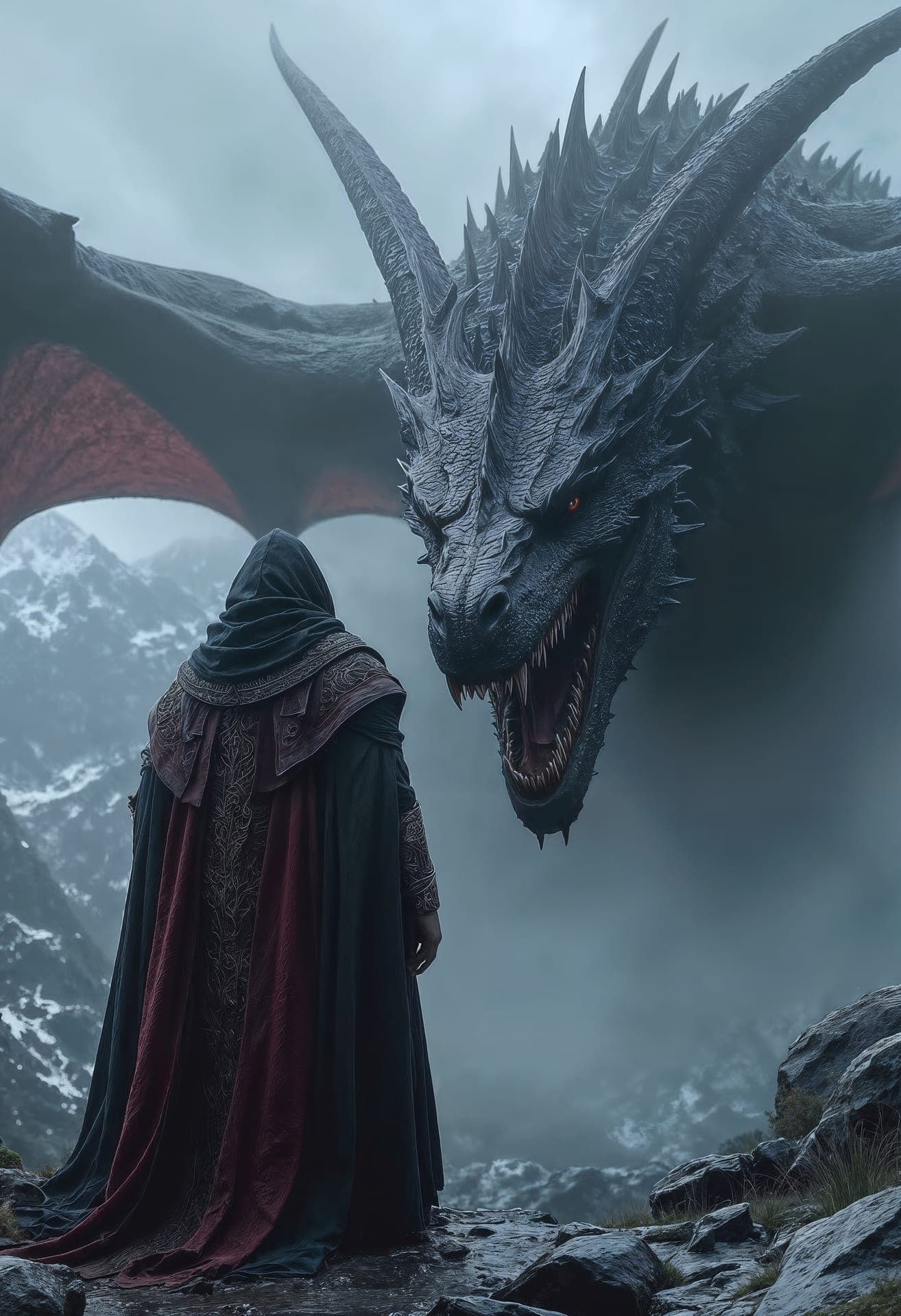
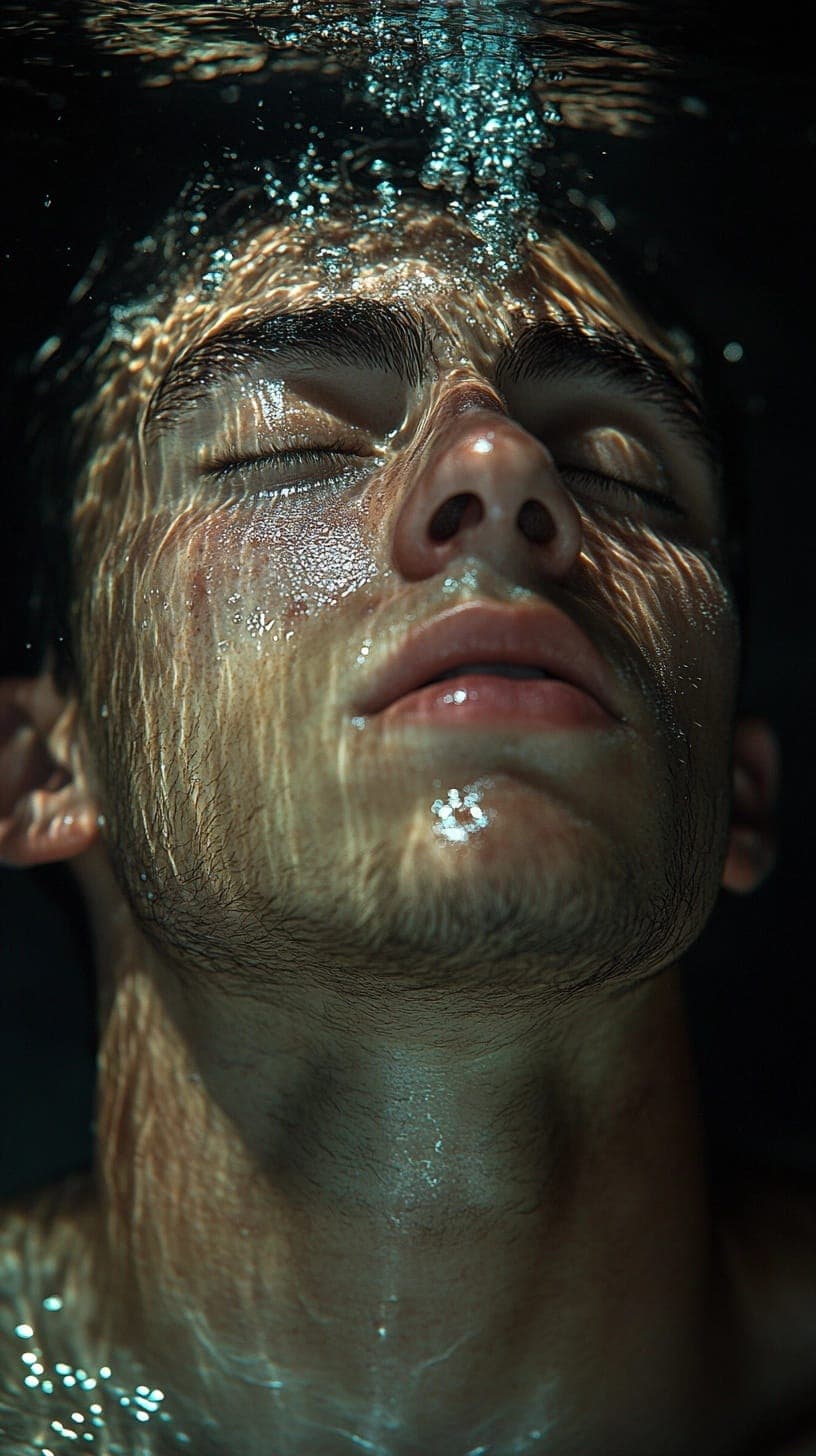
Never fall behind on models
We add and update providers constantly. Switch in a click and always create with the latest and greatest — no migrations, no waiting.
- GPT Image
- Grok Imagine
- Nano Banana
- FLUX.2 Pro
 Option 1
 Option 2
 Option 3
From a rough idea to the perfect image
Don’t know exactly what to create? Describe your goal and the assistant takes it from there — asking the right questions, suggesting directions, generating options and refining until it’s exactly what you pictured.
Edit like a pro — all in one panel
Six dedicated tools, a non-destructive version graph, and a side-by-side compare. Every edit is its own version you can branch from, compare, or keep going from.
1:1 Current
See every change, side by side
Drag the slider to compare any two versions from the graph. Spot exactly what changed, then keep whichever you prefer and branch from there.
 Before
 After
AfterCrop / Reframe
Change a picture’s shape two ways — let AI rebuild the scene for a new aspect ratio without distorting your subject, or crop precisely with a manual box.
 Before · 1:1
 After · 16:9
AI repaints the scene to a new aspect ratio, keeping your subject undistorted and filling the new space naturally.
Before After · cropped
Draw a box and crop exactly to it — a fast, pixel-precise trim with no regeneration. Nothing leaves the original pixels.
Presets
One-click edits for the most common jobs. Some work on the whole image; others use a mask to target exactly where the change happens.
 Before
 After
After Before
 After
After Before
 After
After Before
 After
After Before
 After
After Before
 After
After Before
 After
After Before
 After
After Before
 After
After Before
 After
AfterPrompt Edit
Optionally mark the area to change with a box or brush, then just describe the edit in words and see the result. Two helpers make your prompts land every time.
 Before · masked
 After
AfterExpand
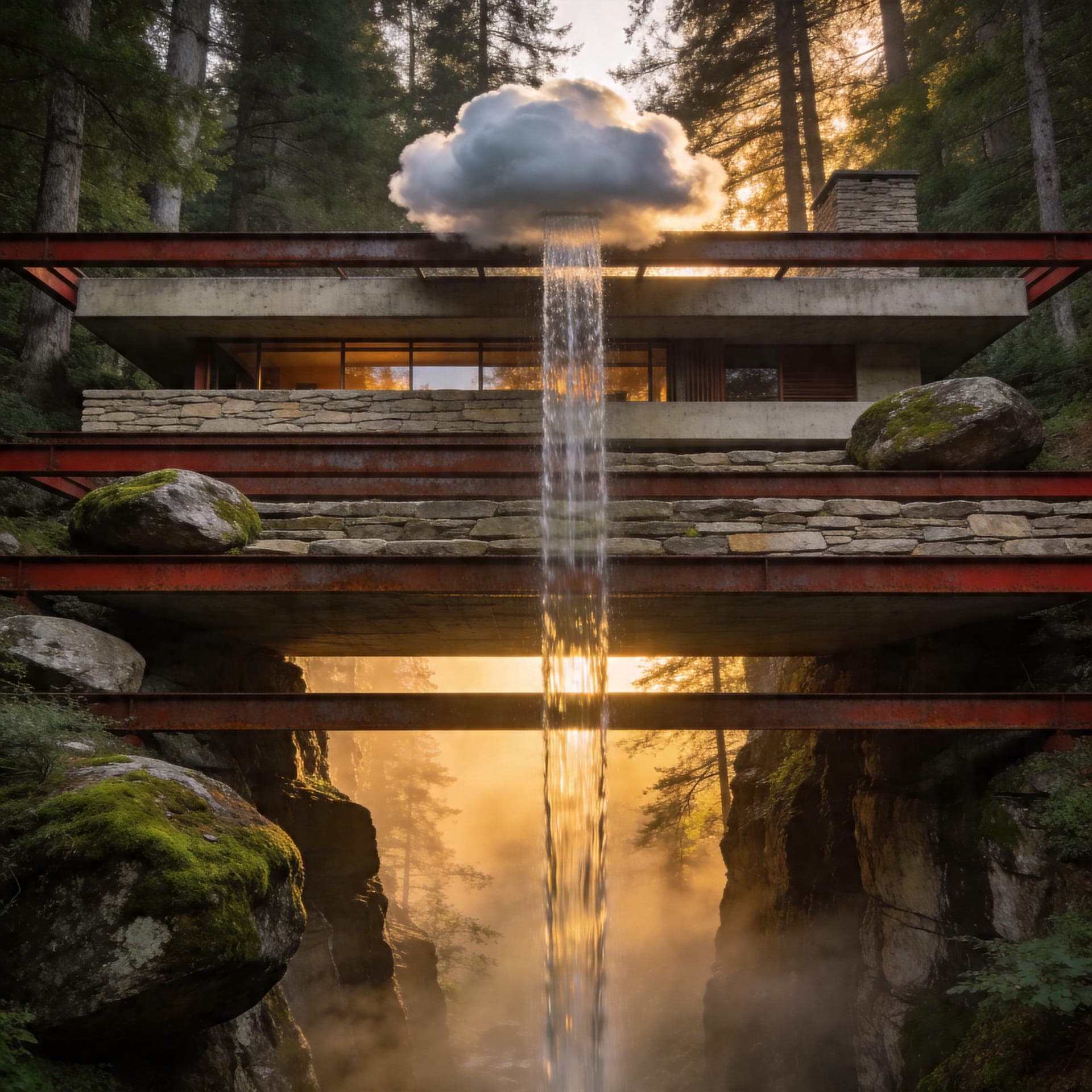
Add pixels beyond the frame. AI outpaints new scenery around your image to reach a larger canvas or a different aspect ratio.
Pick a target ratio
Everything inside the dashed box is your original; AI generates the rest to match.
Quality
A cleaner, higher-resolution render of the same image — sharper detail and fewer artifacts, with the source aspect ratio preserved.
 Before · softAfter · upscaled
Export
Export at any size you like — or jump straight to a ready-made preset sized for every major social platform.
Start creating — on us
Every free account starts with enough Sparks to generate around 25 images. Sparks are the workspace’s single currency — they follow you across every SmileToAI product.
before you ever pay a cent.
Ready to create something stunning?
Generate your first image in seconds — best models, smart assistant, pro editing, all in one place.
Guides & resources
AI Photo Editing Prompts: 7 Tested With Before and After
How to Animate a Photo: Turn a Still Into a Video Clip
How to Make an AI Christmas Photo From Your Own Picture
How to Change the Aspect Ratio of a Photo (Without Cropping)
How to Make a Background Transparent with AI (Free)
How to Colorize Black and White Photos with AI
How to Generate Product Photos with AI
What is AI image upscaling?
What is text to image generation?
Best All-in-One AI Content Platforms (Honest 2026 Roundup)
SmileToAI vs 1min.AI
SmileToAI vs Canva
SmileToAI vs Media.io