All apps
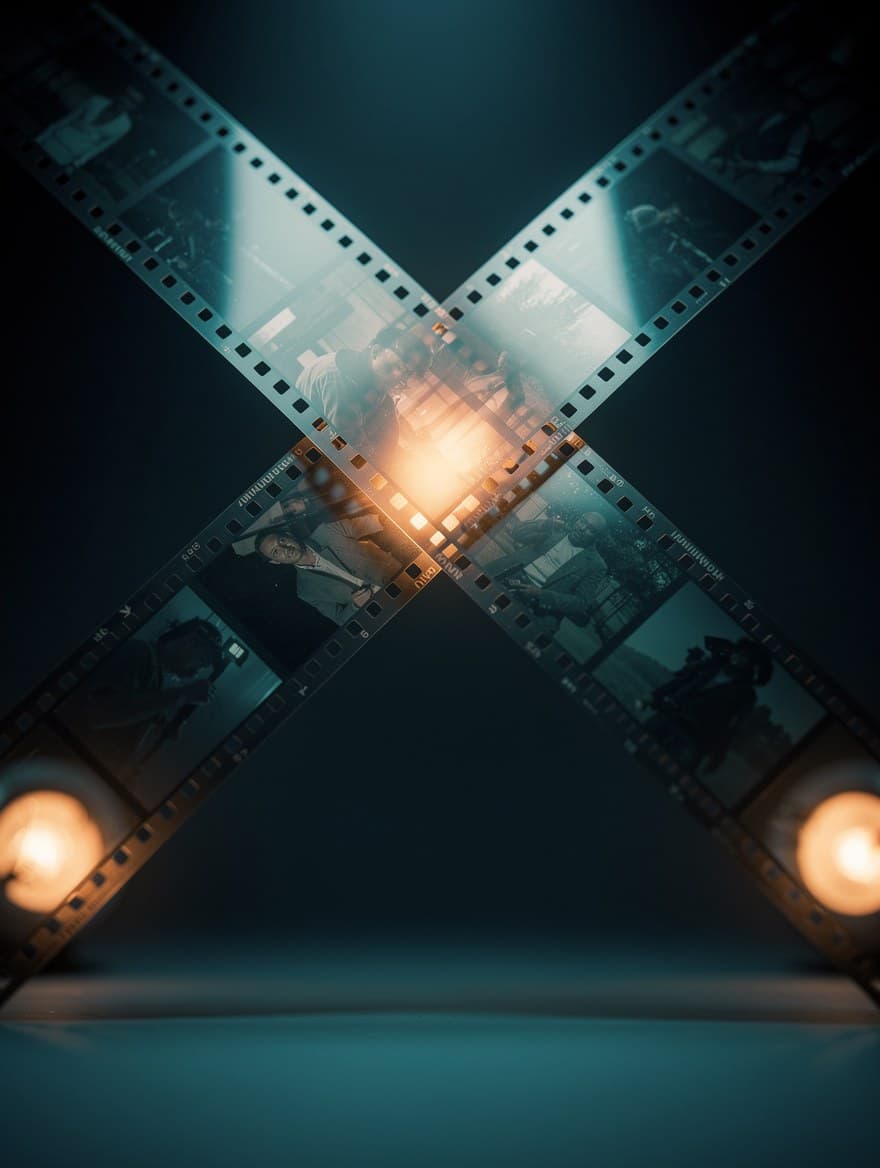 ToolVideo transitionsJoin two to eight clips with a crossfade, dip or wipe between them.You bring a clip
 ToolColour grade videoGive a clip a film look, or adjust exposure, contrast, saturation, temperature and grain. Added as a new take.You bring a clip
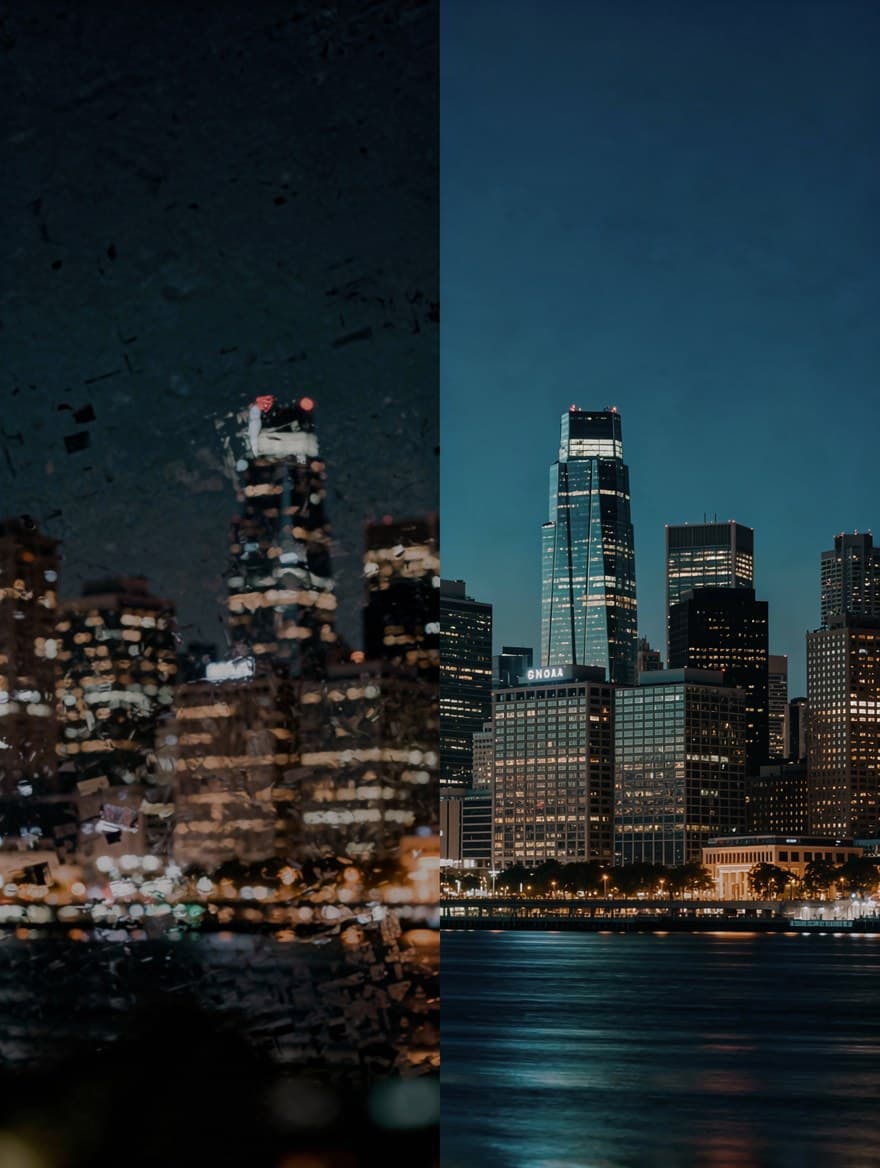 ToolPaid plansUpscale videoUpscale a clip to 1080p or 4K at 30 fps with AI.You bring a clip
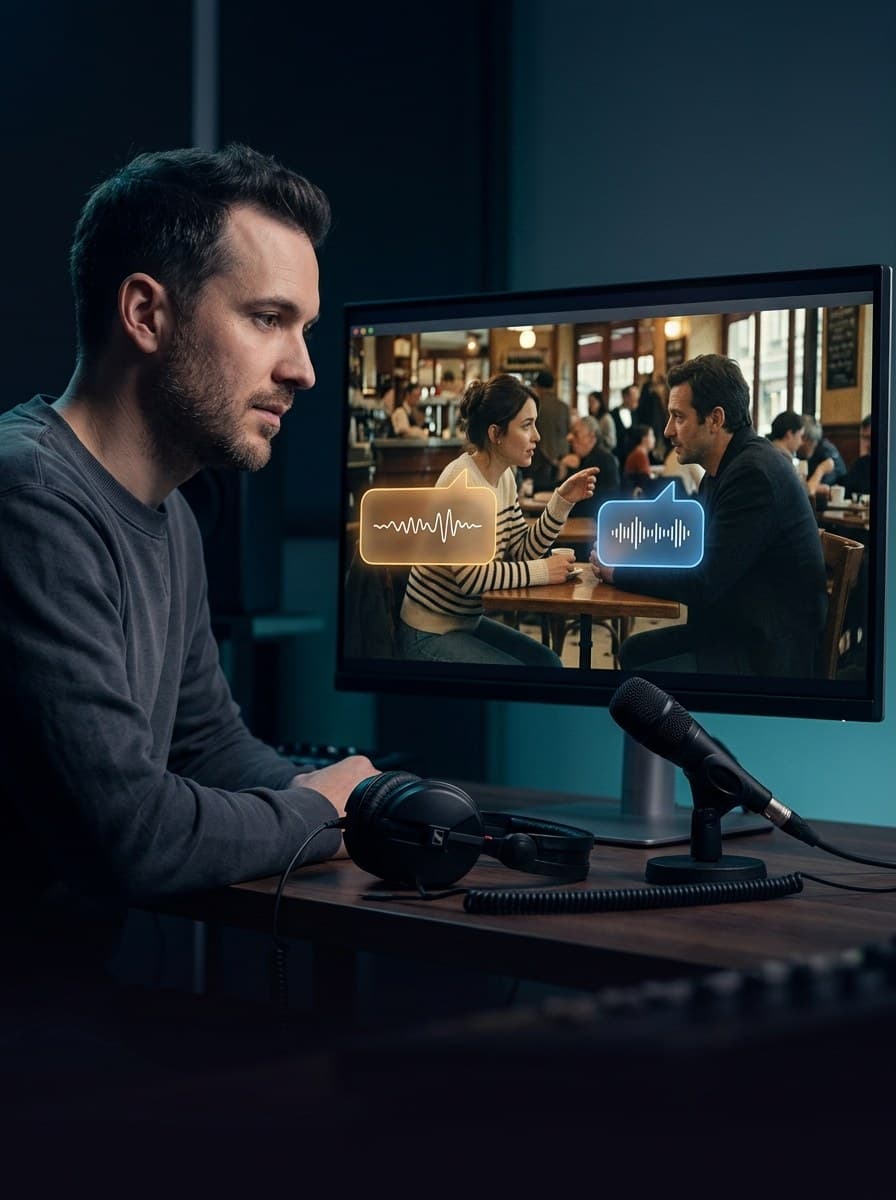 ToolPaid plansDub a videoTranslate the speech in a video and voice it again, one voice per speaker.You bring a clip
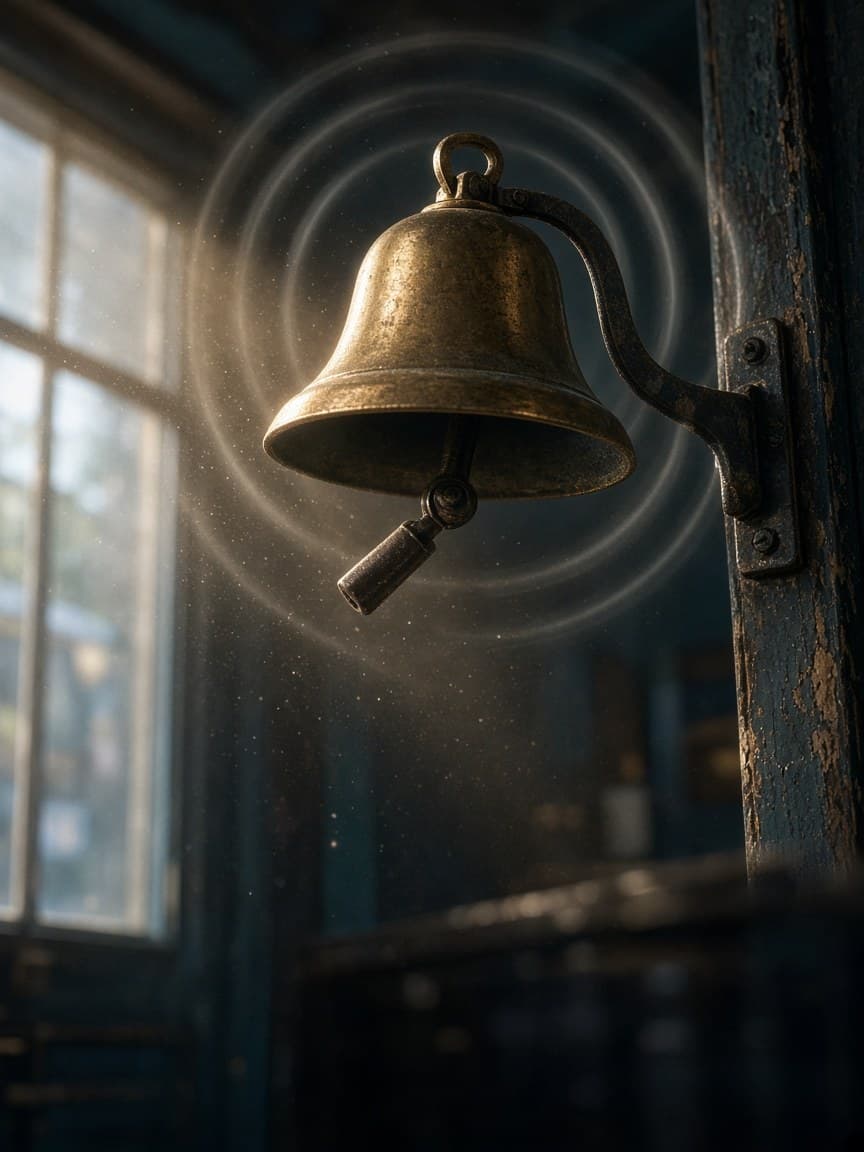 ToolPaid plansAdd sound to a videoSound effects that follow what happens in your clip.You bring a clip
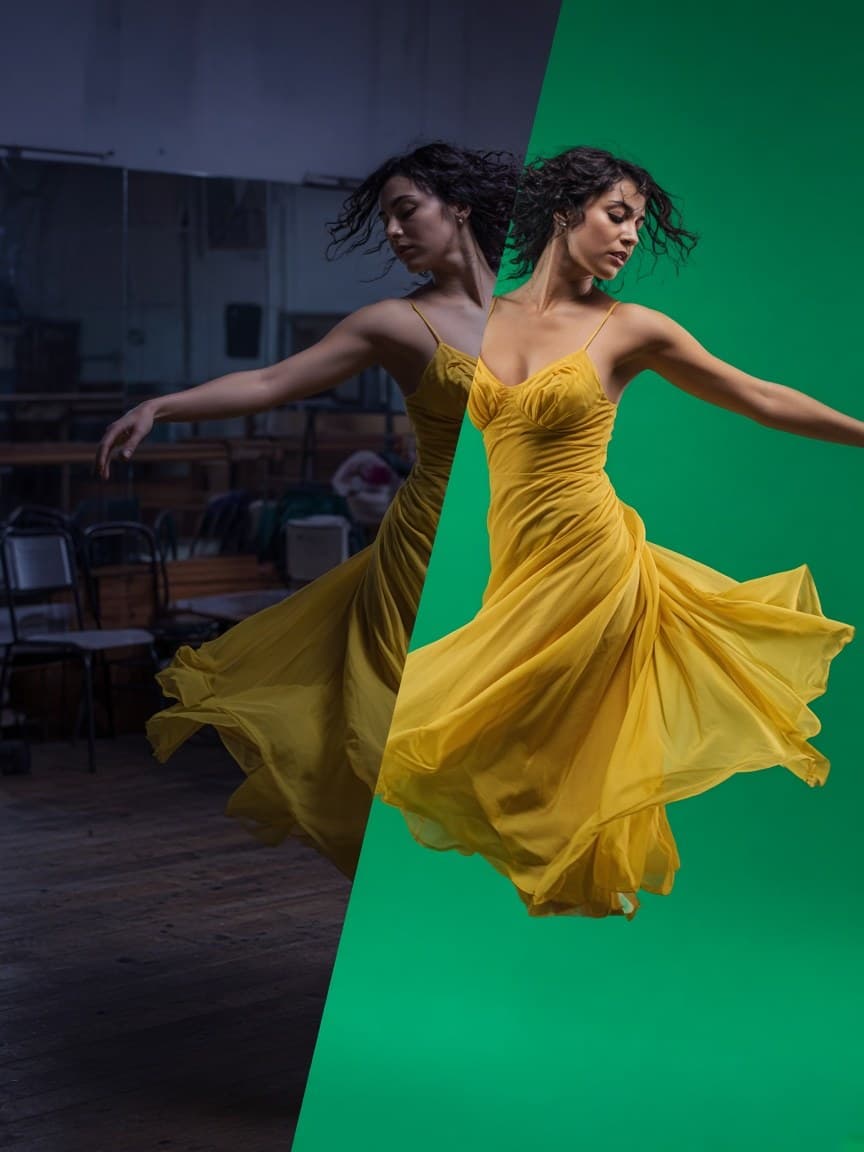 ToolPaid plansRemove a video's backgroundPut the people in your clip on green screen, white, black or any colour.You bring a clip
ToolOpen in the workspace
Restyle a video with AI
Re-render a clip as anime, claymation, watercolour, pixel art and six more looks while its movement, timing and sound stay the same. The result lands as a new take.
A one-step action that runs on an image or clip you already have.
What you bring
- A clip
Available on paid plans.
Video
ToolVideo transitionsJoin two to eight clips with a crossfade, dip or wipe between them.You bring a clipToolColour grade videoGive a clip a film look, or adjust exposure, contrast, saturation, temperature and grain. Added as a new take.You bring a clipToolPaid plansUpscale videoUpscale a clip to 1080p or 4K at 30 fps with AI.You bring a clipToolPaid plansDub a videoTranslate the speech in a video and voice it again, one voice per speaker.You bring a clipToolPaid plansAdd sound to a videoSound effects that follow what happens in your clip.You bring a clipToolPaid plansRemove a video's backgroundPut the people in your clip on green screen, white, black or any colour.You bring a clip