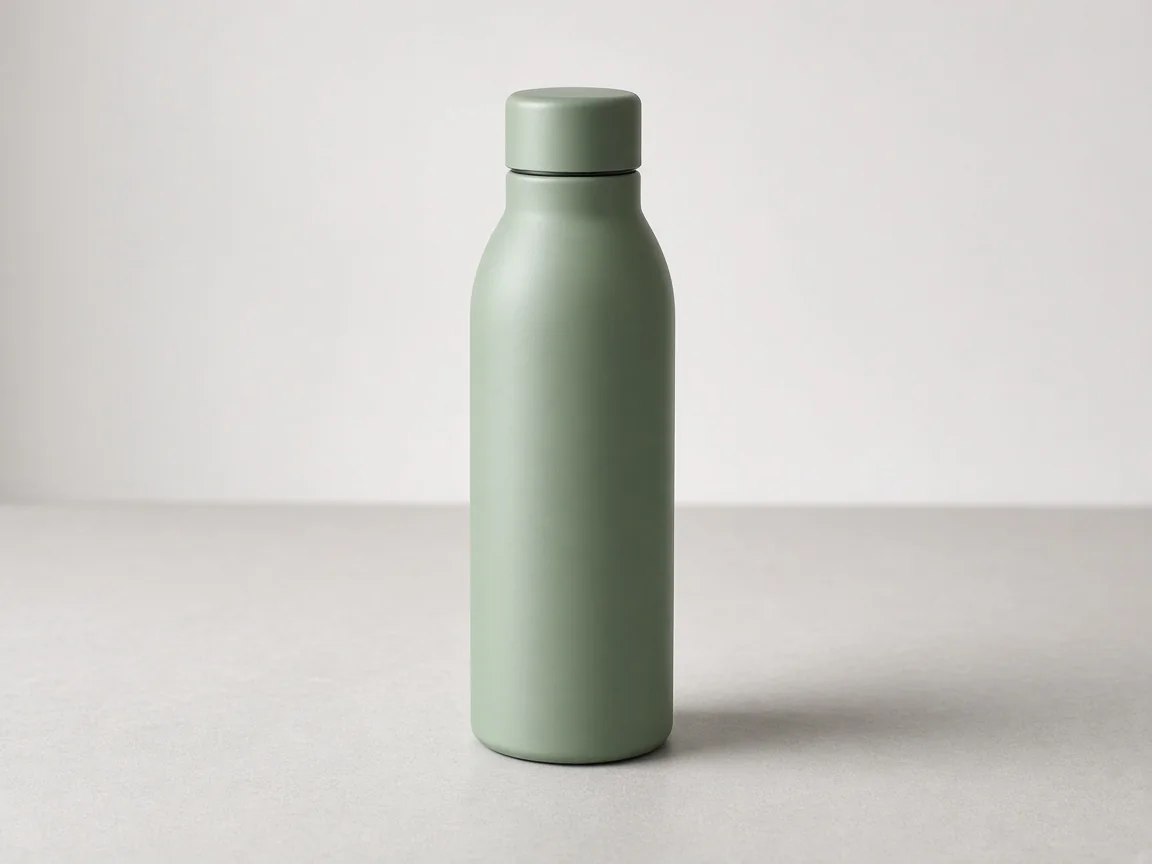
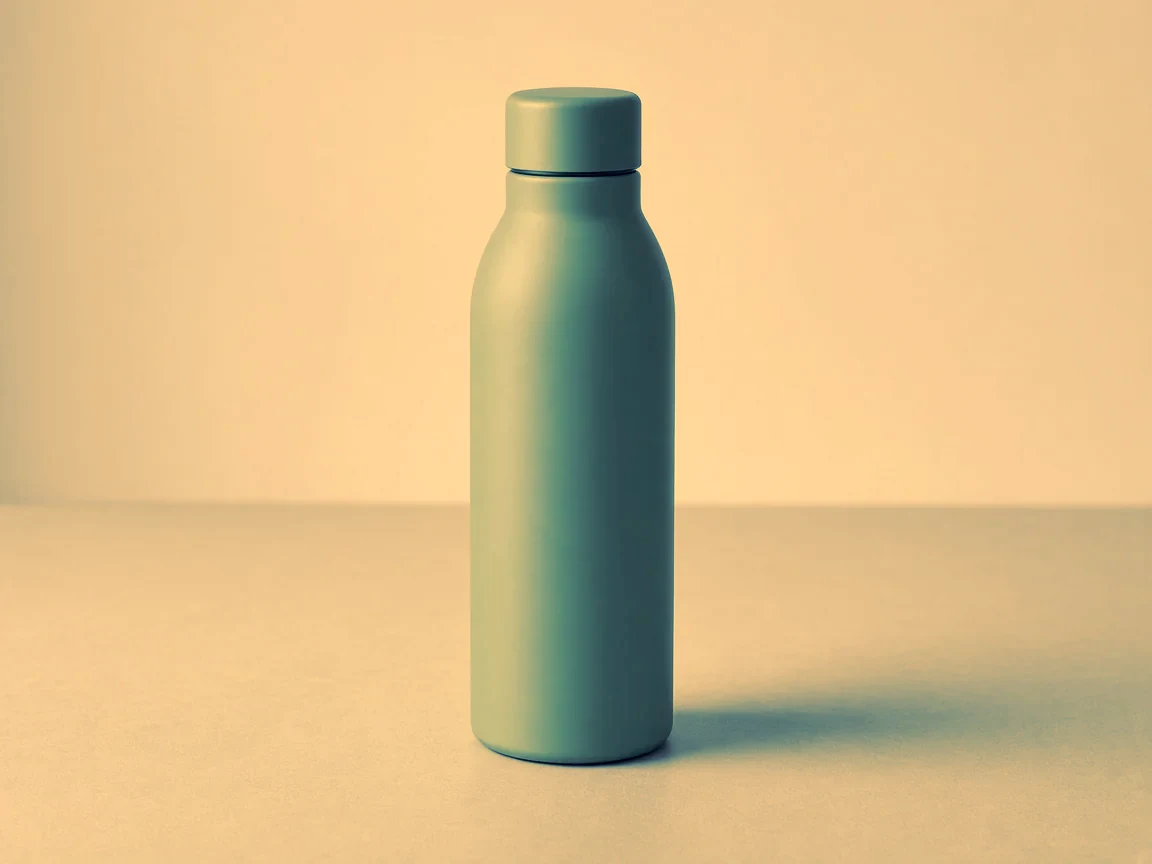
- What was asked
- Recolour an AI-made product picture of a water bottle to a deep teal and sand palette.
- Settings
- Colours #264653, #2a9d8f, #e9c46a, #f4a261; strength 80
- Charged
- No Sparks
Recolour a photo to your brand colours, a saved palette or a moodboard, or type hex colours. Light and shade stay as they are. Free, saved as a new version.
Every example on this page was made in SmileToAI.
What went in and what one run made, side by side.

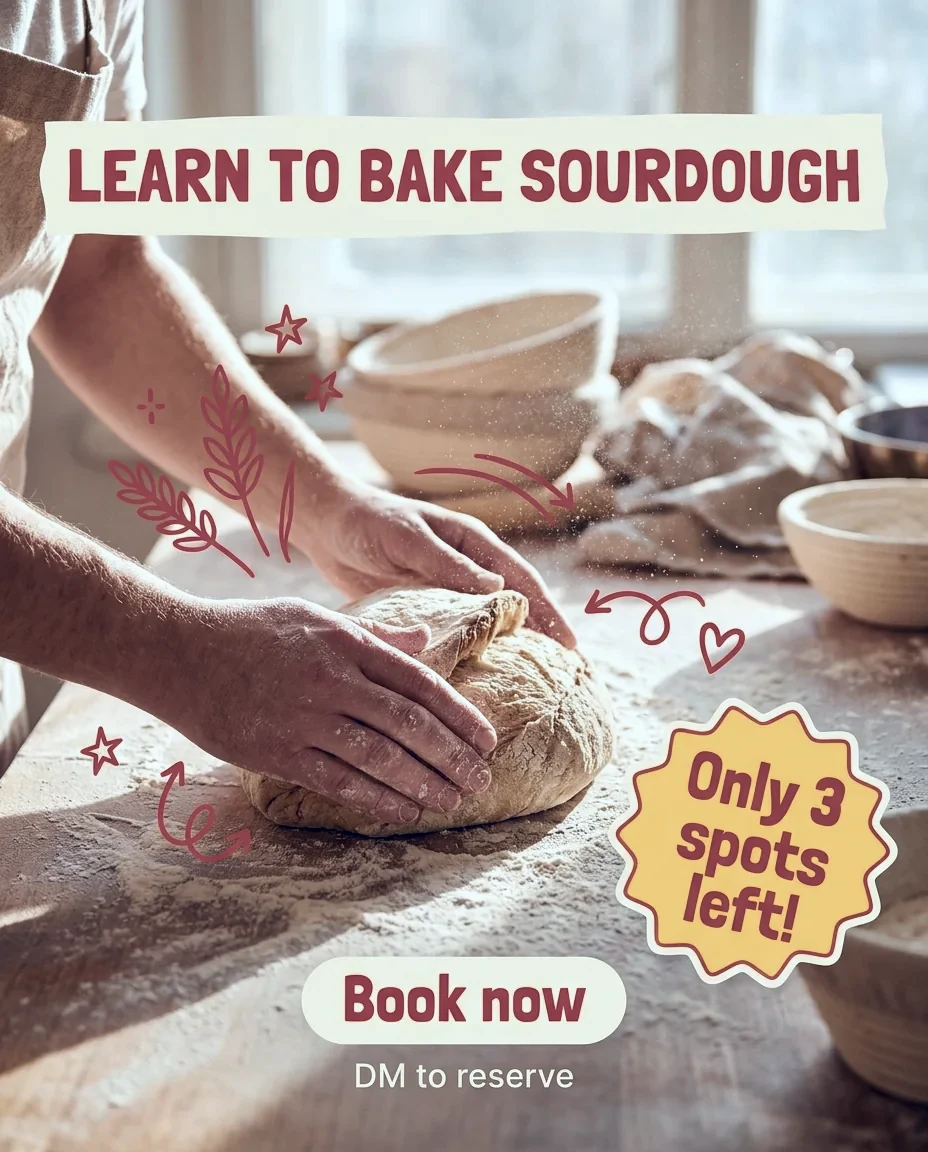
Upload one, or choose one from your Library.
Set what the tool offers, or keep the defaults.
Anything that costs Sparks shows its price before it runs. It is saved as a new version in the picture's conversation, next to the original.
Nothing. It runs without Sparks, on every plan.
Every plan, the Free plan included.
A picture, uploaded or picked from your Library.
A new version of your picture. The original stays as it was.
It is saved as a new version in the picture's conversation, next to the original.
Yes. You own what you make from your inputs and can use it for any purpose, commercial use included. Results may not be unique: similar content can be made for other people. Use only inputs you have the right to use, and check results before you publish them.
A palette you saved in Elements, your brand's colours, the colours of a moodboard, or up to 12 hex colours you type.
No. The colours are moved straight on your picture, with no AI model, so nothing else in it changes and it costs no Sparks.
 ToolPaid plansUpscale imageEnlarge and sharpen an image with AI super-resolution, up to 4096 px.You bring an image
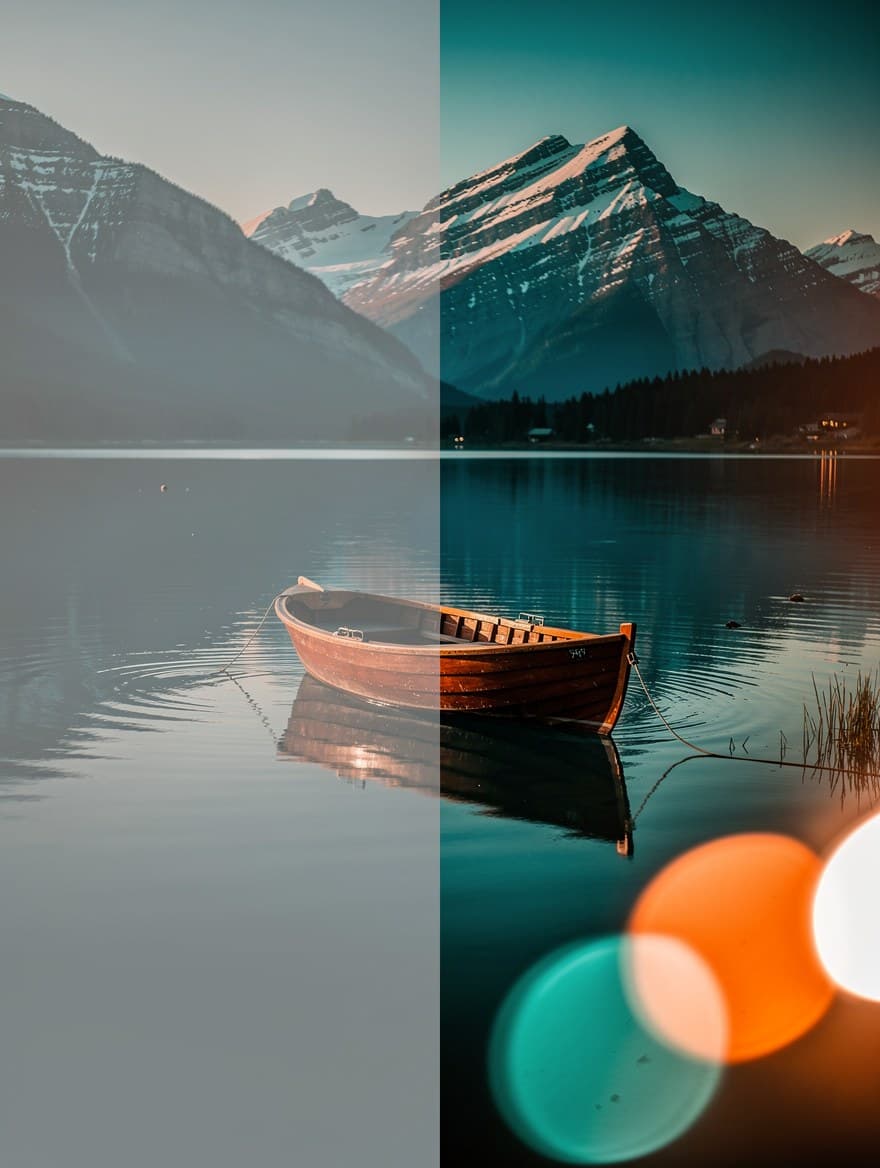 ToolColour gradeAdjust exposure, contrast, saturation, temperature and grain, or pick a preset look.You bring an image
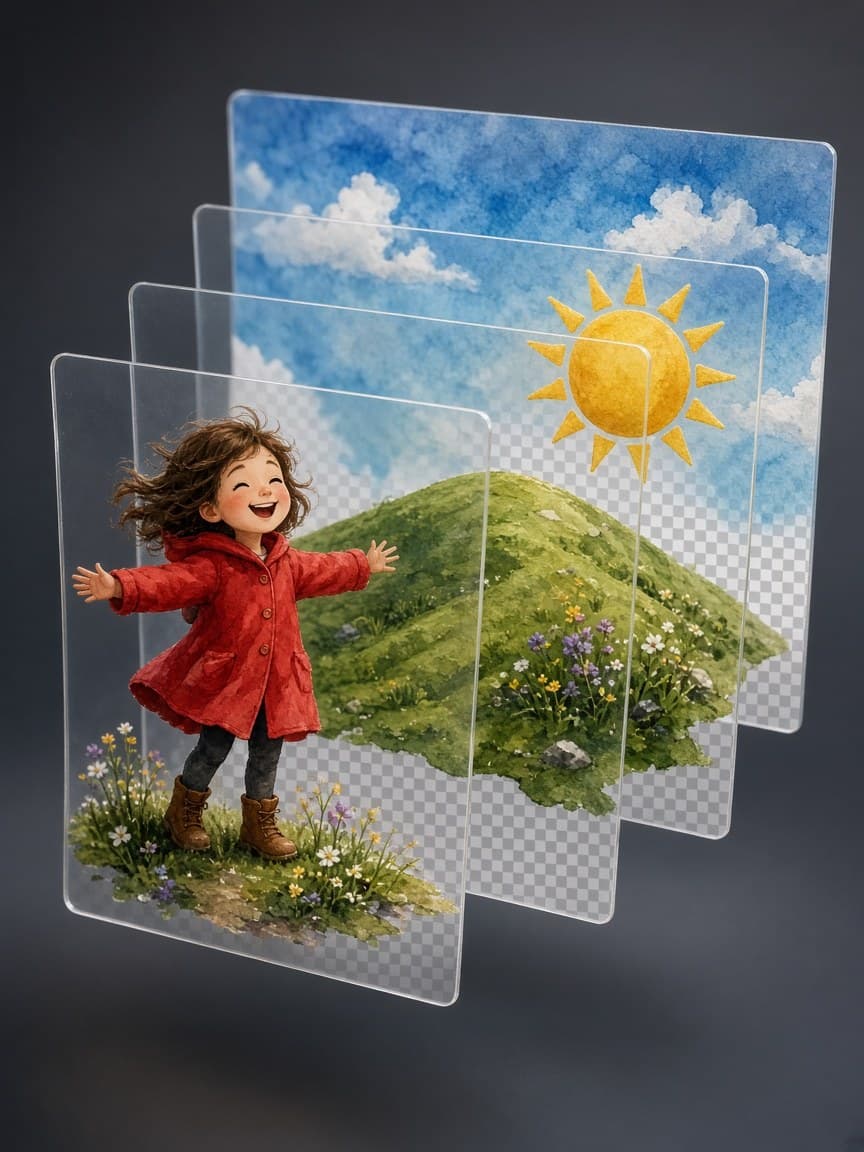 ToolPaid plansSplit an image into layersTurn a flat picture into transparent layers, as a layered PSD or PNGs.You bring an image
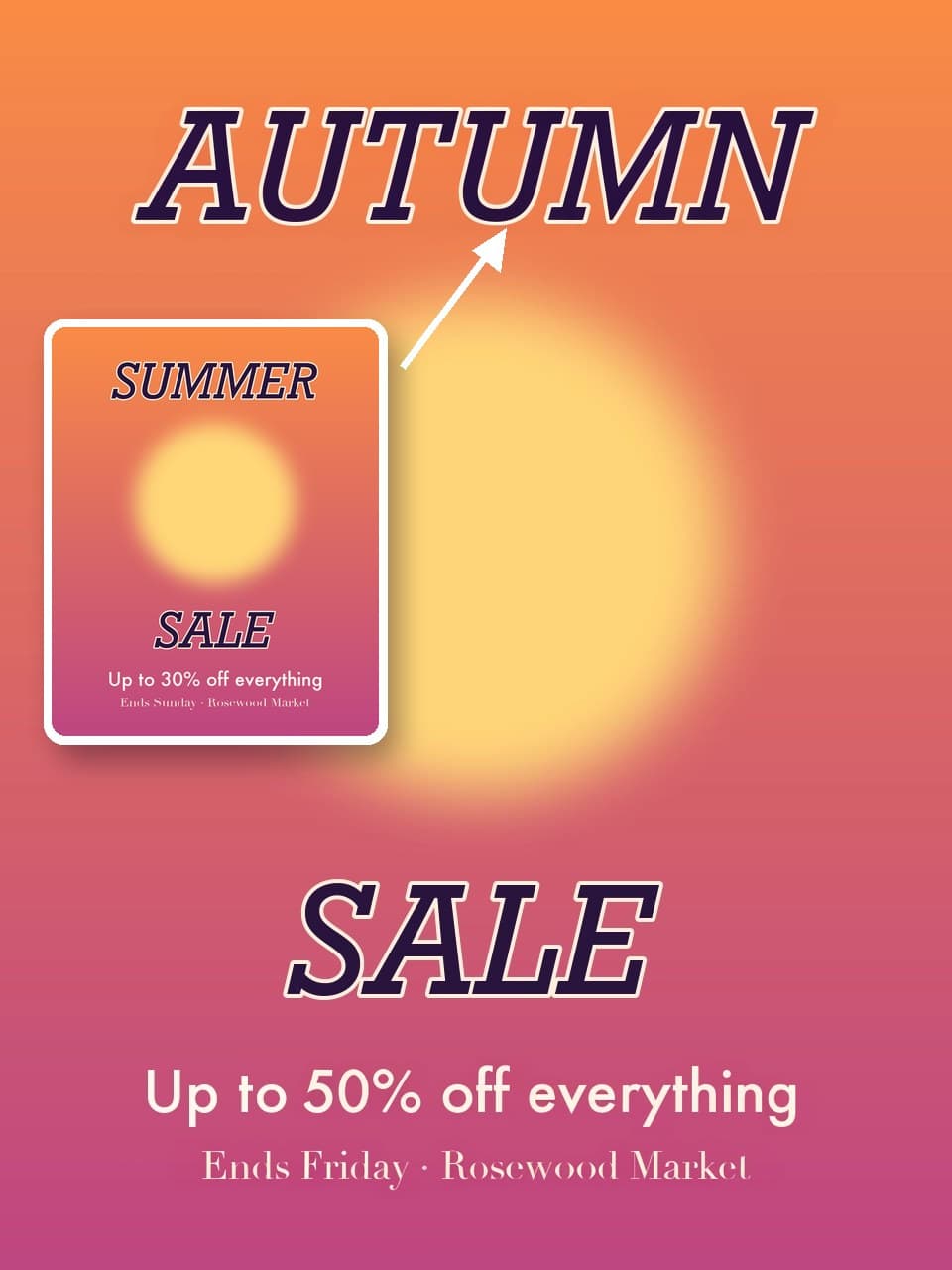 ToolPaid plansEdit text in a pictureRewrite or remove the words on a poster, sign or label. The lettering and the rest of the picture stay as they are.You bring an image
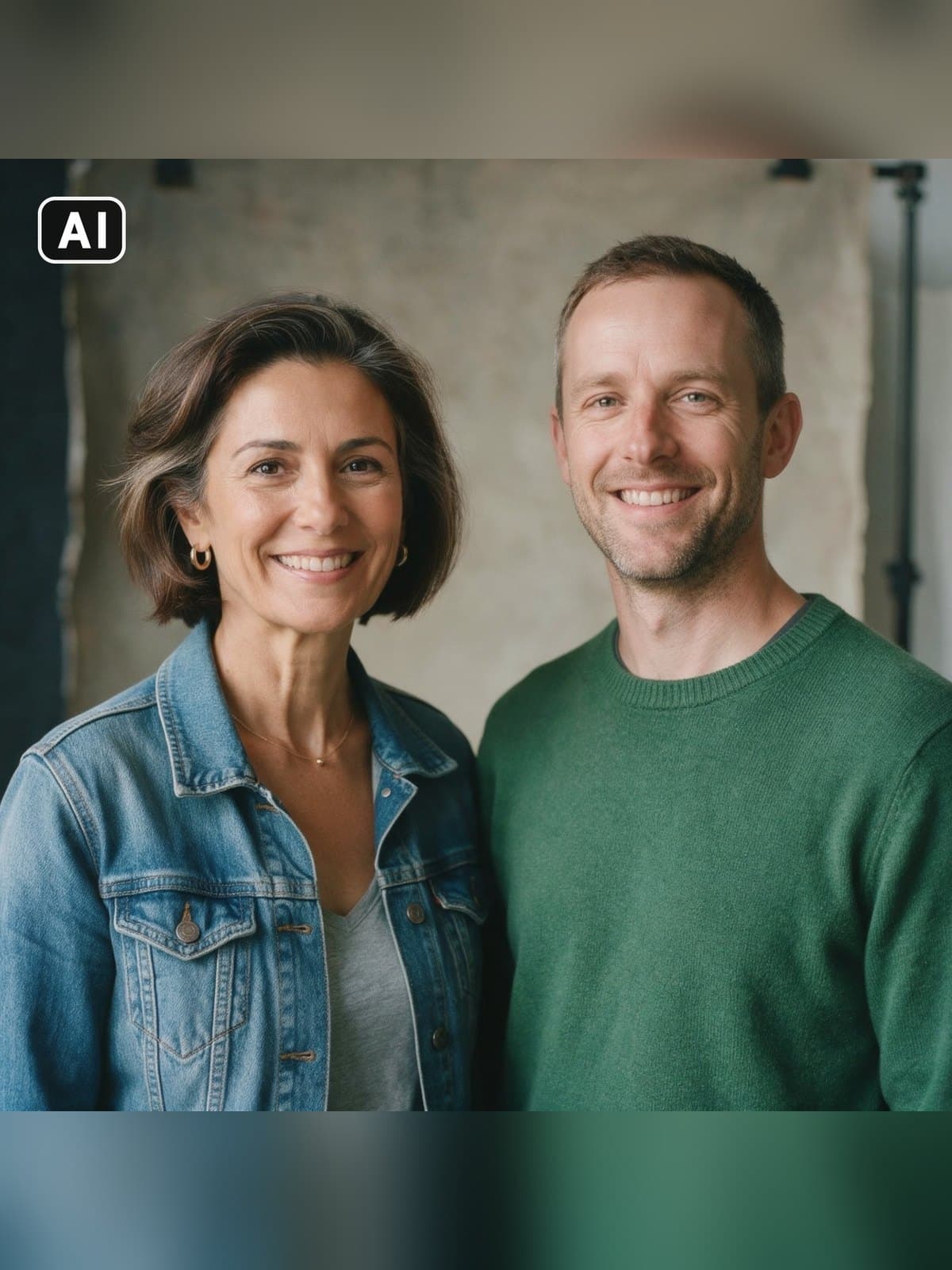 ToolPaid plansSwap a facePut a character's face on one person in a photo. The pose, the light and everyone else stay as they are.You bring an image
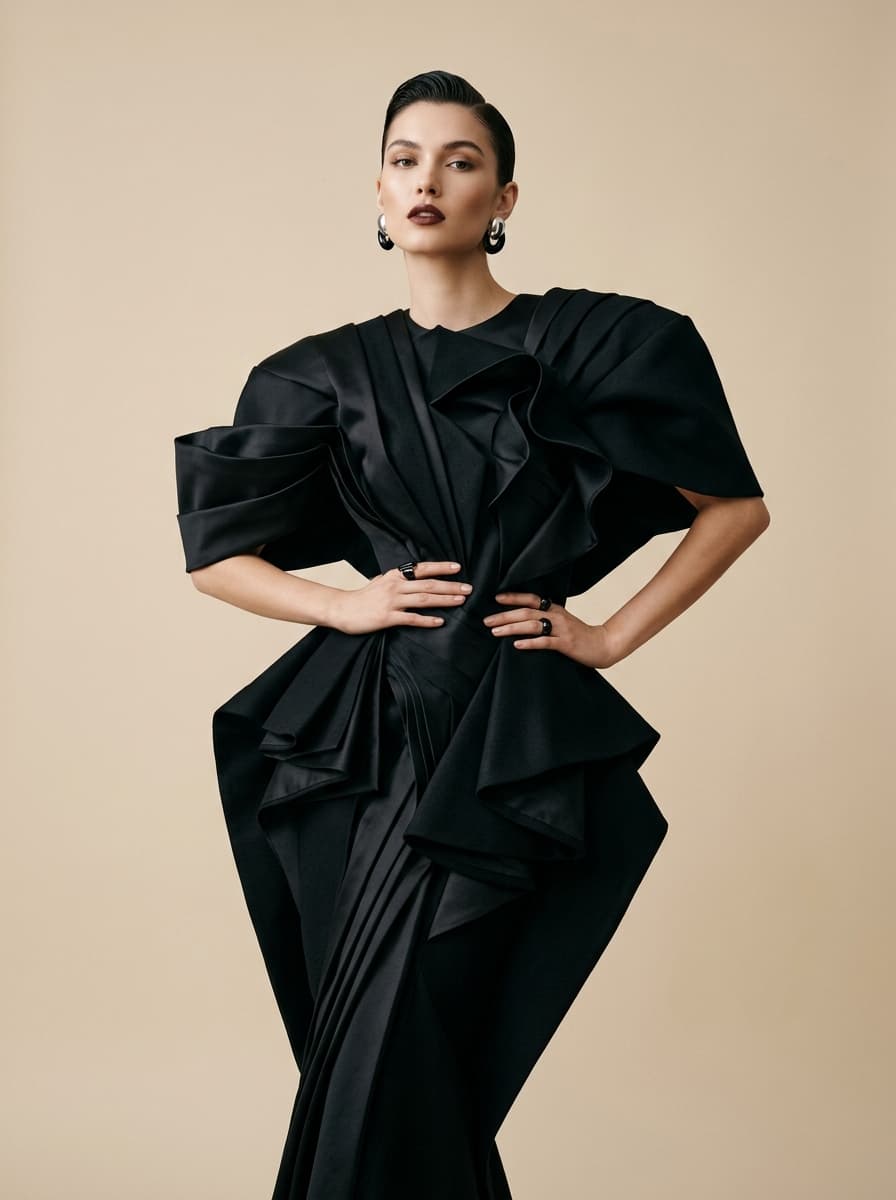 TemplateAI headshotTurn a few selfies into studio-quality professional headshots.You bring an image