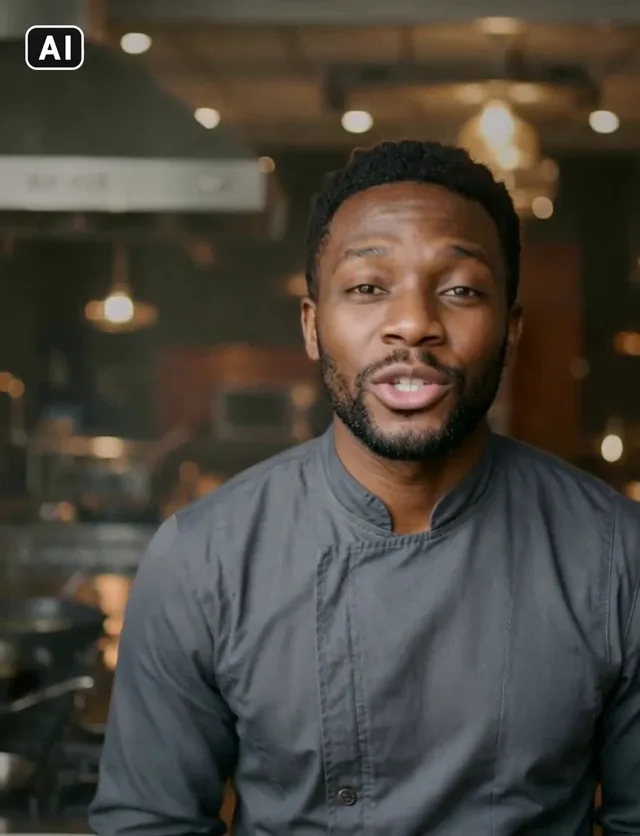
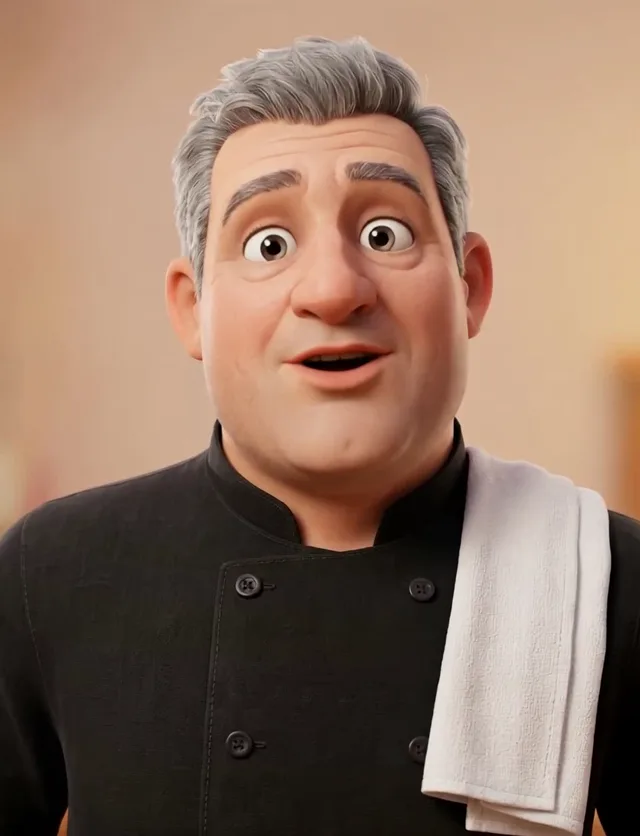
Malcolm · Private chef
“Tonight's special is slow-braised short rib with a red wine glaze and creamy polenta. It's been in the oven since nine this morning.”
10 s clip · 9 s of new speech · lip sync 3,150 Sparks
Give a clip of your character new speech. The mouth is re-timed to every word, so you can change the line, fix a script or speak another language without filming again.
Every video on this page was made in SmileToAI.
Tonight's special is slow-braised short rib with a red wine glaze and creamy polenta. It's been in the oven since nine this morning.
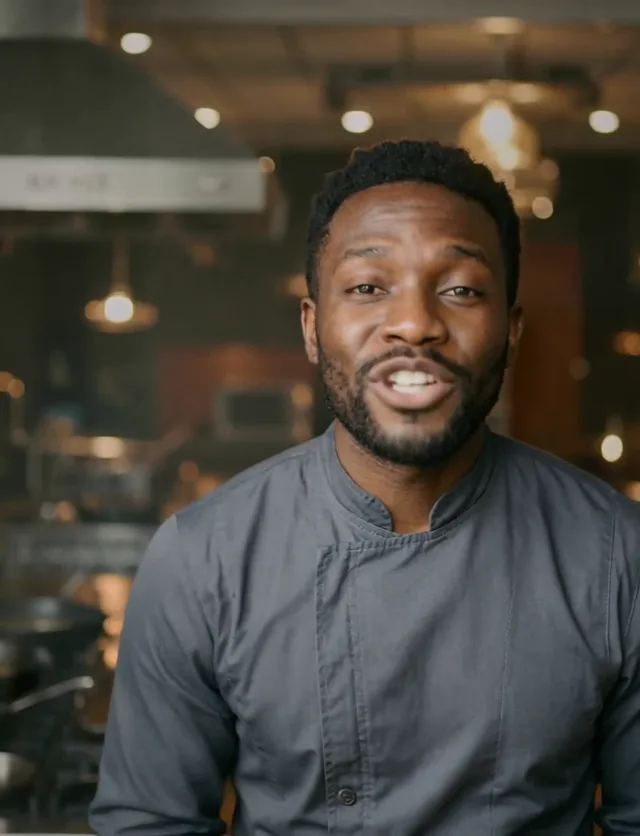
10 s clip · 9 s of new speech · lip sync 3,150 Sparks
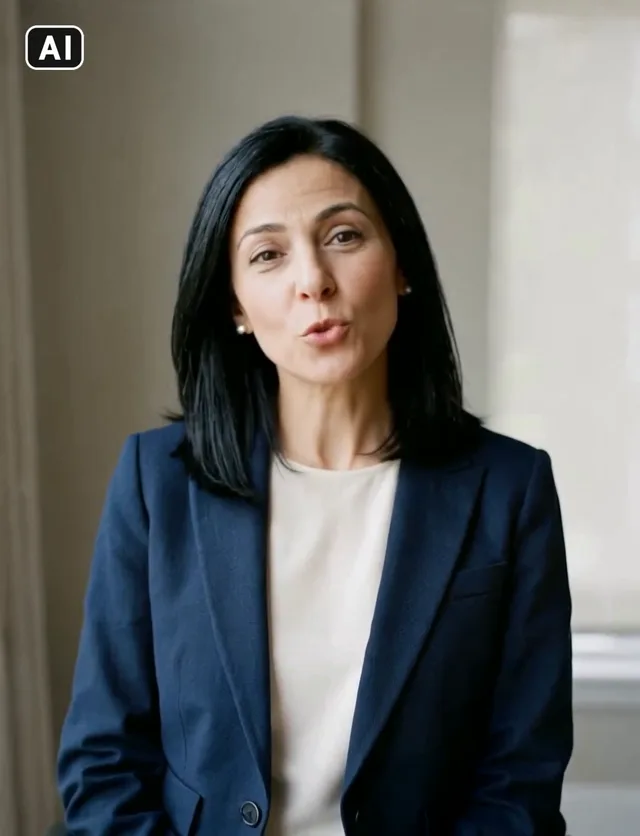
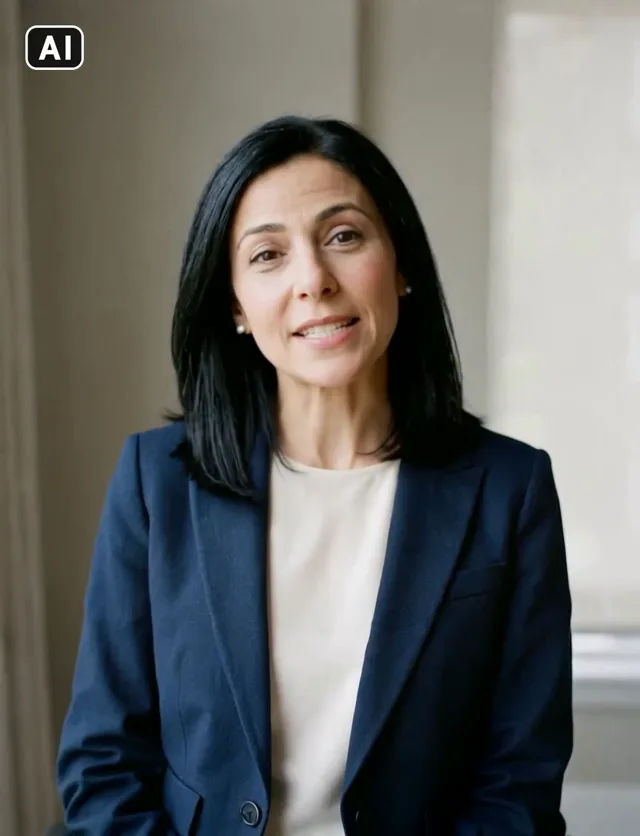
The same ten-second clip, synced once to an English voiceover and once to a German one. Nothing was filmed twice.
Tax season doesn't have to be stressful. Send us your receipts by the fifteenth, and we'll handle the rest.
English7 s of speech · 2,450 Sparks
Die Steuersaison muss kein Stress sein. Schicken Sie uns Ihre Belege bis zum Fünfzehnten, und wir erledigen den Rest.
Deutsch7 s of speech · 2,450 Sparks
Each clip was made in the video studio from a ready-made character, then given a new line. Tap a pair to choose it for the player above.
“Tonight's special is slow-braised short rib with a red wine glaze and creamy polenta. It's been in the oven since nine this morning.”
10 s clip · 9 s of new speech · lip sync 3,150 Sparks
“Tax season doesn't have to be stressful. Send us your receipts by the fifteenth, and we'll handle the rest.”
10 s clip · 7 s of new speech · lip sync 2,450 Sparks
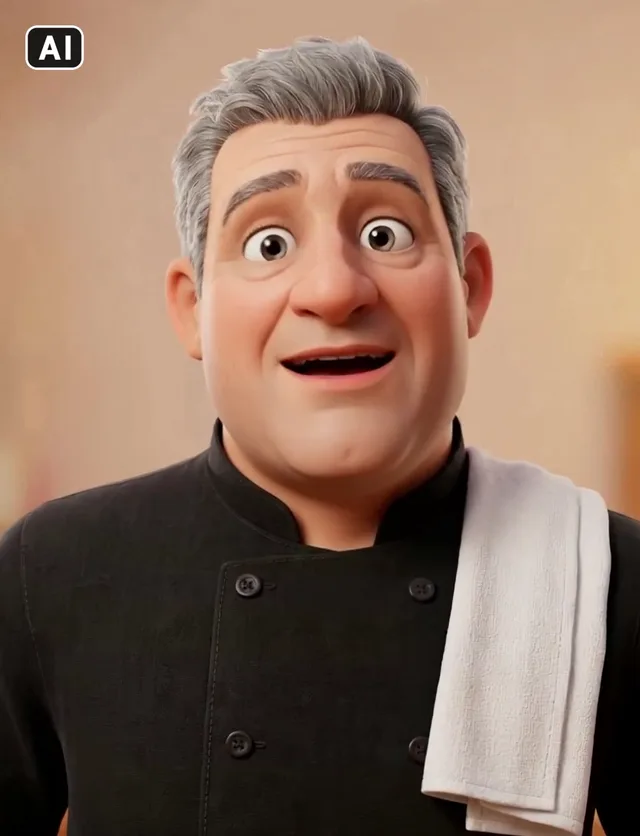
“Pizza night is back! Fresh dough, our own tomato sauce, and as much cheese as you dare. Every Friday from six.”
10 s clip · 8 s of new speech · lip sync 2,800 Sparks
A ready-made one, one you generate in Elements, or you with your consent recorded on camera.
A clip of that character, up to two minutes, and up to 60 seconds of speech from Voice Studio, a recording or an upload.
The price shows first. The synced clip lands in your Library, next to the original.
Lip sync checks the clip before anything is charged, and marks every result as AI.
The clip is compared with your character’s photos before the run. A clip of someone else is refused.
A clip that also shows another person is refused, so only your character’s mouth is changed.
Every synced clip carries a small AI mark and signed content credentials.
Use a character made by AI, or yourself after you record your consent on camera.
You pay for the seconds of new speech, not the length of the clip. Face tools are part of paid plans.
See plans and SparksIt re-times the mouth in a clip of your character to new speech, so the clip says the new words. The rest of the take stays as it was.
A clip of your character alone, up to two minutes, in mp4, mov or webm. A clip that shows anyone else is refused before anything is charged.
Yes. Give it speech in any language and the mouth follows those words, as in the English and German clips of Nadia above.
The clip is extended to fit the speech, and the run sheet tells you by how many seconds before you run it.
350 Sparks a second of new speech, shown before you run it. Face tools are part of paid plans.
Make one in AI Video Creator from the character’s photo, as these examples were, or use a recording of yourself after you record your consent.
 ToolVideo transitionsJoin two to eight clips with a crossfade, dip or wipe between them.You bring a clip
 ToolColour grade videoGive a clip a film look, or adjust exposure, contrast, saturation, temperature and grain. Added as a new take.You bring a clip
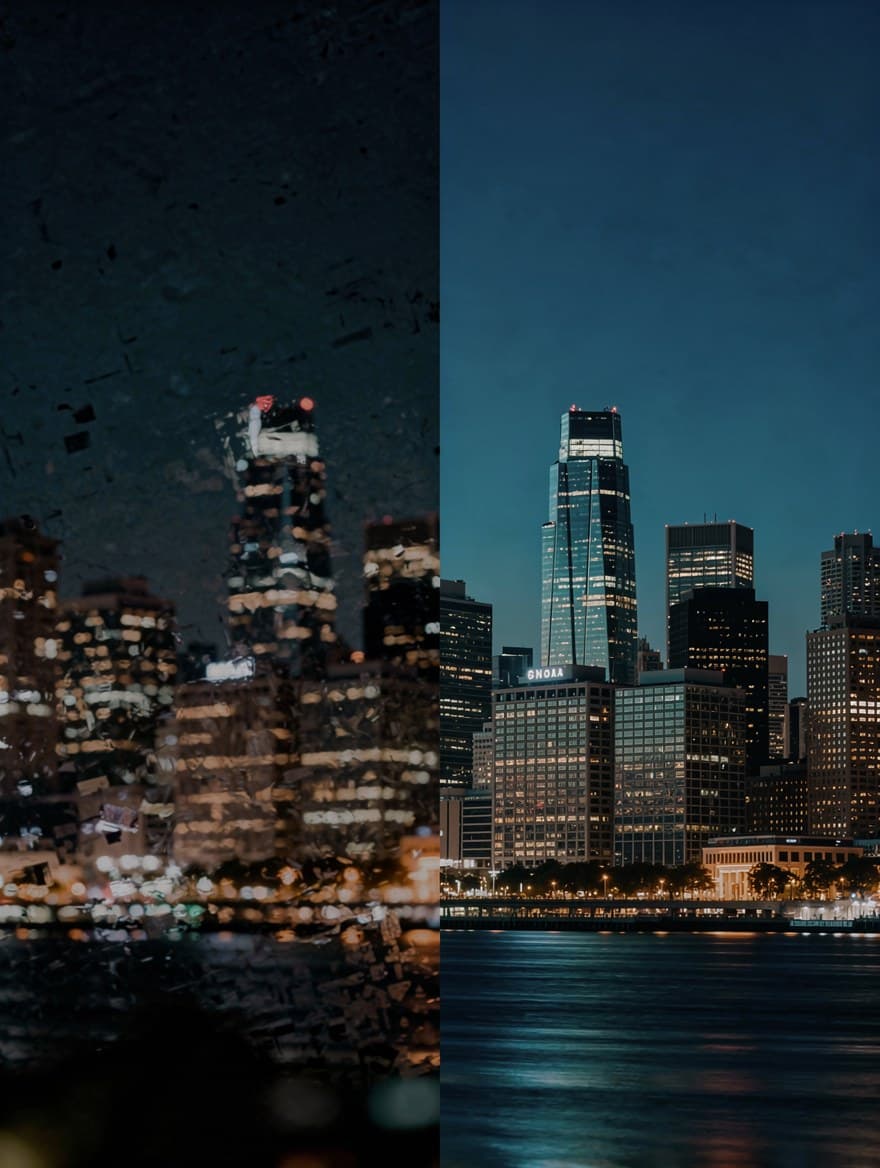 ToolPaid plansUpscale videoUpscale a clip to 1080p or 4K at 30 fps with AI.You bring a clip
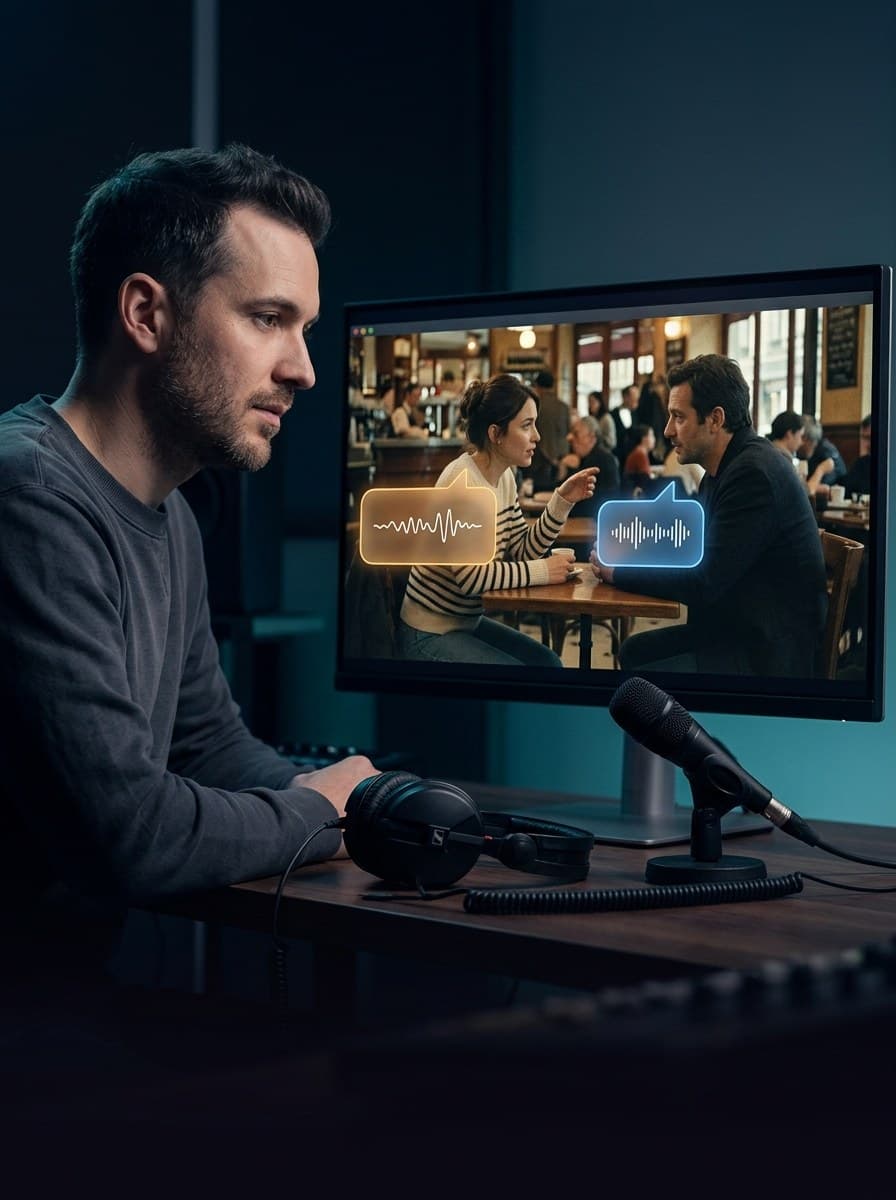 ToolPaid plansDub a videoTranslate the speech in a video and voice it again, one voice per speaker.You bring a clip
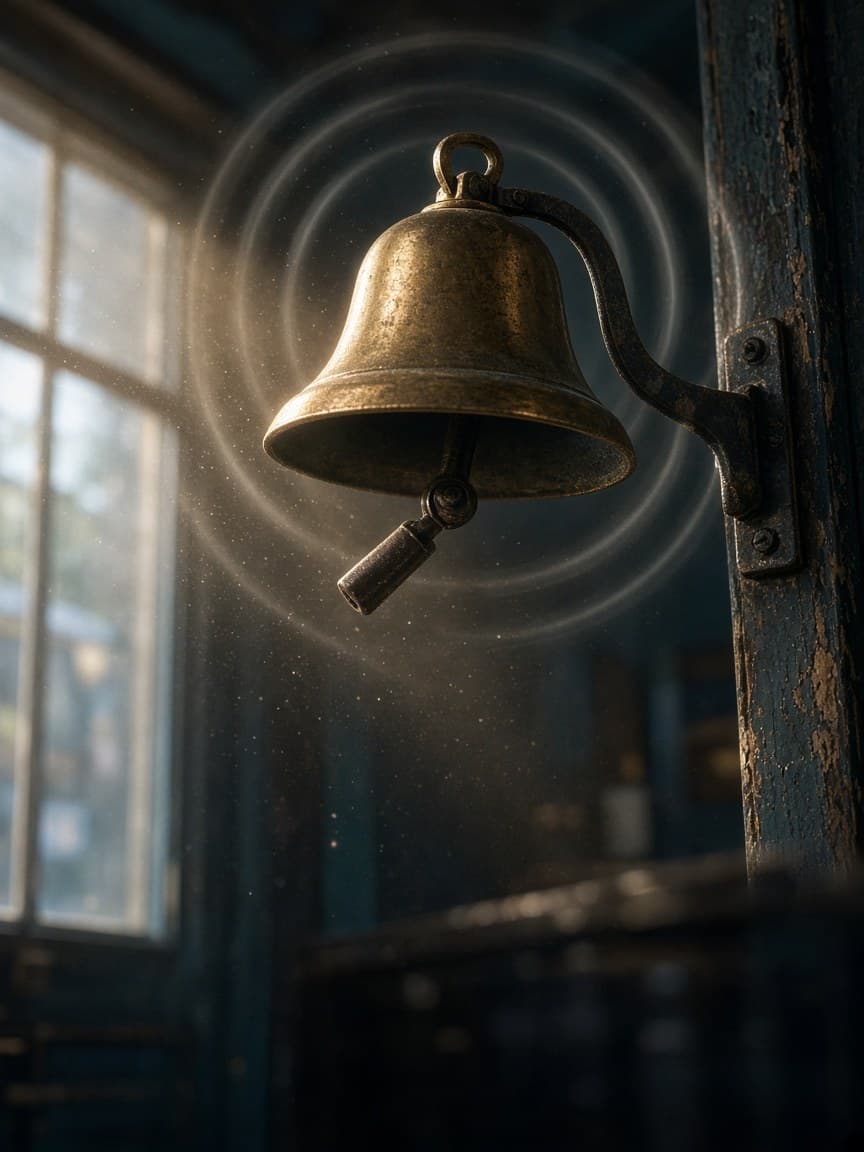 ToolPaid plansAdd sound to a videoSound effects that follow what happens in your clip.You bring a clip
 ToolPaid plansRestyle a videoTurn a clip into anime, claymation, watercolour and more.You bring a clip