All apps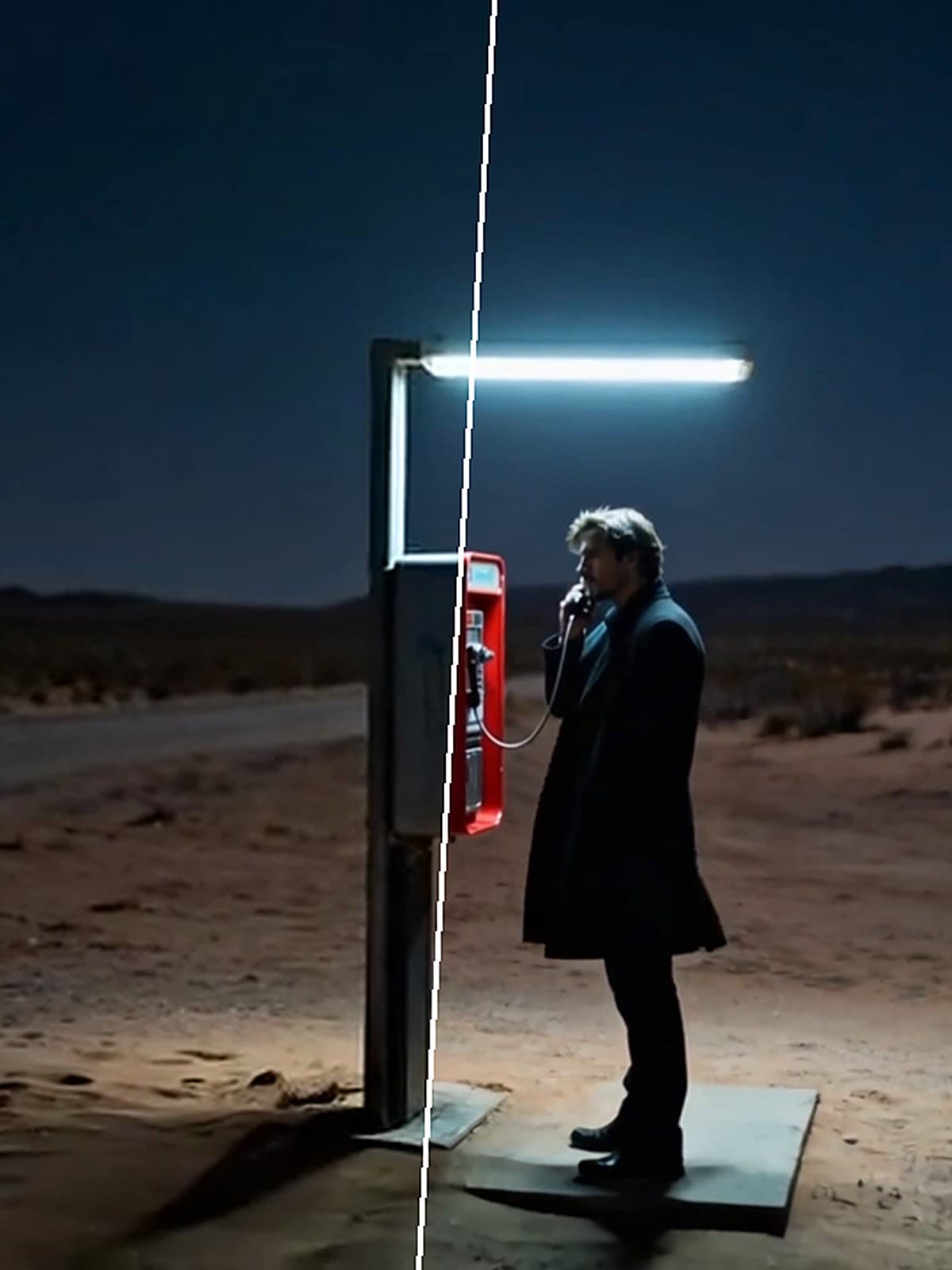
 ToolVideo transitionsJoin two to eight clips with a crossfade, dip or wipe between them.You bring a clip
 ToolColour grade videoGive a clip a film look, or adjust exposure, contrast, saturation, temperature and grain. Added as a new take.You bring a clip
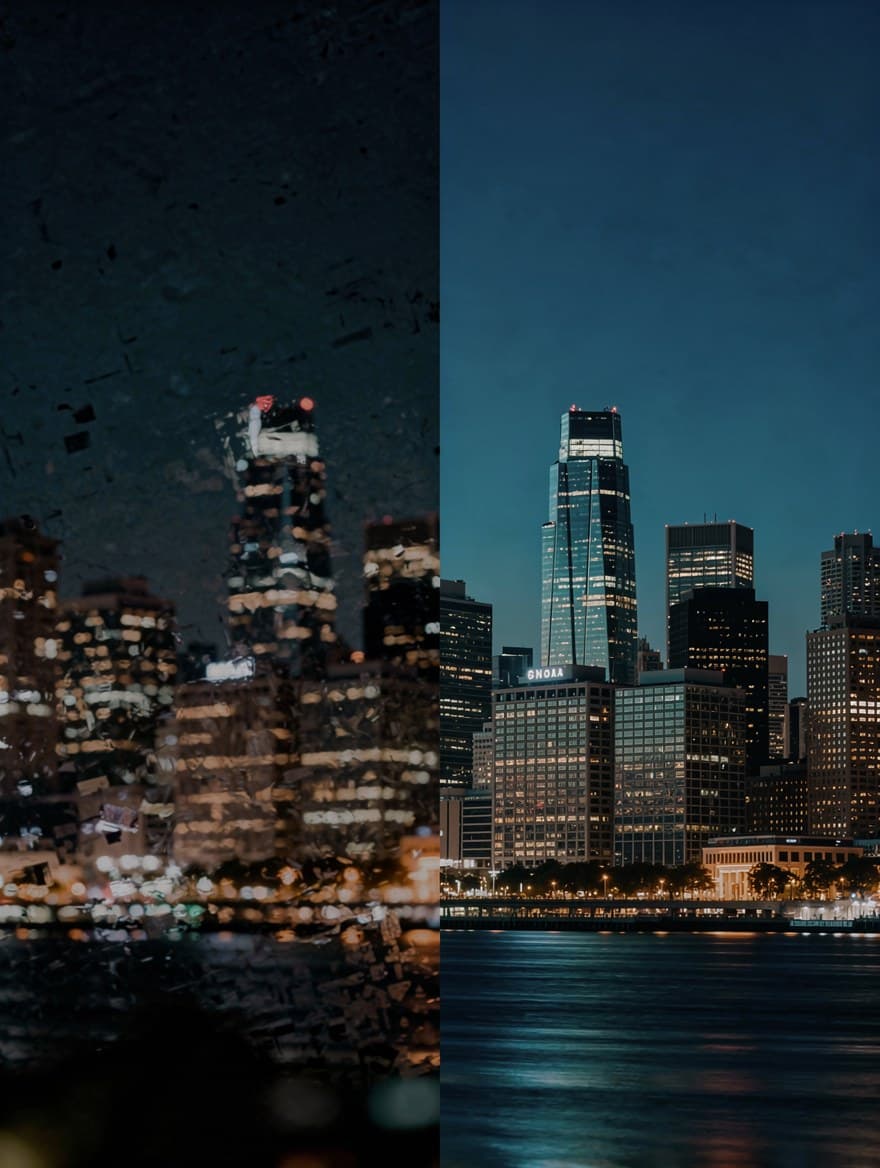 ToolPaid plansUpscale videoUpscale a clip to 1080p or 4K at 30 fps with AI.You bring a clip
 ToolPaid plansDub a videoTranslate the speech in a video and voice it again, one voice per speaker.You bring a clip
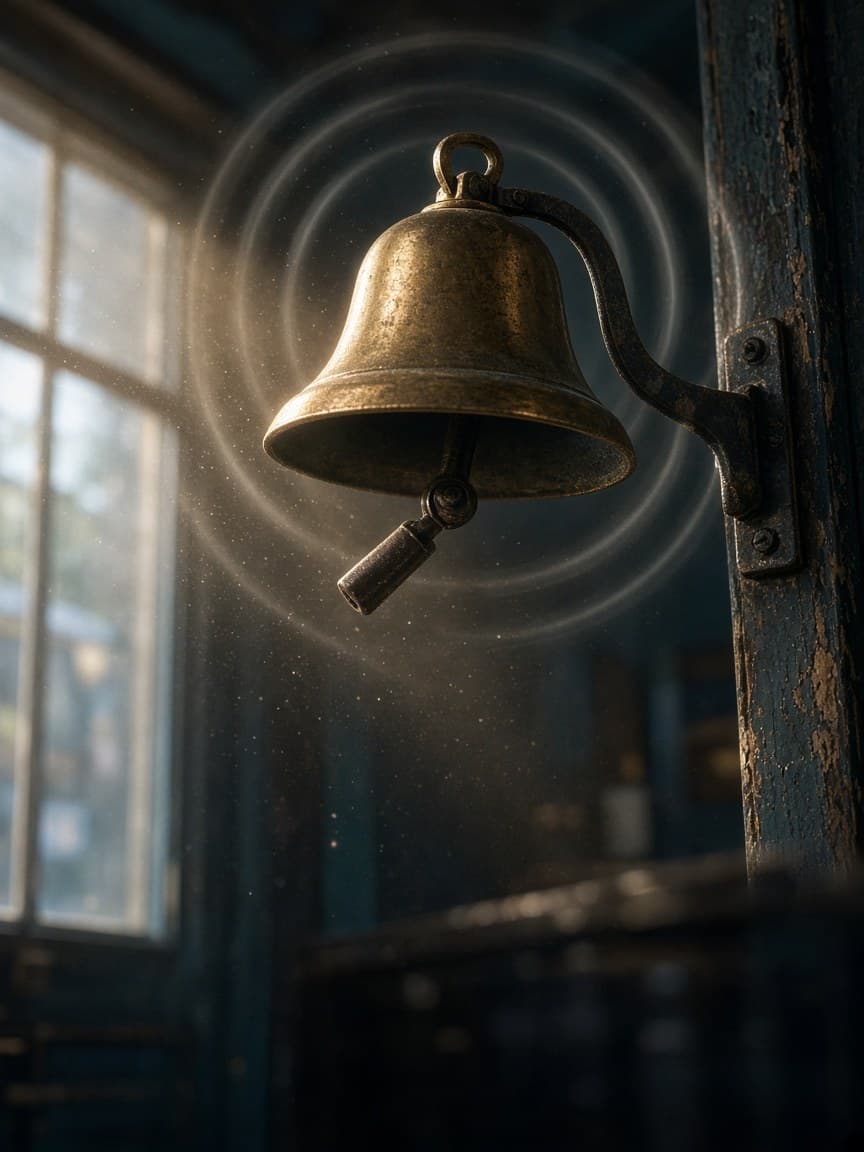 ToolPaid plansAdd sound to a videoSound effects that follow what happens in your clip.You bring a clip
 ToolPaid plansRestyle a videoTurn a clip into anime, claymation, watercolour and more.You bring a clip
ToolOpen in the workspace
Edit one part of a video with AI
Paint over an object on one frame, describe the change and check the edited frame. AI then carries the change through the whole clip, keeping the people, movement and sound. The result lands as a new take.
A one-step action that runs on an image or clip you already have.
What you bring
- A clip
Available on paid plans.
Video
ToolVideo transitionsJoin two to eight clips with a crossfade, dip or wipe between them.You bring a clipToolColour grade videoGive a clip a film look, or adjust exposure, contrast, saturation, temperature and grain. Added as a new take.You bring a clipToolPaid plansUpscale videoUpscale a clip to 1080p or 4K at 30 fps with AI.You bring a clipToolPaid plansDub a videoTranslate the speech in a video and voice it again, one voice per speaker.You bring a clipToolPaid plansAdd sound to a videoSound effects that follow what happens in your clip.You bring a clipToolPaid plansRestyle a videoTurn a clip into anime, claymation, watercolour and more.You bring a clip