Blog
Guides and ideas for AI creators
Practical how-tos, honest comparisons and plain-language explainers — across text, image, video and audio AI.
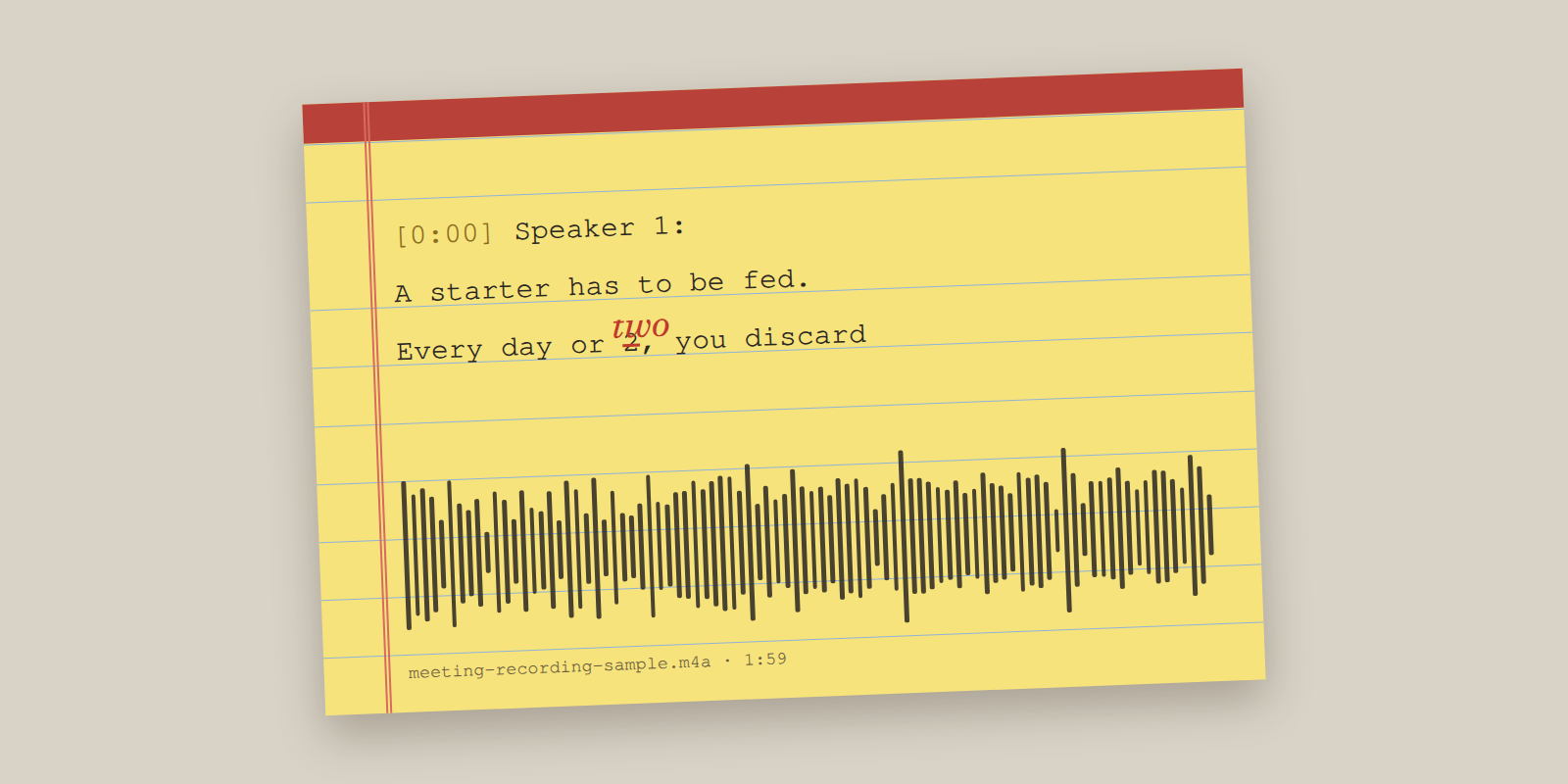
How to Transcribe a Zoom Recording (Any Zoom Plan)
Transcribe a Zoom recording on any plan: find the audio M4A Zoom saved, upload it, fix misheard words, and download the transcript as TXT, SRT or VTT.

SmileToAI Team · November 24, 2026
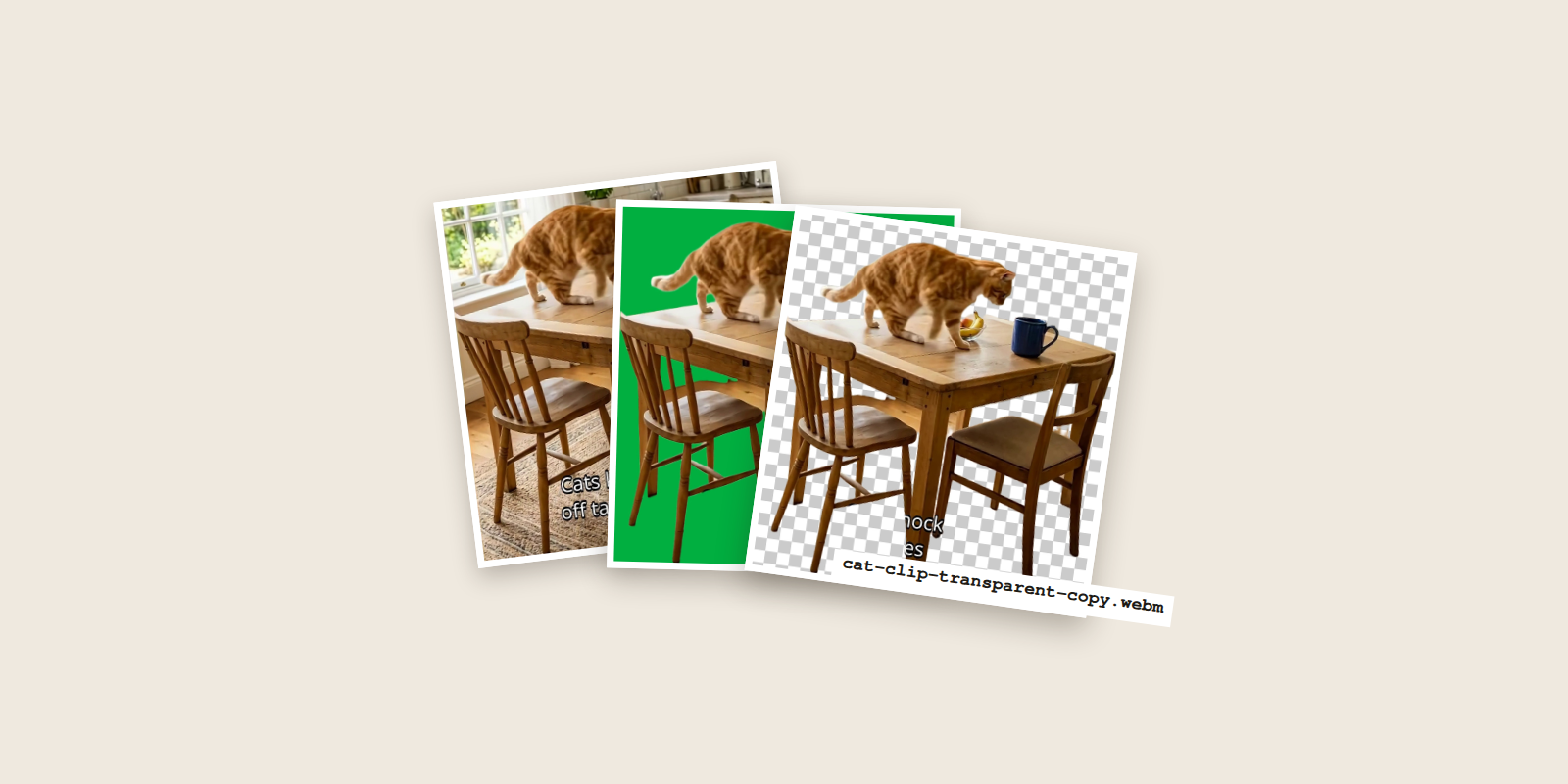
How to Remove Background From Video: Green or Transparent
We removed the background from a 6-second clip in SmileToAI: a green-screen MP4 plus a transparent WebM in about 40 seconds, for 1,500 Sparks. Steps and limits.
SmileToAI Team · November 23, 2026
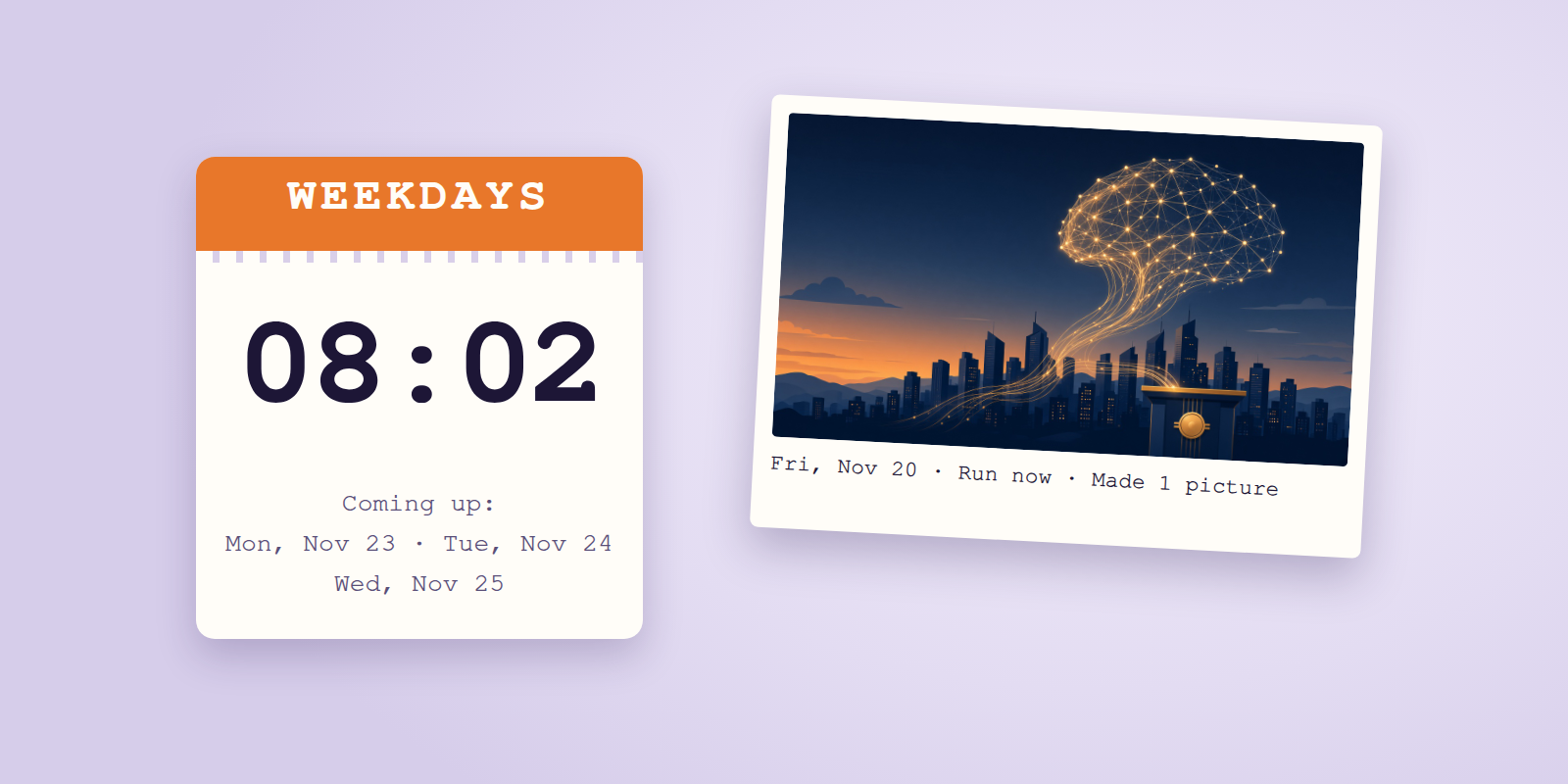
ChatGPT Scheduled Tasks: Limits, Setup, and Our Alternative
ChatGPT scheduled tasks per OpenAI: 3 to 15 active tasks by plan and how to set one up, plus our test of a weekday news brief that makes its own picture.
SmileToAI Team · November 20, 2026
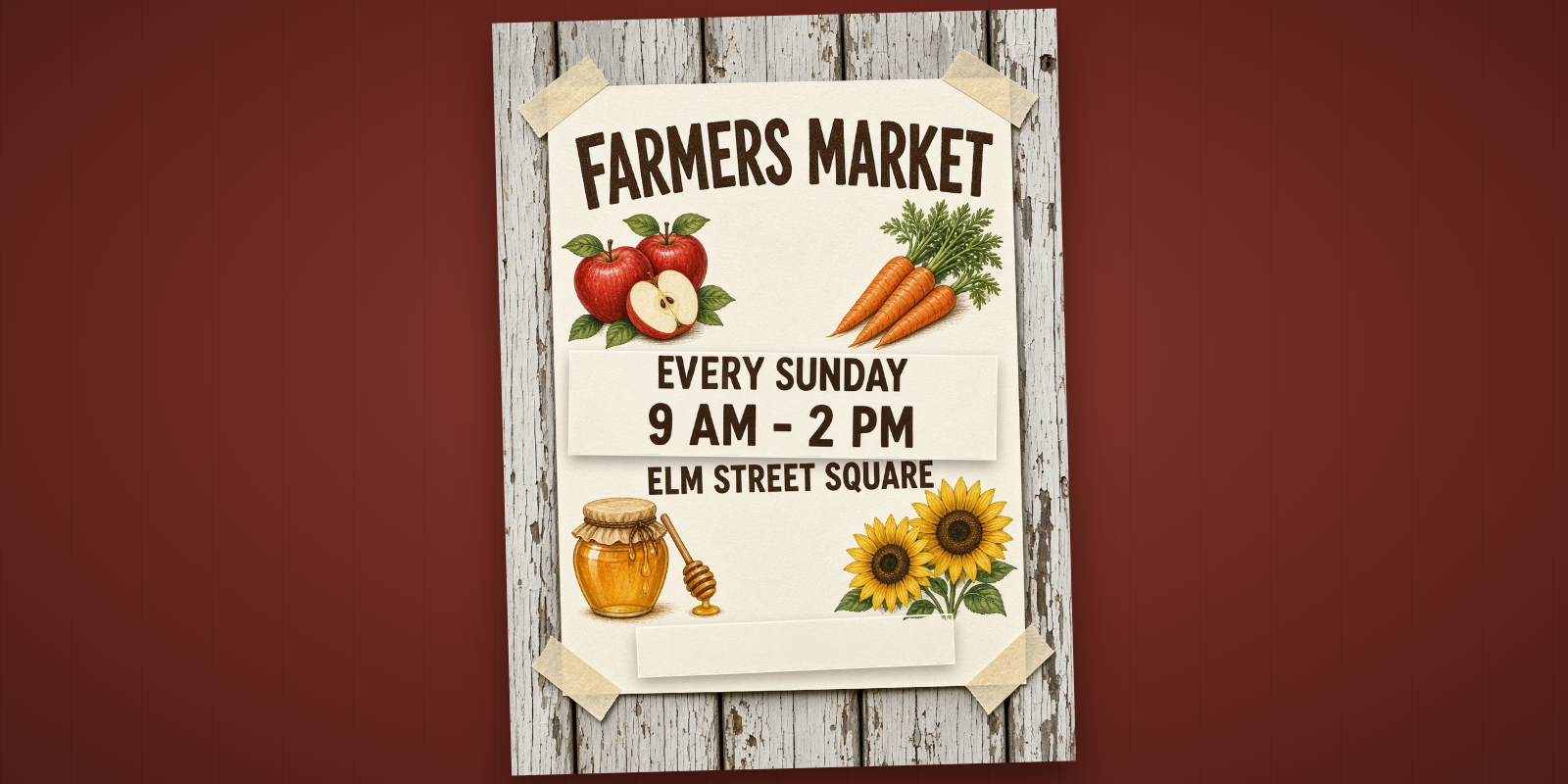
How to Change or Remove Text in an Image and Keep the Font
Remove or change the words on a poster, sign or photo and keep the lettering. Our real run: one line erased and two rewritten in 22 seconds for 300 Sparks.
SmileToAI Team · November 15, 2026
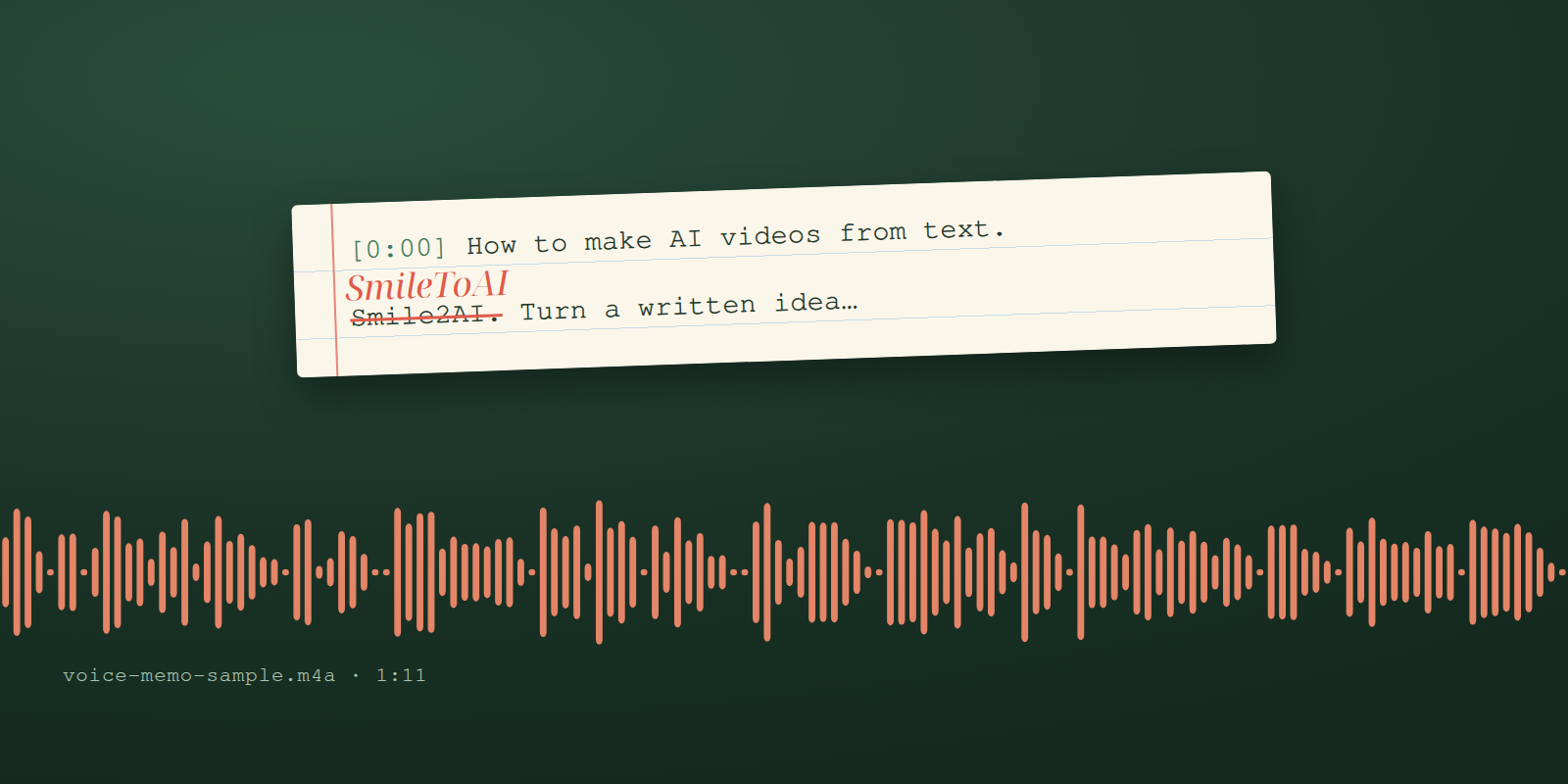
How to Transcribe a Voice Memo (M4A) to Text
How to transcribe a voice memo or any M4A file to text: use the iPhone's own transcript, or upload the M4A, fix names, and download TXT, SRT or VTT.
SmileToAI Team · November 14, 2026
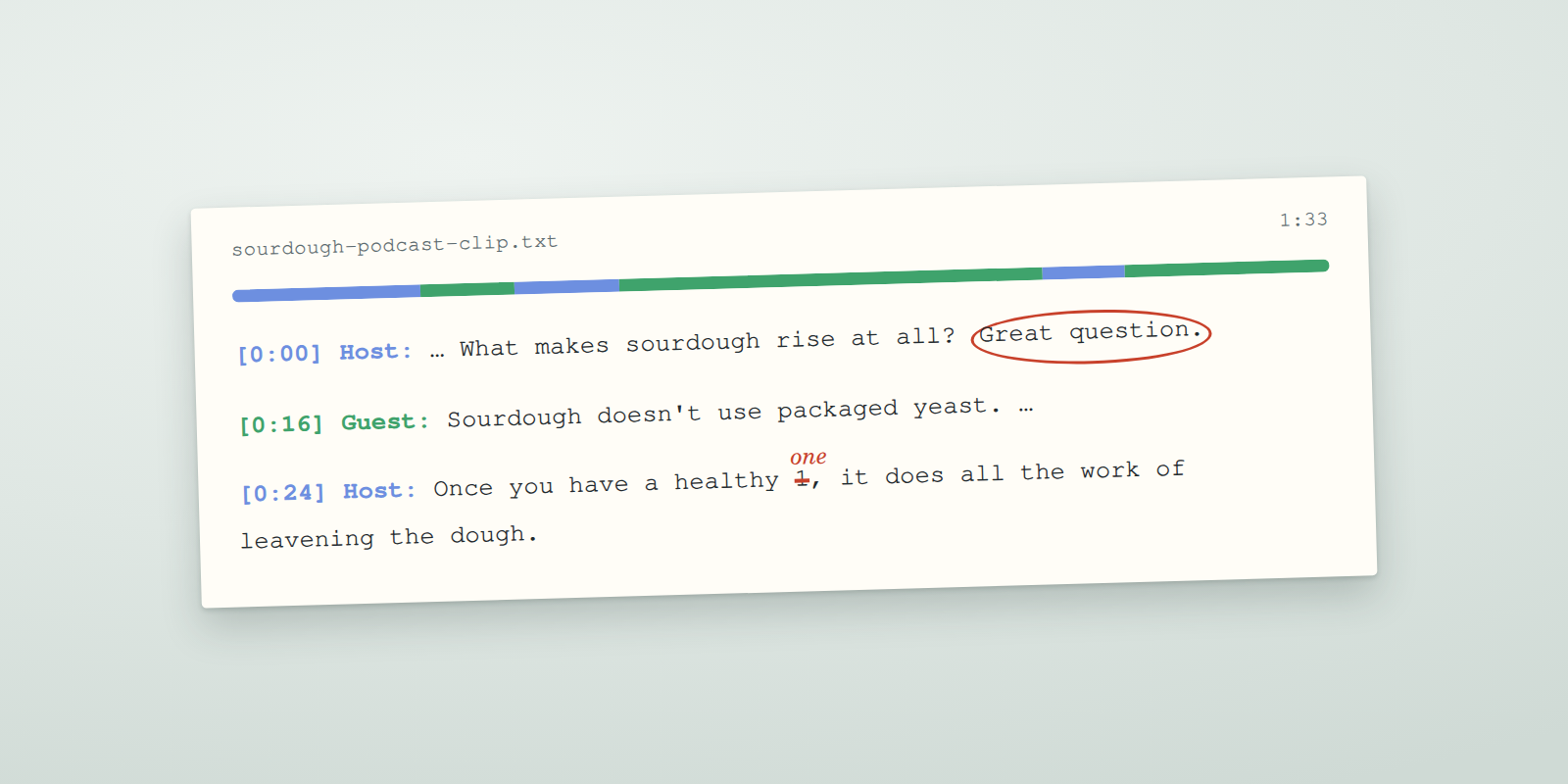
How to Transcribe Audio to Text with AI (Step by Step)
How to transcribe audio to text: upload an MP3, WAV or M4A, keep speaker labels on, fix the transcript, and download TXT, SRT or VTT. Tested on a real clip.
SmileToAI Team · November 12, 2026
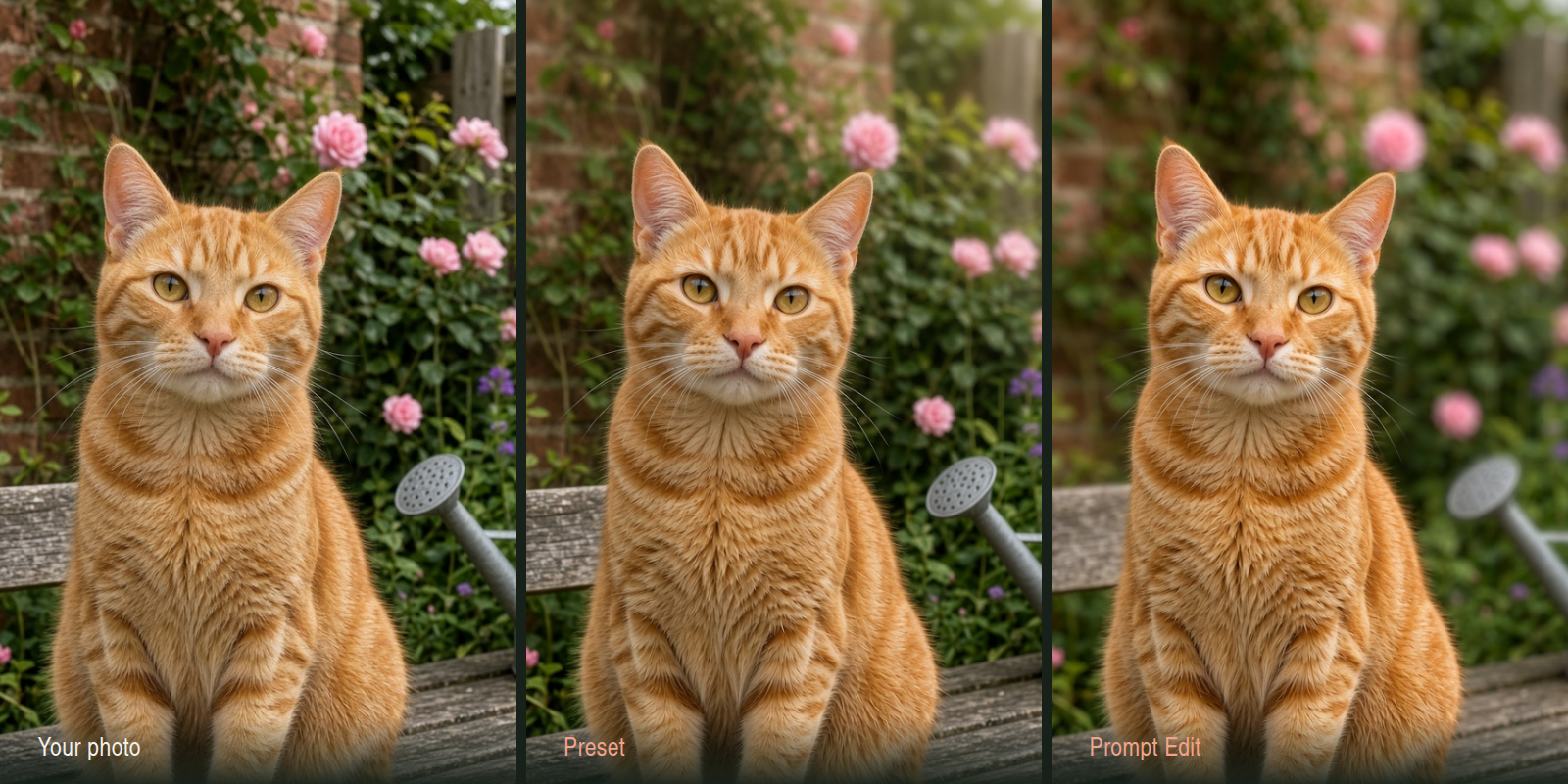
How to Blur the Background of a Photo With AI
Blur a photo's background after it was taken: a one-click AI preset for a soft blur, or one sentence for a strong portrait blur. Real before-and-after results.
SmileToAI Team · November 11, 2026
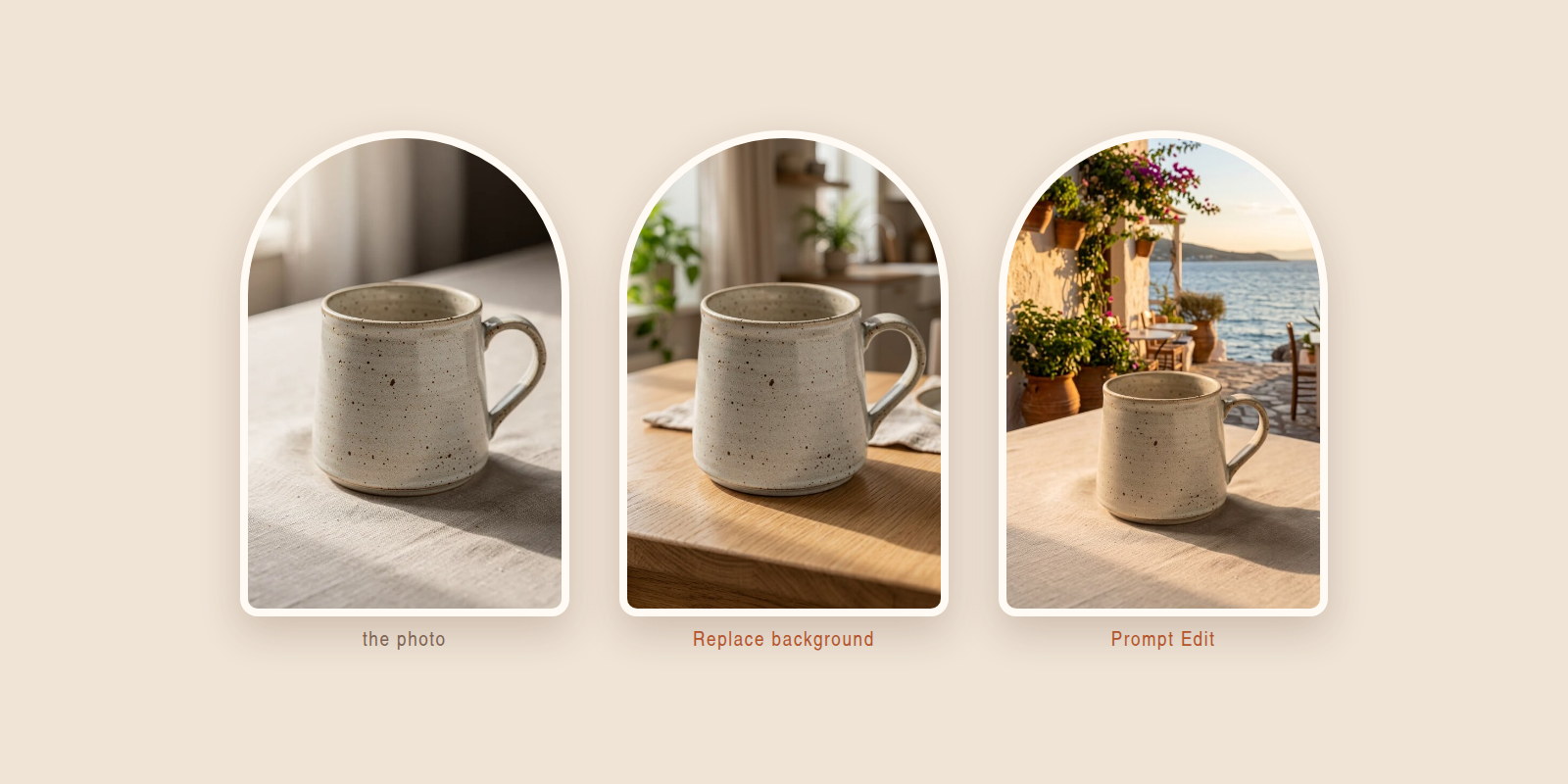
How to Change the Background of a Photo With AI
Change a photo's background two ways in one AI editor: a one-click preset that picks a clean setting, or a prompt for the exact scene you want. Tested.
SmileToAI Team · November 11, 2026
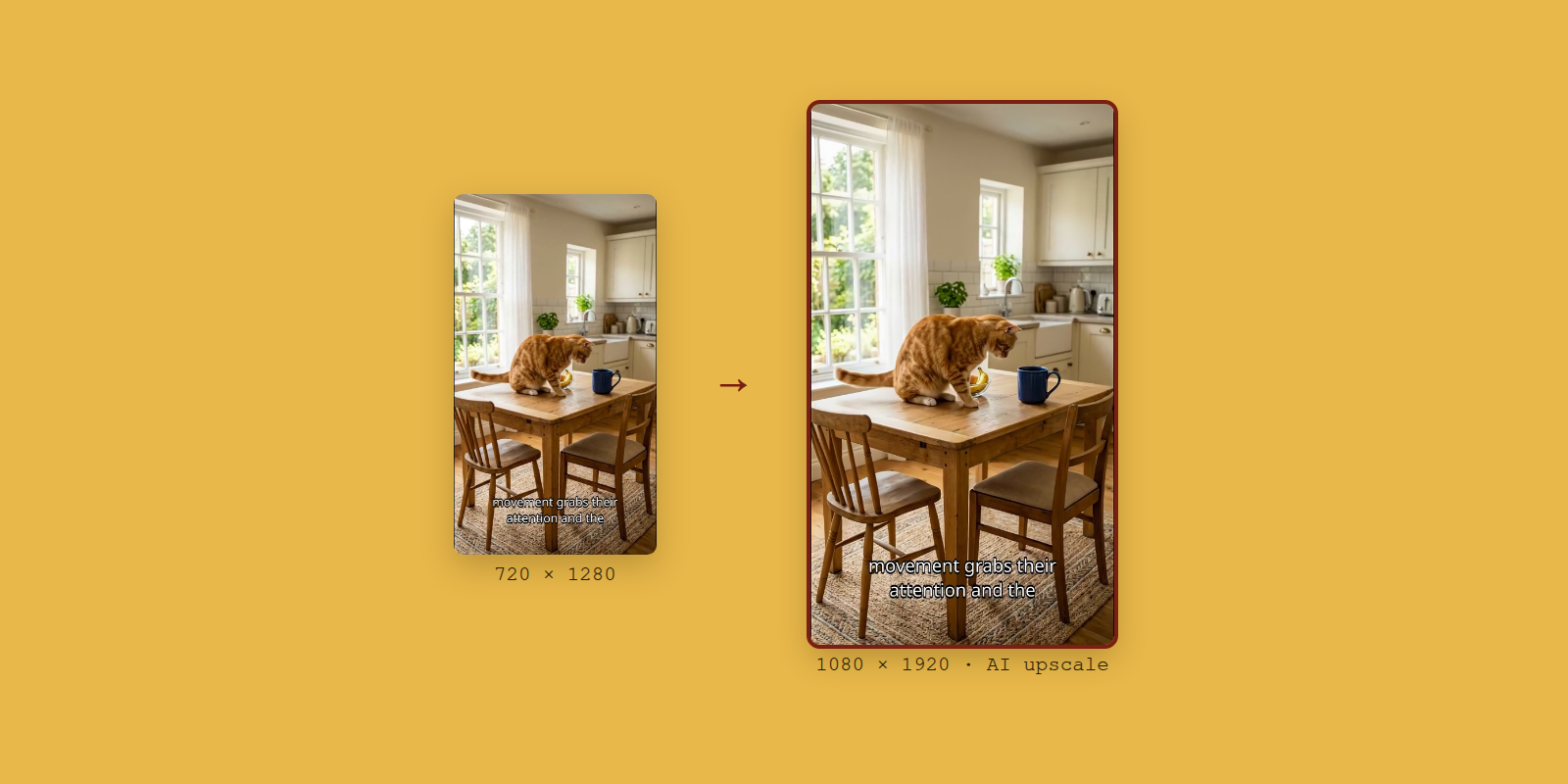
How to Upscale a Video to 1080p or 4K With AI
Upscale a video to 1080p or 4K with AI in four steps. We ran a real 720p clip to 1080p, with the frame size, frame rate, cost and limits we measured.
SmileToAI Team · November 11, 2026
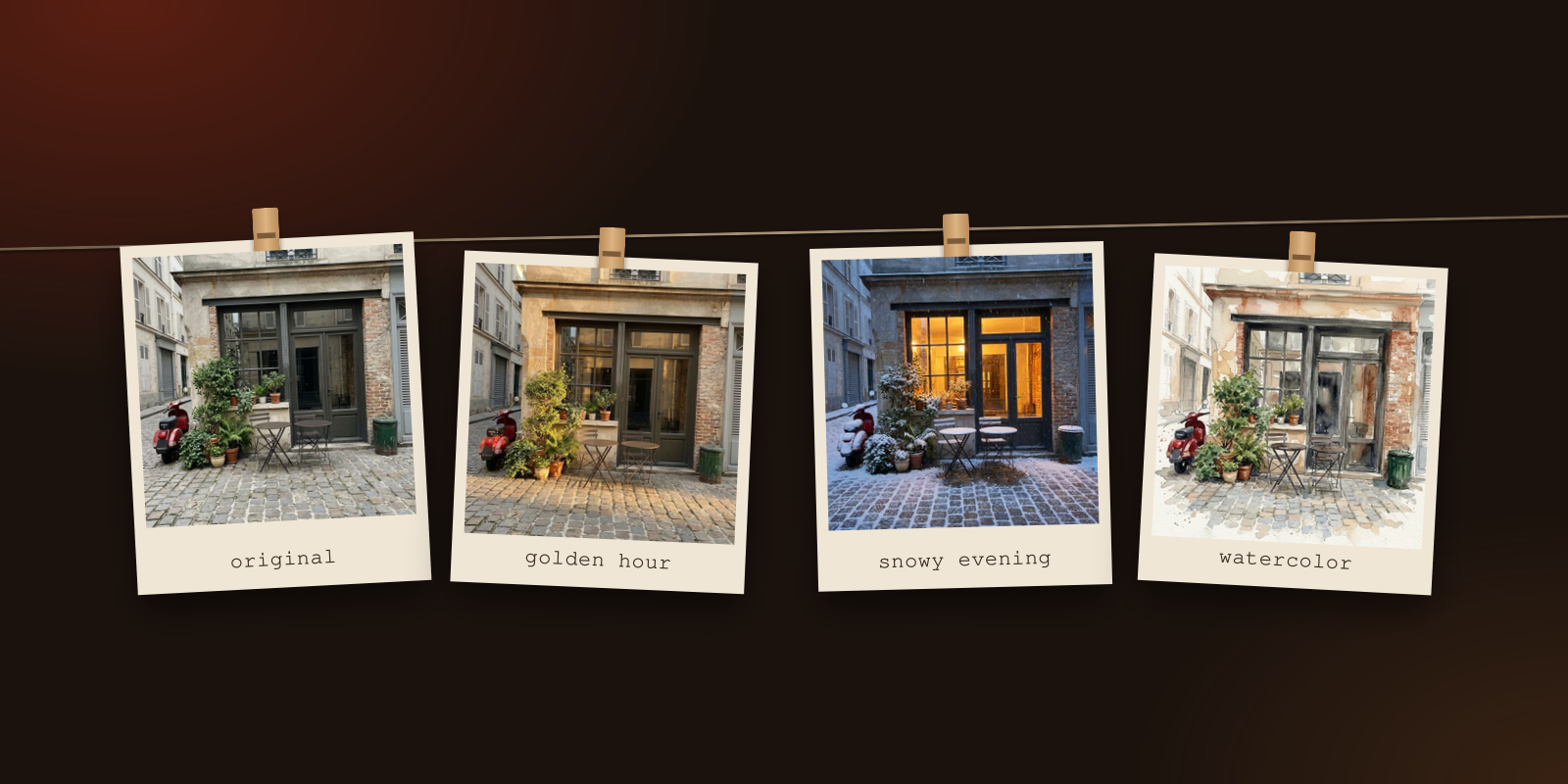
AI Photo Editing Prompts: 7 Tested With Before and After
AI photo editing prompts that work, each run on a photo with the before and after: light, weather, style, background, removing an object, and what to keep.
SmileToAI Team · November 1, 2026
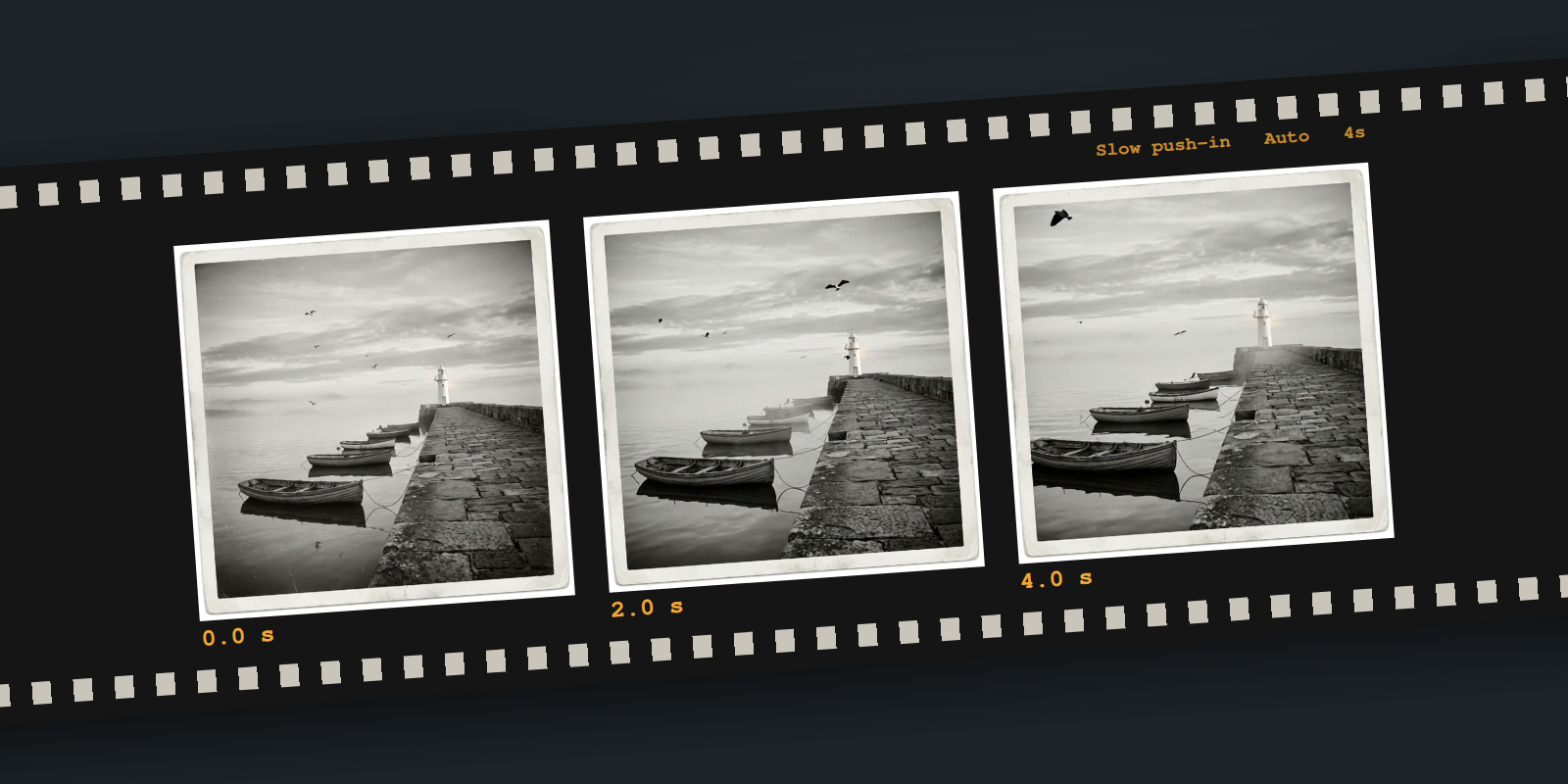
How to Animate a Photo: Turn a Still Into a Video Clip
Animate a photo with AI: upload a still, pick a camera motion, describe what should move, check the Sparks cost, then download the MP4. A real test run.
SmileToAI Team · October 31, 2026
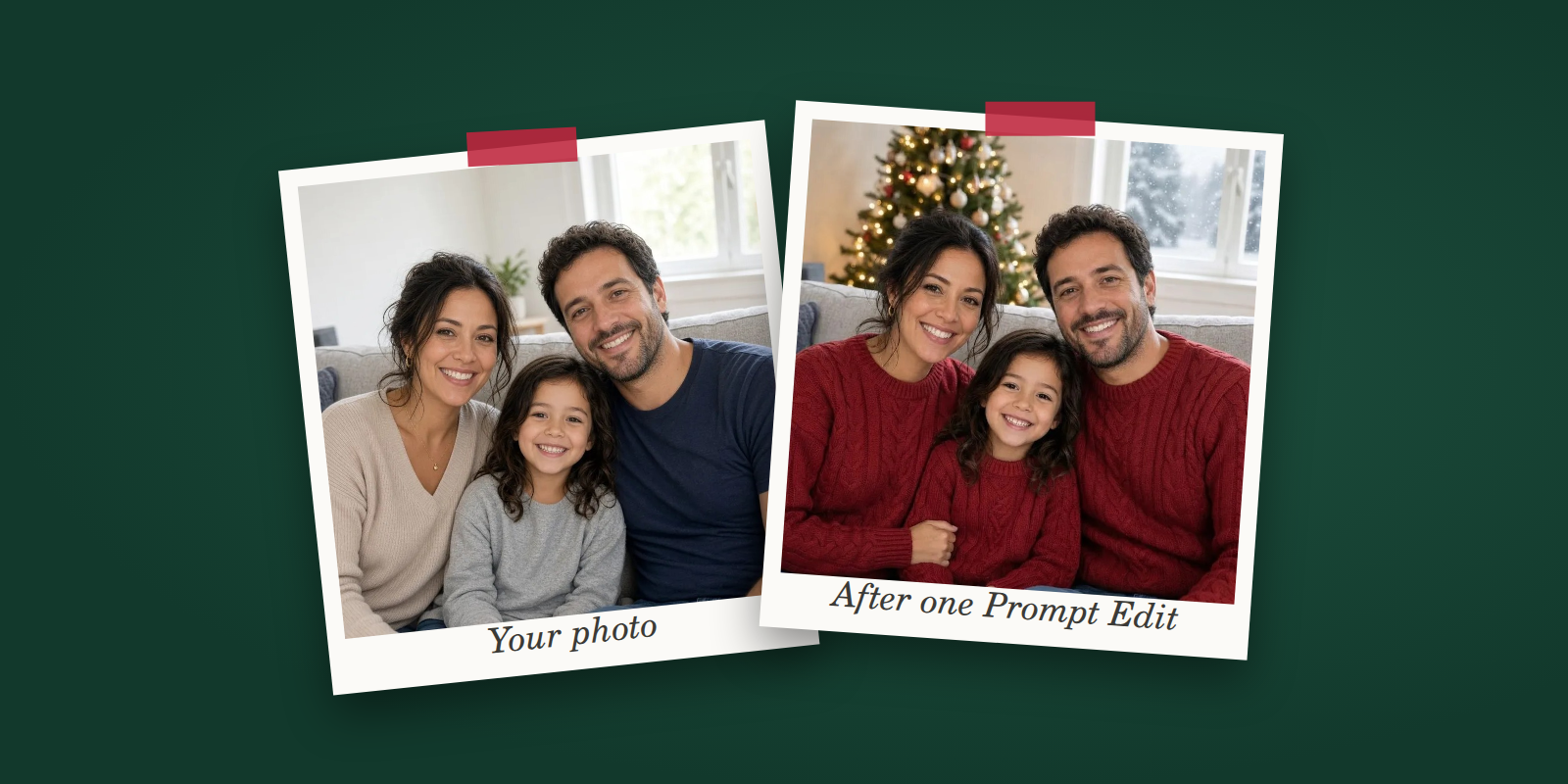
AI Christmas Photo Prompts: 6 Tested on a Family Photo
Six copy-paste AI Christmas photo prompts, each run on a real family photo with the result shown, plus how to keep faces the same and add a Santa hat.
SmileToAI Team · October 28, 2026
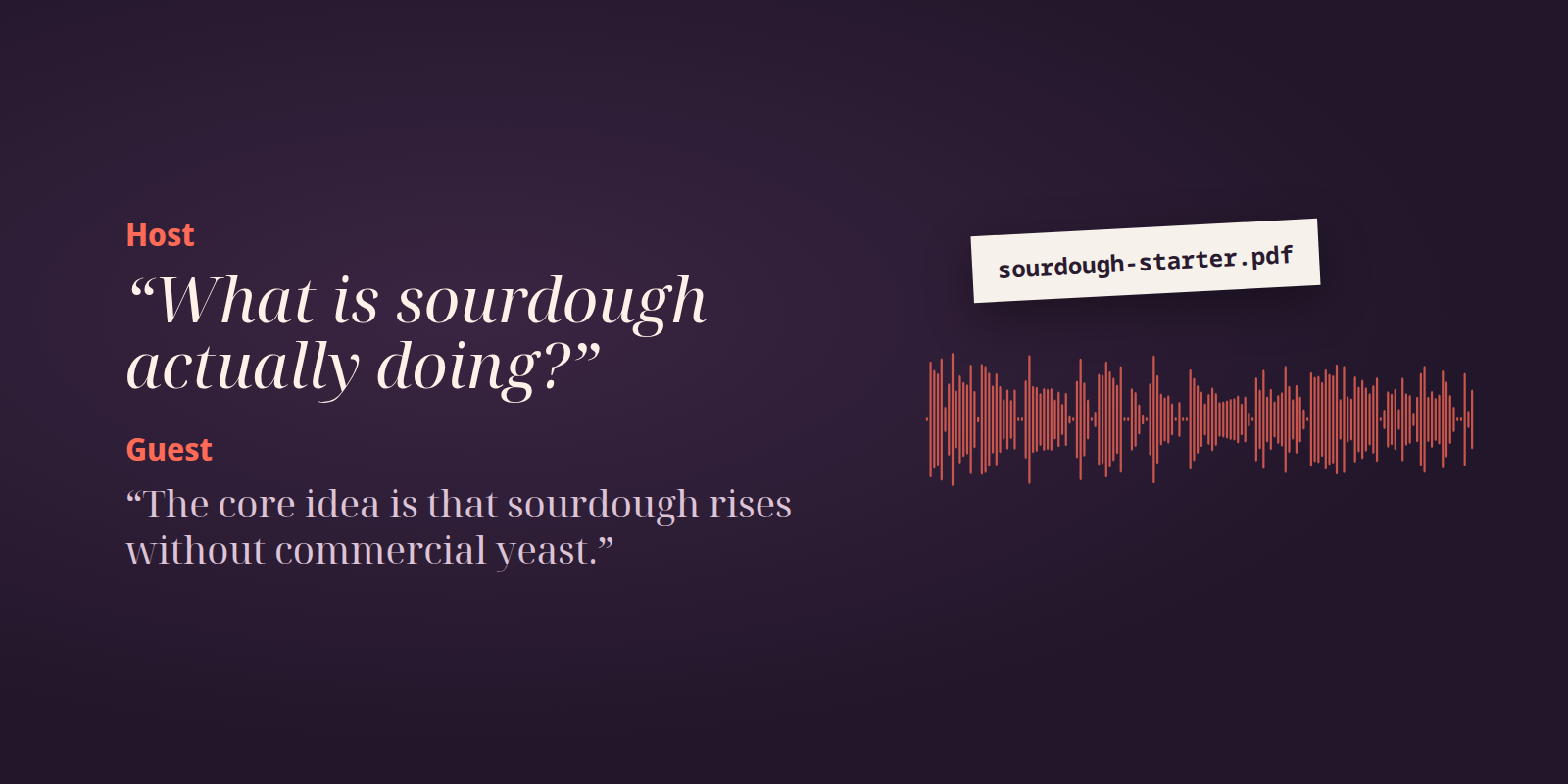
PDF to Podcast: How to Turn a PDF Into an AI Podcast
Turn a PDF into a two-host AI podcast free: upload it, choose Podcast dialogue, edit the Host and Guest script, pick voices, render and download.
SmileToAI Team · October 25, 2026
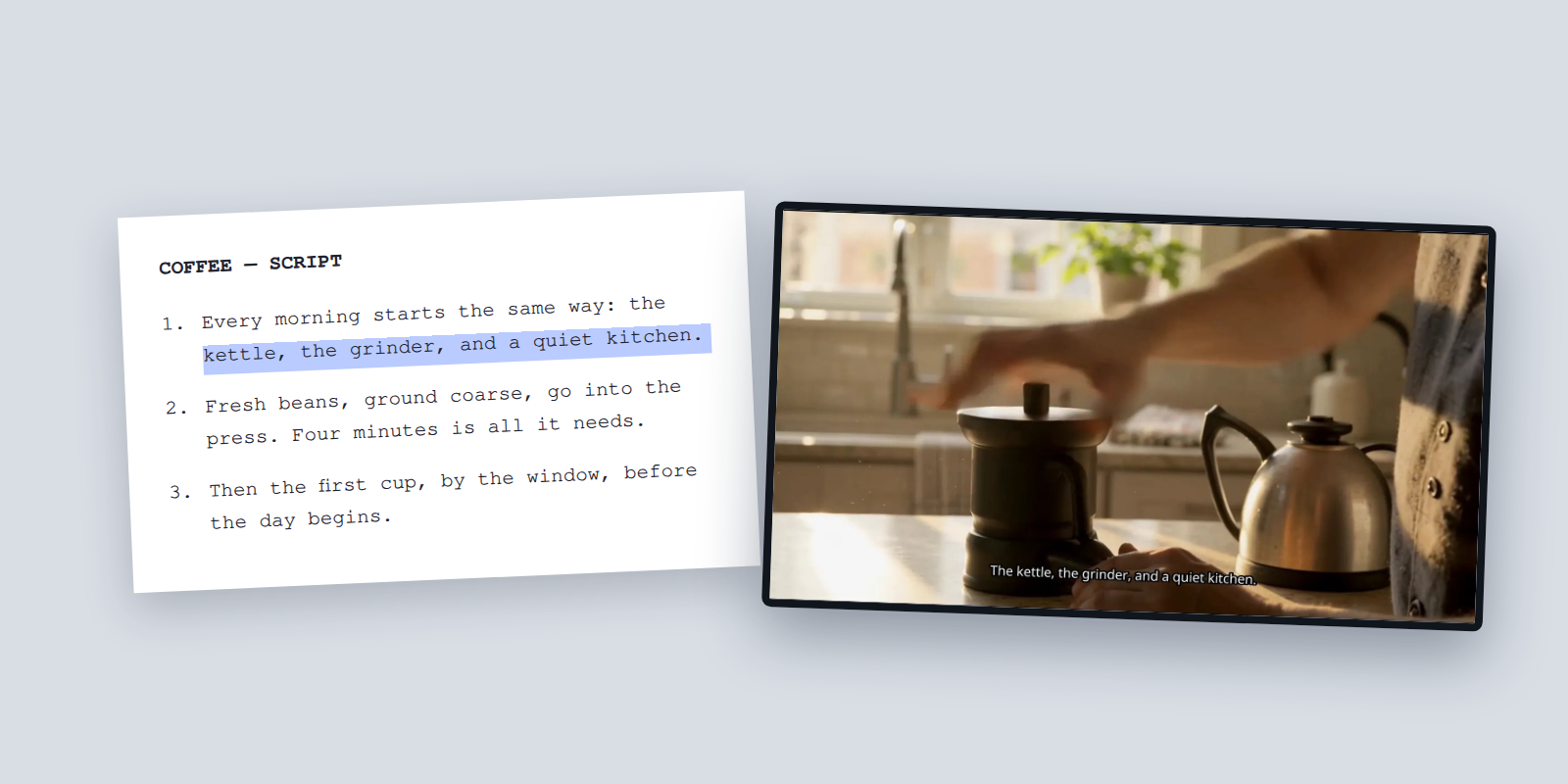
How to Turn a Script Into a Video with AI
Turn your own script into a narrated AI video: one scene per line, generated clips, voiceover, captions and export, with a real run's costs and screens.
SmileToAI Team · October 24, 2026
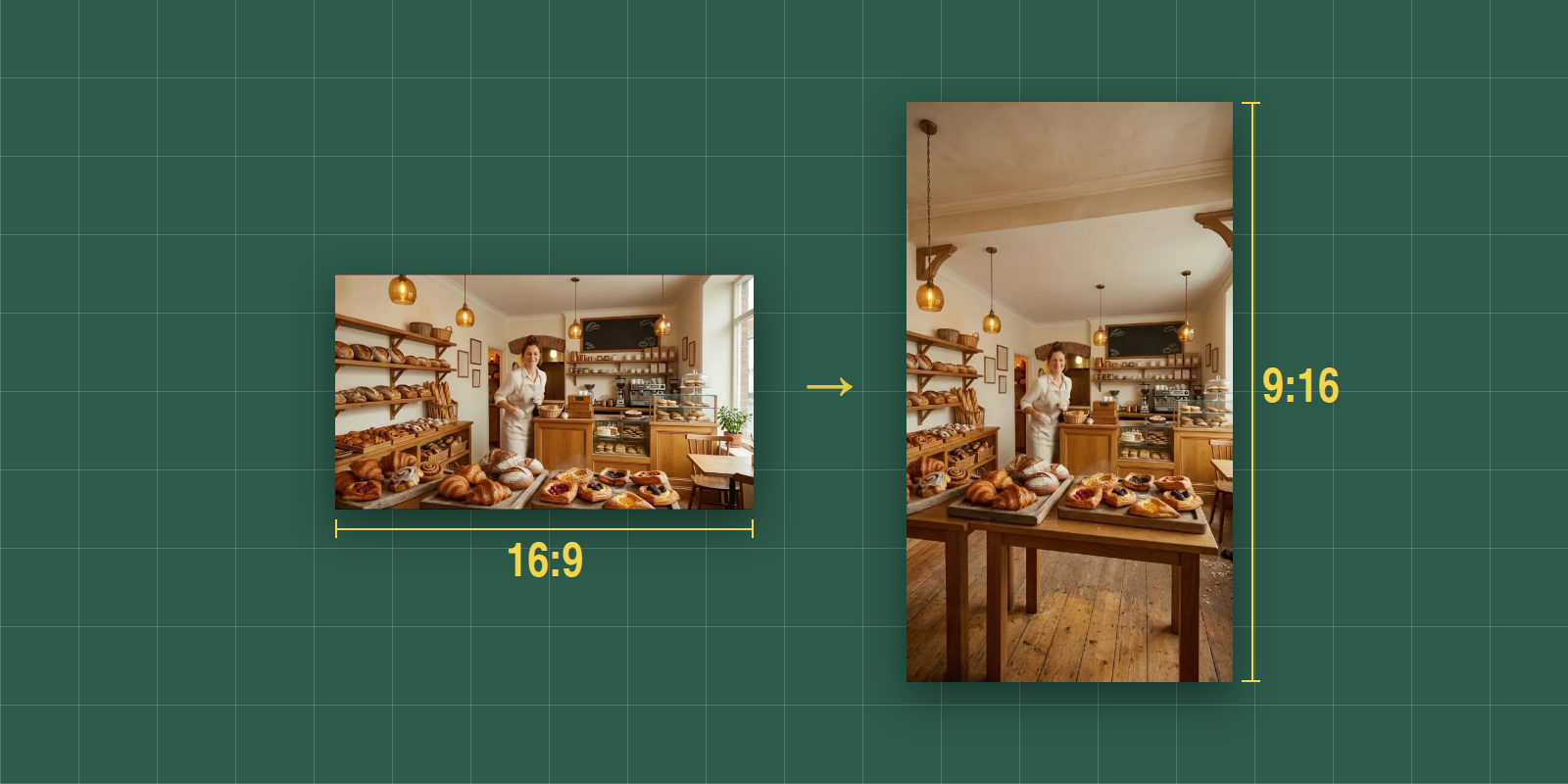
How to Change the Aspect Ratio of a Photo (Without Cropping)
Change a photo's aspect ratio three ways: crop it, reframe it with AI, or expand the canvas so nothing is cut off. Square, 4:5, 16:9 and 9:16 covered.
SmileToAI Team · October 23, 2026
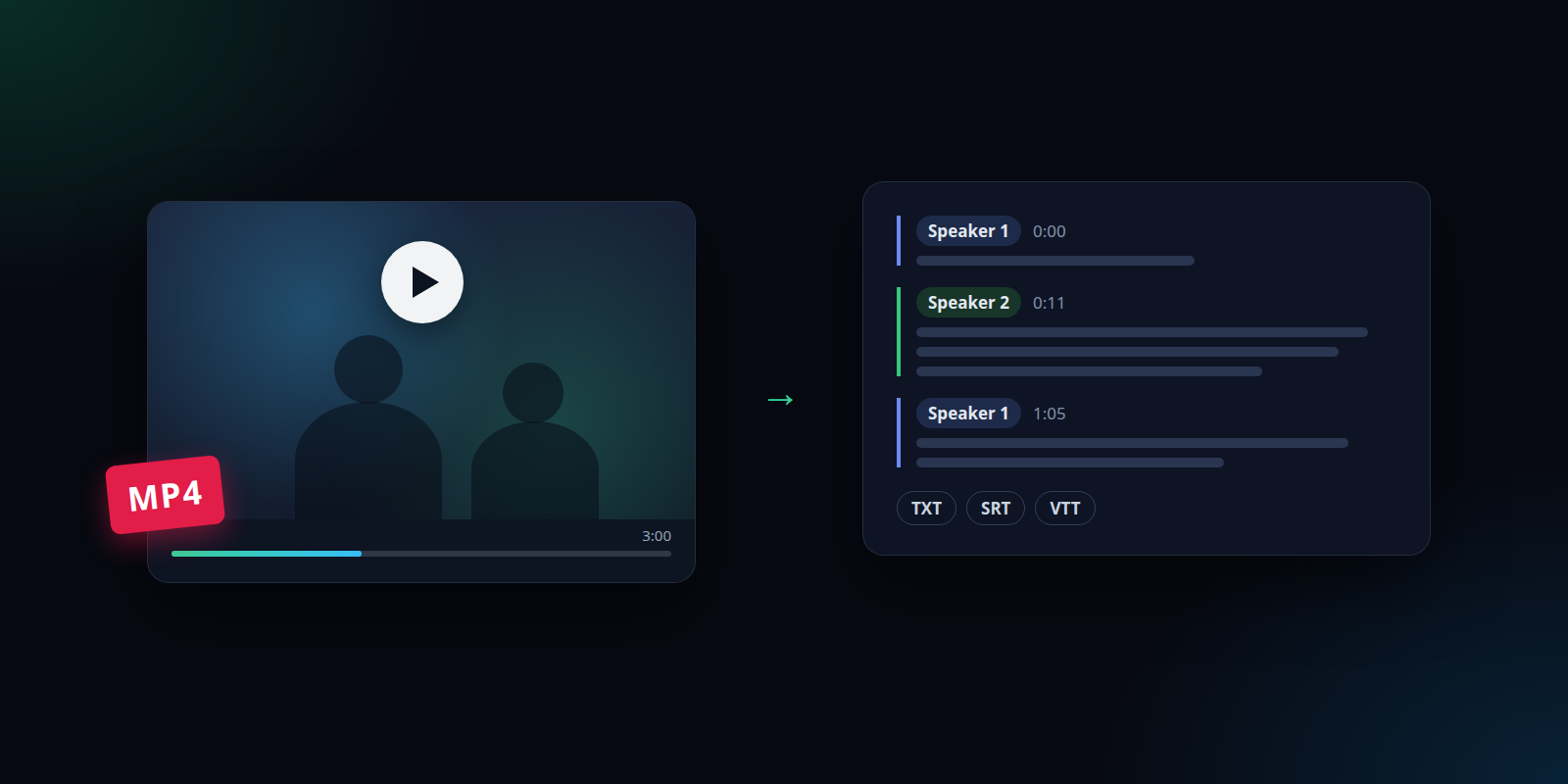
Video Transcription: How to Transcribe a Video to Text
How to transcribe a video to text with AI: upload an MP4 or MOV, let it pull the audio, fix names and speakers, and download TXT, SRT, or VTT in minutes.
SmileToAI Team · October 22, 2026
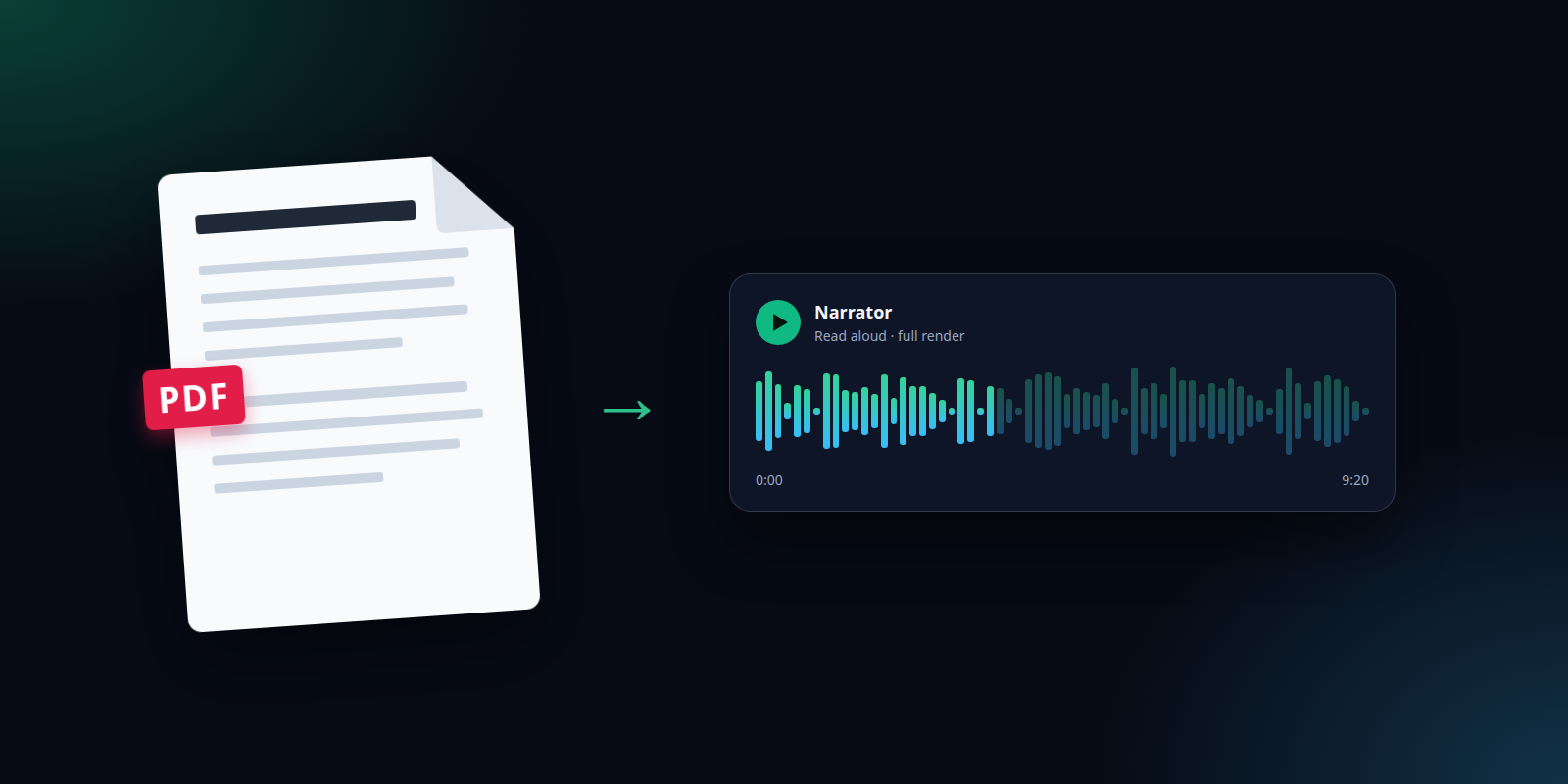
PDF to Audiobook Free: How to Convert a PDF With AI
Convert a PDF to an audiobook free with AI: upload it, keep every word with Read aloud, pick a voice, download, and get an MP3. Needs a PDF with text.
SmileToAI Team · October 17, 2026
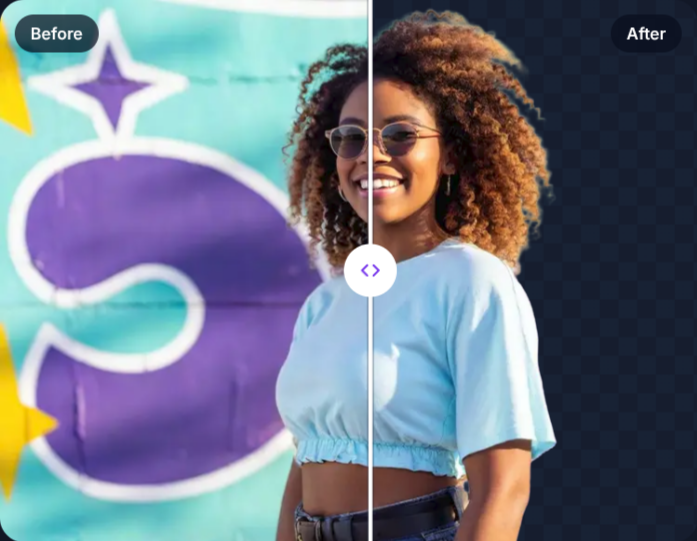
How to Make a Background Transparent with AI (Free)
Make an image background transparent free with AI: upload a PNG, JPG, GIF or WebP, compare the cutout, and download a transparent PNG. No install needed.
SmileToAI Team · October 12, 2026
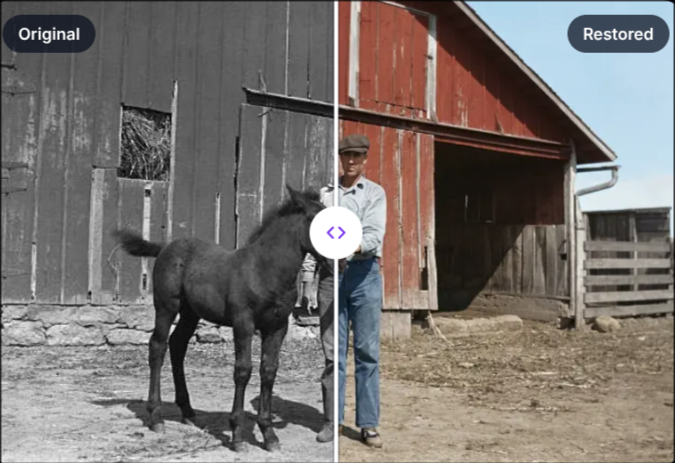
How to Colorize Black and White Photos with AI
Colorize a black-and-white photo free with AI: upload it, compare the colorized result, and download it. Tips for scans, faces, and realistic color.
SmileToAI Team · September 26, 2026
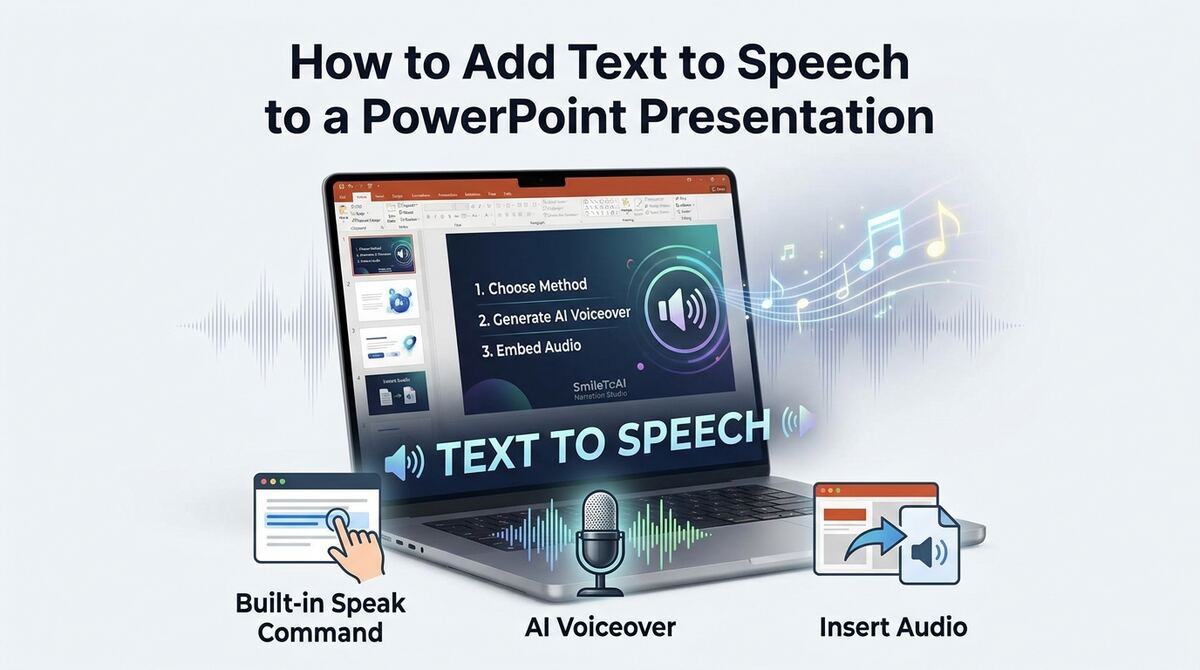
PowerPoint Voiceover and Text to Speech: 3 Ways
Text to speech for PowerPoint, three ways: the built-in Speak command, an AI voiceover drafted per slide and saved as audio, or recording it yourself.
SmileToAI Team · July 13, 2026
How to Add an AI Voiceover to YouTube Videos
How to add an AI voiceover to YouTube videos: write a script that sounds spoken, pick a voice, sync narration to footage, and keep quality high.
SmileToAI Team · July 3, 2026

How to Auto-Generate Subtitles with AI
Auto-generate subtitles with AI: how transcription works, how to format captions, export SRT and VTT files, and fix the errors AI tends to make.
SmileToAI Team · July 3, 2026
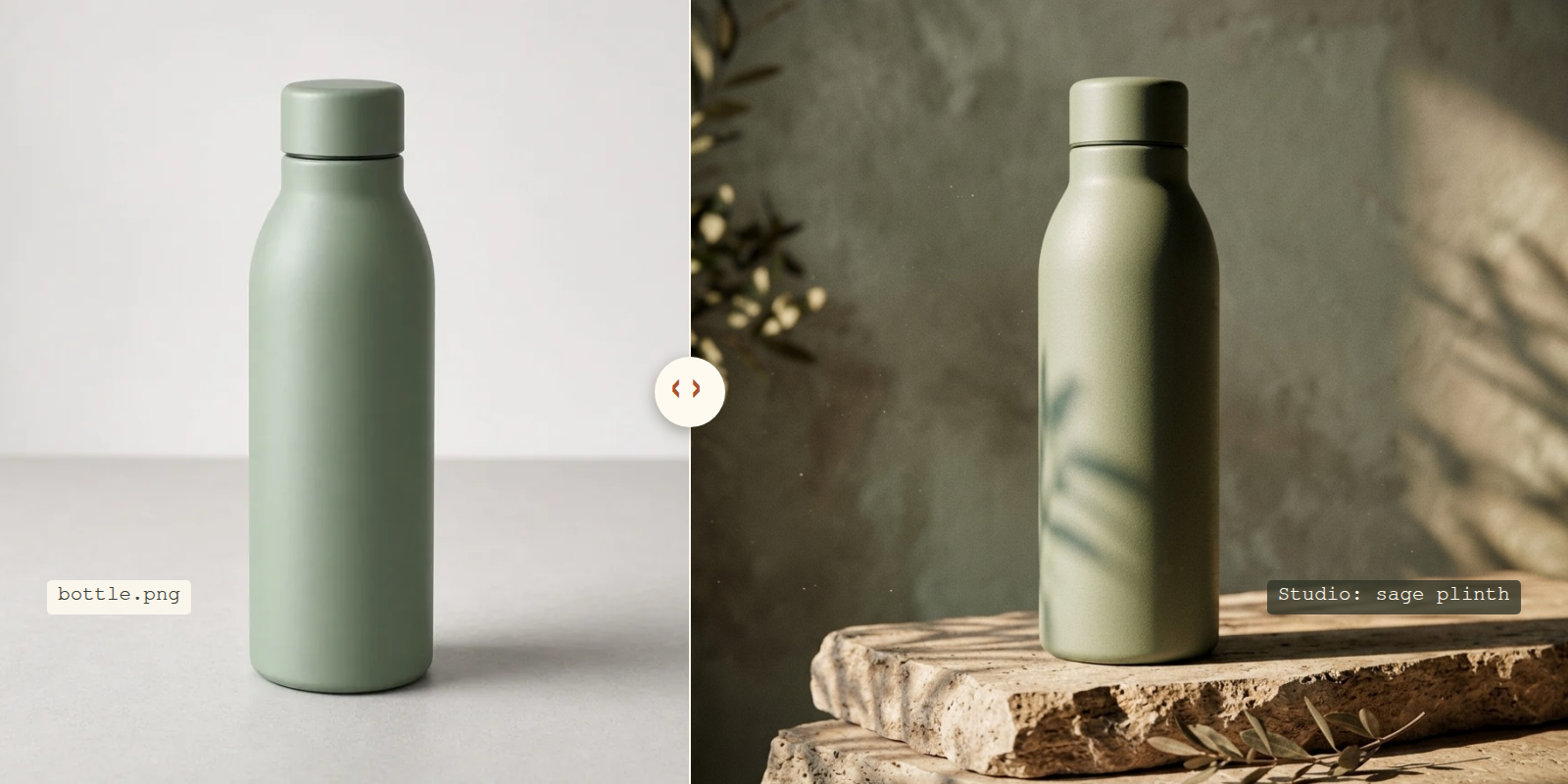
AI Product Photography: Studio Shots From One Photo
We ran one plain bottle photo through SmileToAI's Product studio shots: a clean cut-out, ten scene ideas and four square shots for 930 Sparks. Step by step.
SmileToAI Team · July 3, 2026
How to Make AI Videos from Text
Turn a written idea into a finished AI video: structure the prompt, build scenes, control style and pacing, and export a clip that looks intentional.
SmileToAI Team · July 3, 2026

How to Summarize a Document with AI, Even a Long One
Summarize a document with AI in three steps: attach the PDF or Word file, ask for the summary you need, then ask follow-ups with quotes. A real run.
SmileToAI Team · July 3, 2026

How to Write Blog Posts with an AI Chat Assistant
A workflow for writing blog posts with an AI chat assistant: brief it, outline, draft section by section, then edit so it sounds like you.
SmileToAI Team · July 3, 2026